Tagged 'script'

Showcaser

0 votes

DesignToolBox - tools for architecture & design

4 votes

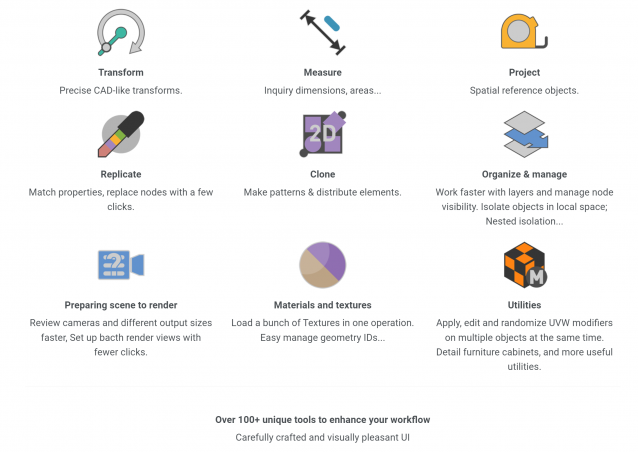
Design Toolbox is a collection of tools specially designed to accelerate and simplify basic modeling tasks for architectural models, furniture design, and other tasks where accurate modeling is needed. Professionals used to CAD or precision software will find it very familiar with some of the included transformation tools, like reference rotation, scale and position, measurement tools and reference guides.

The ability to place snapping points at polylines intersections, visual rulers, fast UVW mapping and random transform, cloning tools, scene management, panel grids, fast pivot placement, and workplanes are some of the tools included, and new ones are added with each update.

Showcaser

0 votes

Showcaser

0 votes

Spline Indexer

0 votes

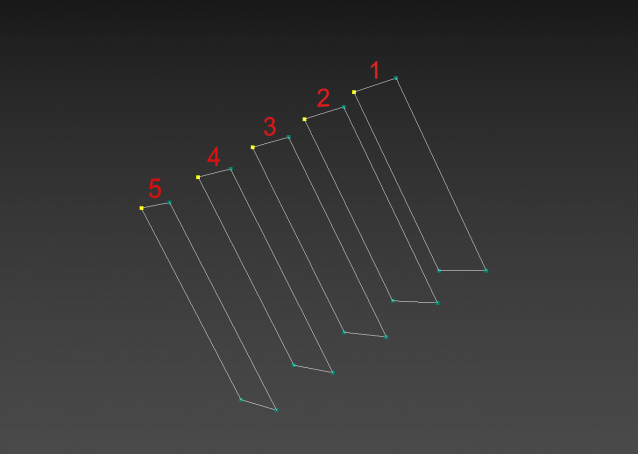
3dsMax Script for Controlling Spline Indexes inside Shape Objects.

- Works on 1 Shape at a time.

- Works on Edit Spline Modifier, but the Shape will be converted to Editable Spline.

- Works on Shape with modifiers.

Shape Vertex Aligner

2 votes

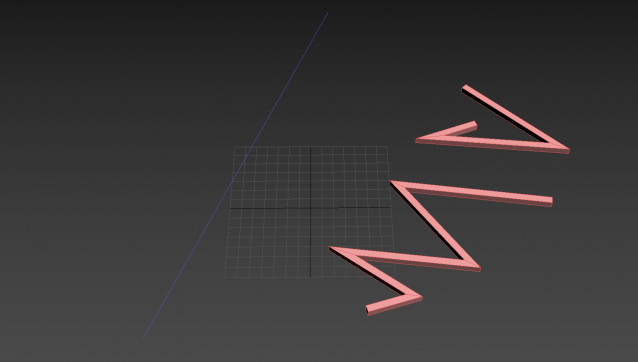
3dsMax Script for aligning shape vertices by 2 or 4 points

  • By 2 Points each vertex will be aligned depending on its segment direction.

  • By 4 Points - the first 2 Points will determine the direction.

  • with Alt Execute the vertex will be aligned perpendicularly.

UniAttach-Detacher

21 votes

v3.07 Added fix for detached detach geometry if the source object had incorrect mesh issues.
Добавлено исправление отсоединённой detach-геометрии, если в исходном объекте были проблемы некорректной сетки.

Using single hotkey for Attach/Detach
Используя единственную горячую кнопку для Attach/Detach

ShivaTools: Image to Base64 String

1 vote

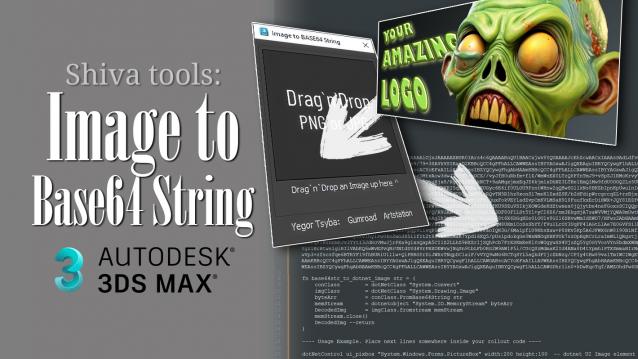
If you're a 3ds Max scripter, you've probably wondered how to avoid dragging logos and icons as separate files and embed them directly into your script. So, I made a convenient Base64 encoder for Dotnet for myself and decided to share it with everyone.

Contrast Pro

2 votes

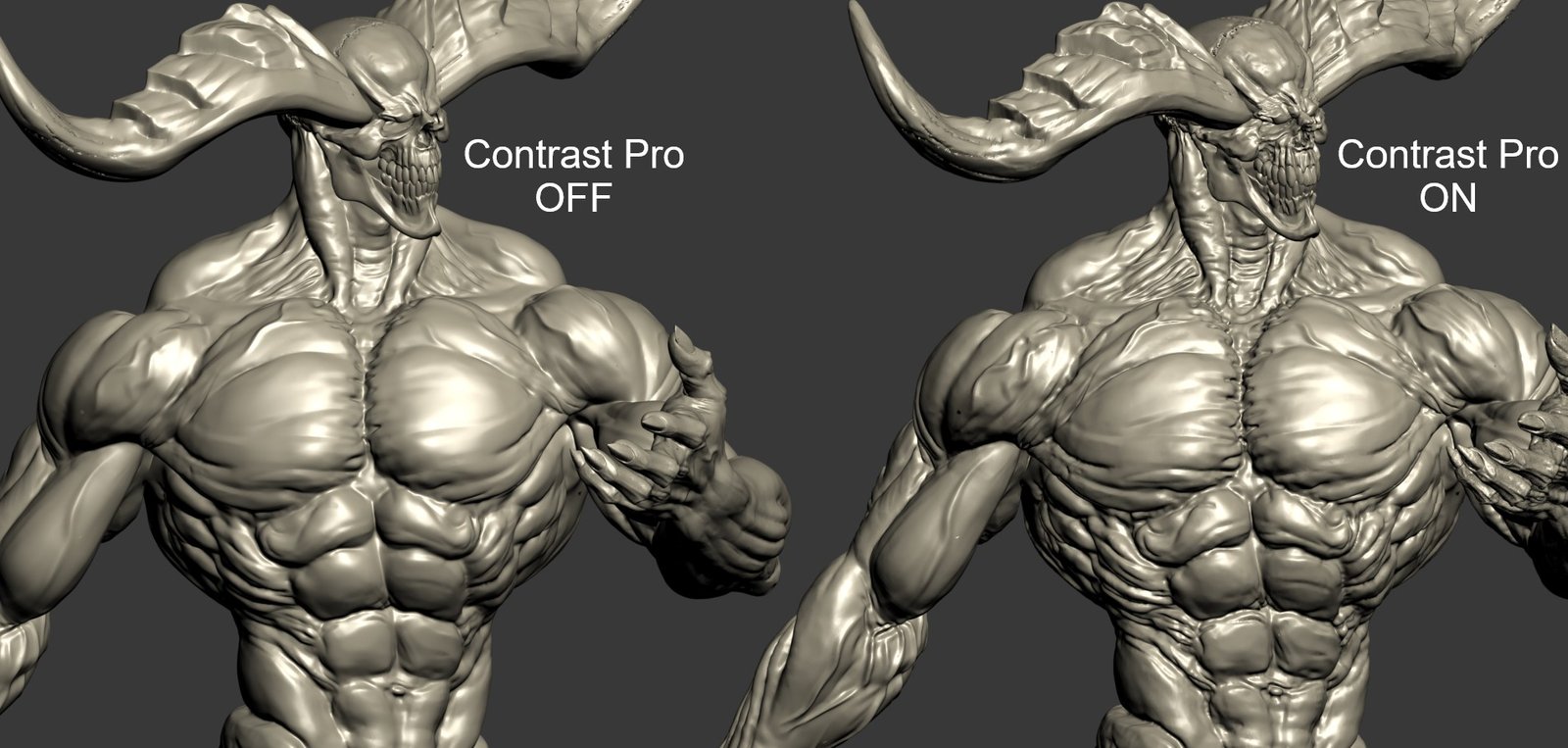
Contrast Pro is a modifier for 3ds Max that enhances the details of 3d models. It allows you to quickly add contrast to whole models or to highlight only some specific areas. Areas with large and small polygons can be set to receive the same amount of contrast with the "Uniform" option. Get it from https://mariussilaghi.com/products/contrast-pro

Content Browser

2 votes

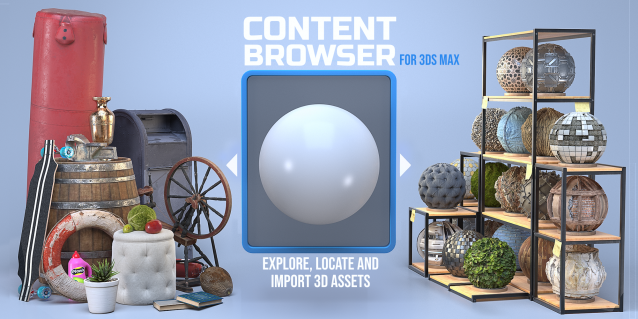
The Content Browser helps you quickly browse and import 3D assets on your computer.

Load any folder accessible on your machine and the Content Browser will find any materials, hdri’s, models, and max files. It will group, organize and display these files as assets, recognizing previews, LODs, mapping channels, resolutions and other important information automatically. 

It simplifies the importing and merging process for 3d models, max files, material creation and hdri environment maps by allowing you to directly browse, filter and drag all of your 3D assets from sources like MegaScans, PolyHaven, gameTextures, Poliigon, Arroway into 3ds max viewport or material editor. 

Main Features

  • Load any folder and find 3D models, max files, materials and hdri’s.
  • Show grouped files as assets, group matching assets and find preview images.
  • Drag and Drop asset into the 3ds max viewport or the Slate Material Editor
  • Import assets to Slate and Compact Material Editors
  • Default Merge and Import 3d files and max scenes, with automatic relinking filepaths
  • Choose LODs/resolution/variations and Import multiple assets at once
  • Folder hierarchy, File list and Preview Gallery

Syndicate content