Tagged 'object'

Selection-Switch

1 vote

Switches quickly between two selections (objects or sets).

Useful for any type of jumping back and forth between two objects - like in alignments.

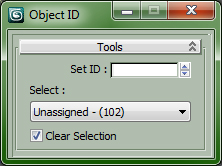
Set and Select ObjectID

0 votes

All is in the Title...

Drag in Viewport to install ObjectID Macro, Drag again to Uninstall.


Customize > Customize User Interface...

Category : "CopScripts"

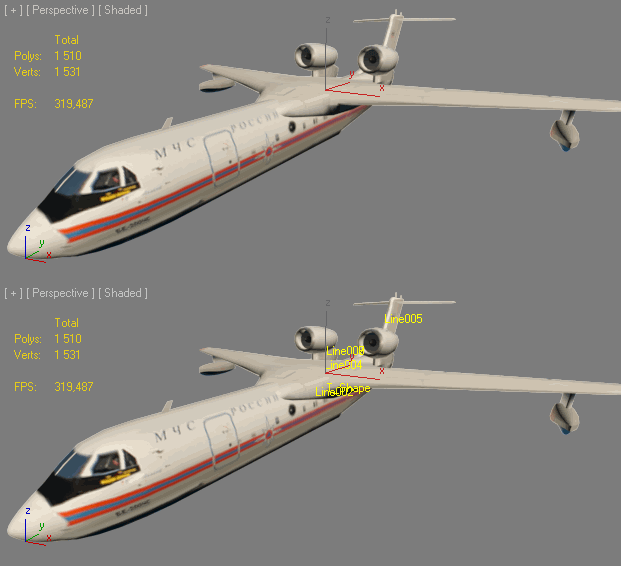
Set Selection filter

40 votes

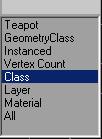
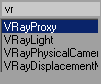
Script for quick set the Selection Filter.
Allows you to create custom filters
for Classes (for example-Box),
for Superclasses (for example-Geometry),
by objects Layers,
Modifiers, Materials, Vertex count or Instanced objects.
v. 0.22
Adds ability to set filter by layers of selected objects.

v. 0.23
Adds ability to set filter by classes of selected objects.

ShowName

0 votes


INSTALL: drop file to viewport and copy this file in "Startup" folder of Max

Установка: Перетащить *.ms во въюпорт и скопировать этот файл в папку макса "Startup"

Actions are stored in Category: "Niklit Scripts"

SimpleWindow object

4 votes


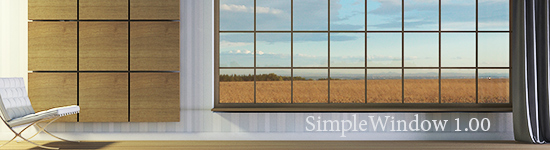
Script makes fixed window with horiz-vert dividers grid, board and sill. Any part of window can switch on/off, so you can easily change it.

Step Pyramid

11 votes

A Step-Pyramid extended primitive.

Installation:
Put the file in MaxRoot\Scripts\ and run it through MainMenu->MaxScript->Run Script
or put the file in MaxRoot\Scripts\StartUp and run Max.

You may find the new object in the "Extended Primitives" tab.

Transfer Materials

1 vote

Transfer materials, object properties (standard and Vray) and modifiers between objects based on names, vertex count or transfom. Can work between multiple Max instances. Handy for transfering materials from lookdev to lighting scenes with caches.

Installation:

just drag&drop to max and the you can find the script inside ProgressiveFX category

Changelog:

v1.2

- bugfixes

- possibility to remove string from object name before copy

transform random

21 votes

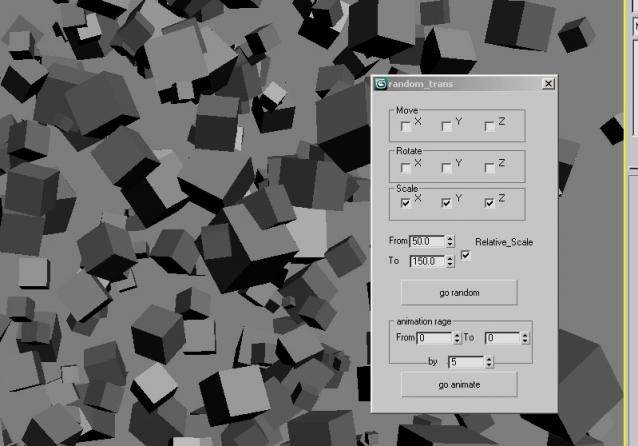
hey again avery simple script to make radomize with the transform position rotation and scale for multiple object very simple ui it`s a very useful script i think


Uni-Chamfer

6 votes

Using single one hotkey of Chamfer, works with:
Используя единственную горячую кнопку для Chamfer, работает с:
Edit_Poly: [Vertices, Edges, Faces(inset)] 
Editable_poly: [Vertices, Edges, Faces(inset)] 
Edit_mesh: [Vertices, Edges] 
Editable_mesh: [Vertices, Edges] 
Edit_Spline: [knots (Fillet), 
Spline sub-obj (Outline)] 
SplineShape: [knots (Fillet), Spline sub-obj (Outline)] 
line: [knots (Fillet), 
Spline sub-obj (Outline)] 

UniAttach-Detacher

21 votes

v3.07 Added fix for detached detach geometry if the source object had incorrect mesh issues.
Добавлено исправление отсоединённой detach-геометрии, если в исходном объекте были проблемы некорректной сетки.

Using single hotkey for Attach/Detach
Используя единственную горячую кнопку для Attach/Detach

Syndicate content