Tagged 'object'

Zero-Center Pivot Unimover

3 votes

v2.17 Fixed bug of pivot point to knot of shape when command panel pull out of 3dsmax

Editable_Poly,
Edit_Poly,
Editable_Mesh,
Edit_Mesh,
Splines


"More Video - Ещё видео"

Clone & Align On Faces

12 votes


This simple tool will helps when you need to distribute any "source" object on "target" object selected faces.
Requested on this thread by ice-boy.

HoHa Material ID

3 votes

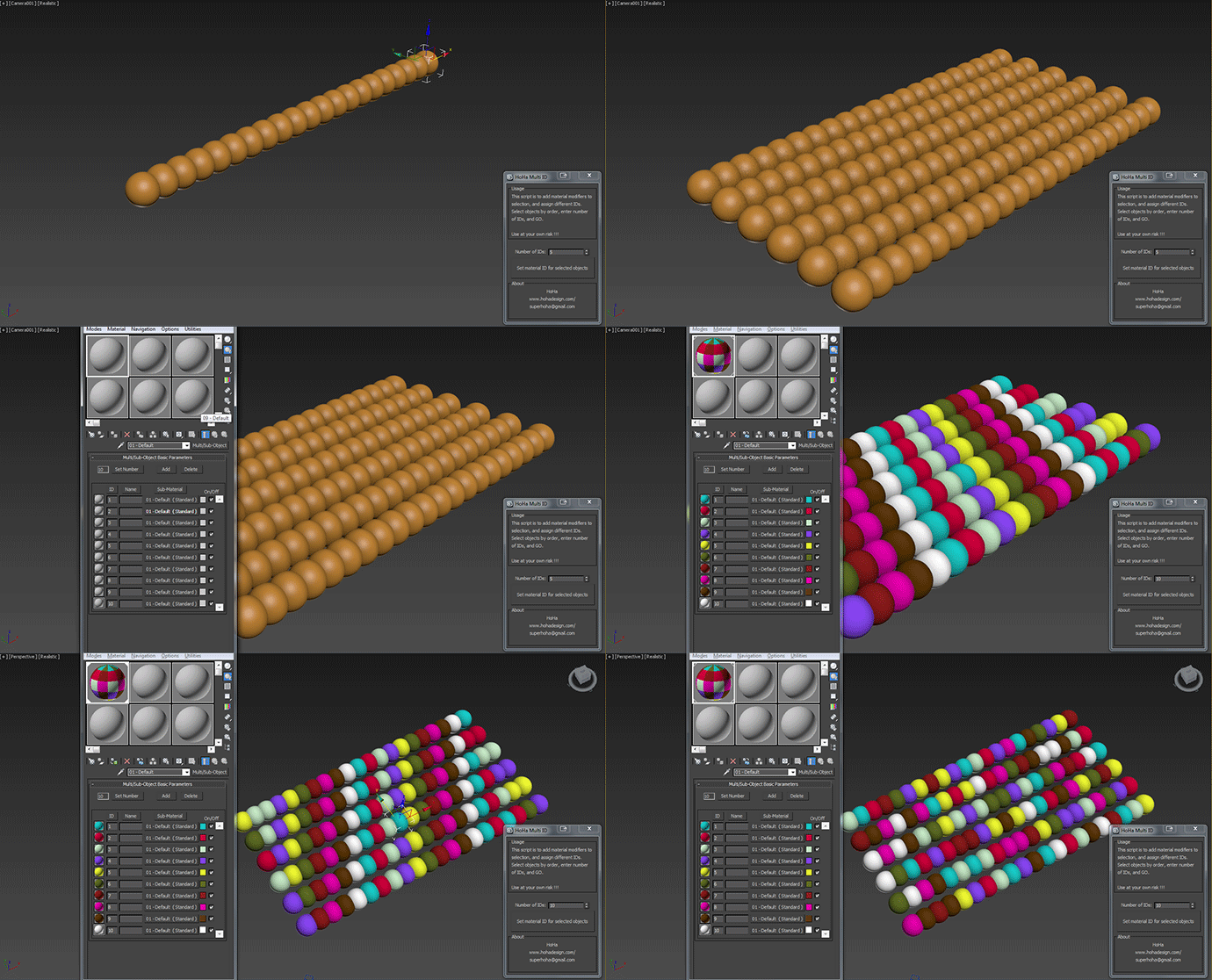
Just another small script to add "Material" modifiers on top of the sellections to assign random or in order material ID. Apply multi subobject material to the selection first.

Comment and feedback are welcome.


Change Log:

V1: Basic as above.

V1.1: Added a random IDs button for making the IDs Random (duh) :)

Cheers

Lattice

7 votes

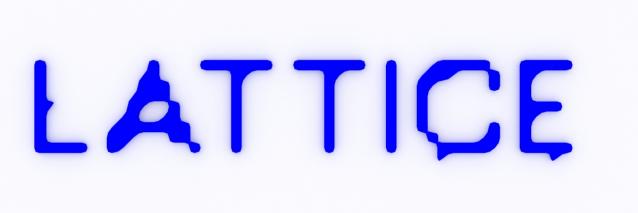
Uses selected object to creates lattice/blob like objects.

Updated!

--V2.0--

Rename Objects Extended

16 votes

It's like Multi-Rename Tool in Total Commander.

Face Breaker

6 votes

This is a short script to automatically detach faces from an object.
Select as many objects as you like at the same time.
The script will preserve the local rotation of each face so that an object can be easily "exploded" along its normals.

Installation:

Place Objects according to normal

3 votes

This script will place objects according to the normal of the face you place them on.
You can add multiple objects in a list and let the script random pick one of those, or disable the random button and choose yourself.

Script features:

- Add multiple objects to a list and start placing them.
- Place them with the first click, then move your mouse to rotate the object and click again to confirm.
- Cancel placement at any time.
- Random select objects from the list.
- Add a Z-Offset to the objects.
- Place objects according to the normal they are placed on.

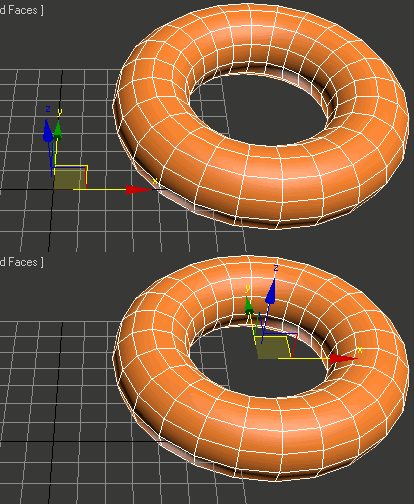
Uni-Chamfer

6 votes

Using single one hotkey of Chamfer, works with:
Используя единственную горячую кнопку для Chamfer, работает с:
Edit_Poly: [Vertices, Edges, Faces(inset)] 
Editable_poly: [Vertices, Edges, Faces(inset)] 
Edit_mesh: [Vertices, Edges] 
Editable_mesh: [Vertices, Edges] 
Edit_Spline: [knots (Fillet), 
Spline sub-obj (Outline)] 
SplineShape: [knots (Fillet), Spline sub-obj (Outline)] 
line: [knots (Fillet), 
Spline sub-obj (Outline)] 

Rubik's Cube

39 votes

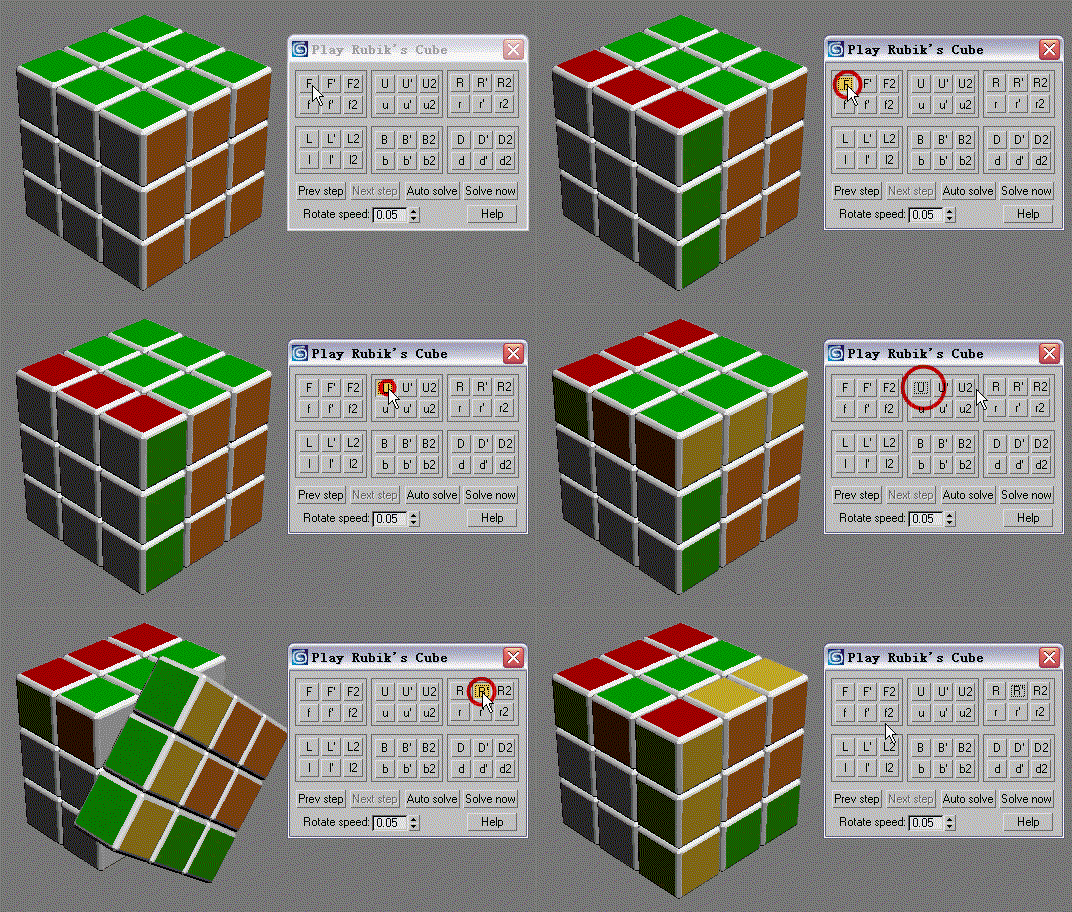
Hi, I like play Rubik's Cube and have wrote a script to play it in 3dsmax. Of course, it is far away from the real Rubik's Cube,  but this is free:D. Hope you liking it.

Views Rotation + Auto Zoom Extents

7 votes

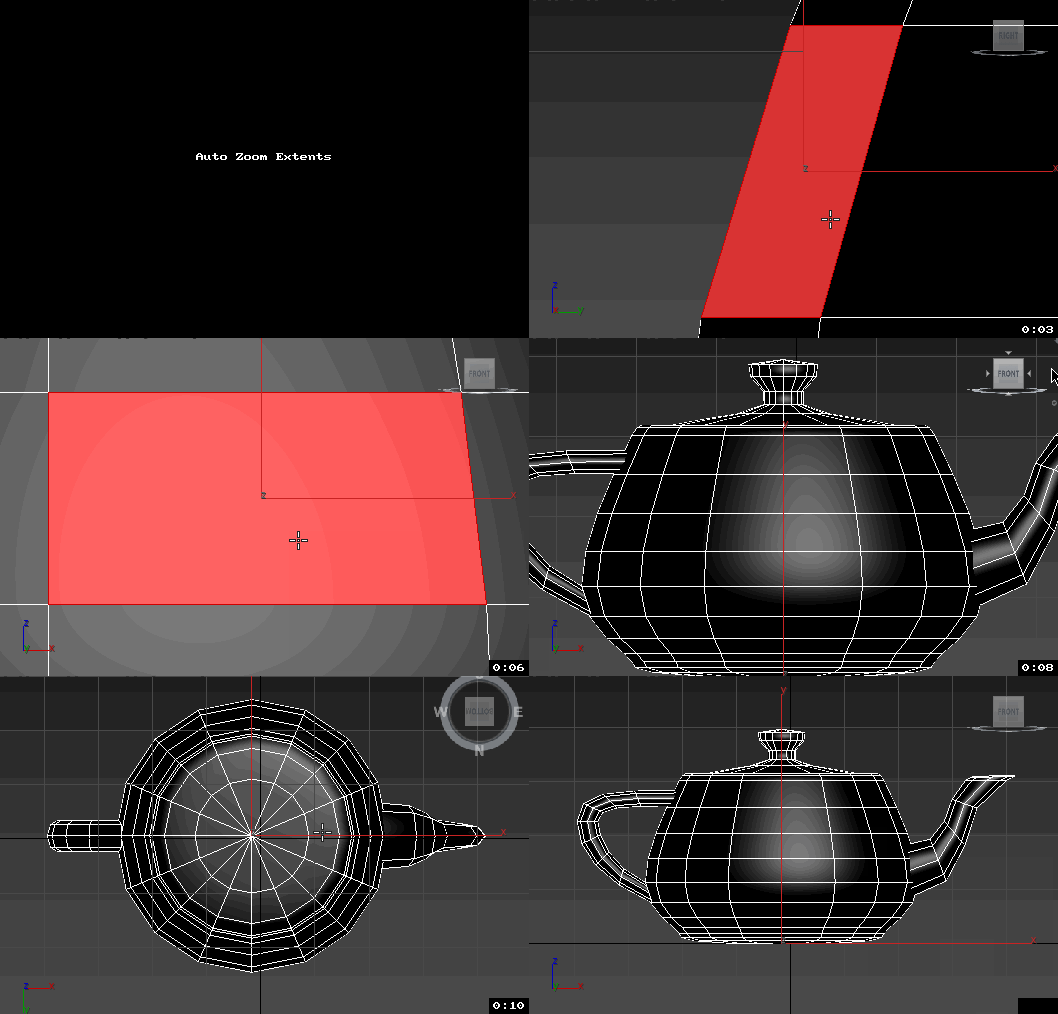
Assign these scripts to buttons of NumPad. Left=Num4, Right=Num6, Front=Num5, Top=Num8, Bottom=Num2.
Удобно назначить эти скрипты на кнопки NumPad таким образом, что Left=Num4, Right=Num6, Front=Num5, Top=Num8, Bottom=Num2


Now is not necessary to press the Zoom Extents Selected, when switching of view.
Теперь не надо нажимать Zoom Extents Selected когда переключаешь вид.

Syndicate content