Tagged 'texture'

Transfer UV

34 votes

Helps you to transfer texture coordinates from one objects to another with identical topology. The feature of this script is that they can transfer UV`s from multiple objects and correct some errors arising with importing .obj files, like vertex reordering or removing mid-edge vertexes when you export objects to .obj.

Updated to version 1.2 - rewritten vertex order sync, must work much better!

Demo video: http://www.mikems.ru/files/videos/TransferUVsDemo_lq.avi

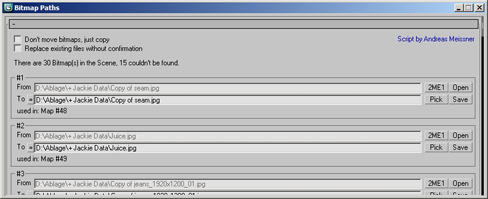
Bitmap Paths

24 votes


Adjust your bitmap paths ... hope it helps :D

FilePathFinder Pro & Light versions

410 votes

Using the FilePathFinder you can be sure that you have complete control over external links into your scenes.

Asset tracking features include support for XREF files and easy linking with external files.

Using the FilePathFinder (and Batch Render&Relink), you can search for missing assets and relink external files.

In addition, files that are linked to selected objects are displayed in Interactive Mode, and bitmap textures can be toggled and placed within the Material Editor.

Also with this tool, you can easily make an archive a 3ds Max scene.

Note that FilePathFinder supports the highest number of asset types of any plug-in.
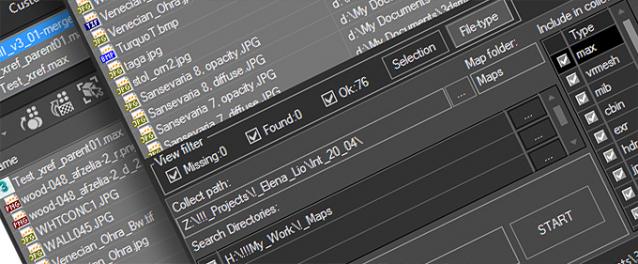
 

The Batch Render&Relink tool helps manage your asset files into the 3D model and material libraries in Batch Mode.

BR&R is capable of rendering thumbnails for 3D models, materials, and IES photometric files.

Batch Mode makes for an easy way to gather and compile many assets at once.


The new version of FilePathFinder is released with support to 3ds Max 2026

and many new features that improve managing scene assets

FilePathFinder Pro version 4.17.01

  • Adds support to 3Ds Max 2026
  • Play IFL, and animated GIFs directly in the list view
  • Play IFL and animated GIFs in the external Asset Viewer
  • Ability to change selected assets directly from the Asset Viewer using keyboard shortcuts
  • Adds an ability to include/exclude search directories by filename
  • More accurate material/texture placement in SME
  • Drops support to light theme
  • Fixes an issue with including/excluding search directories by filename
  • Fixes an issue with searching, relinking, collecting, and archiving the content of IFL files
  • Fixes an issue with relink assets in batch mode for Demo version [Batch Render&Relink]
  • Fixes an issue with renaming external scene links with status #Found
  • Fixes some issues with relink assets using exclude directories
  • Fixes a bug with relinking assets in huge scenes
  • Fixes a bug when using the tool together with Materials Manager and Models Manager
  • Some other optimizations, fixes and speed improvements

TexTools: Toolbox for the texture artist

237 votes

Documentation: http://www.renderhjs.net/textools/

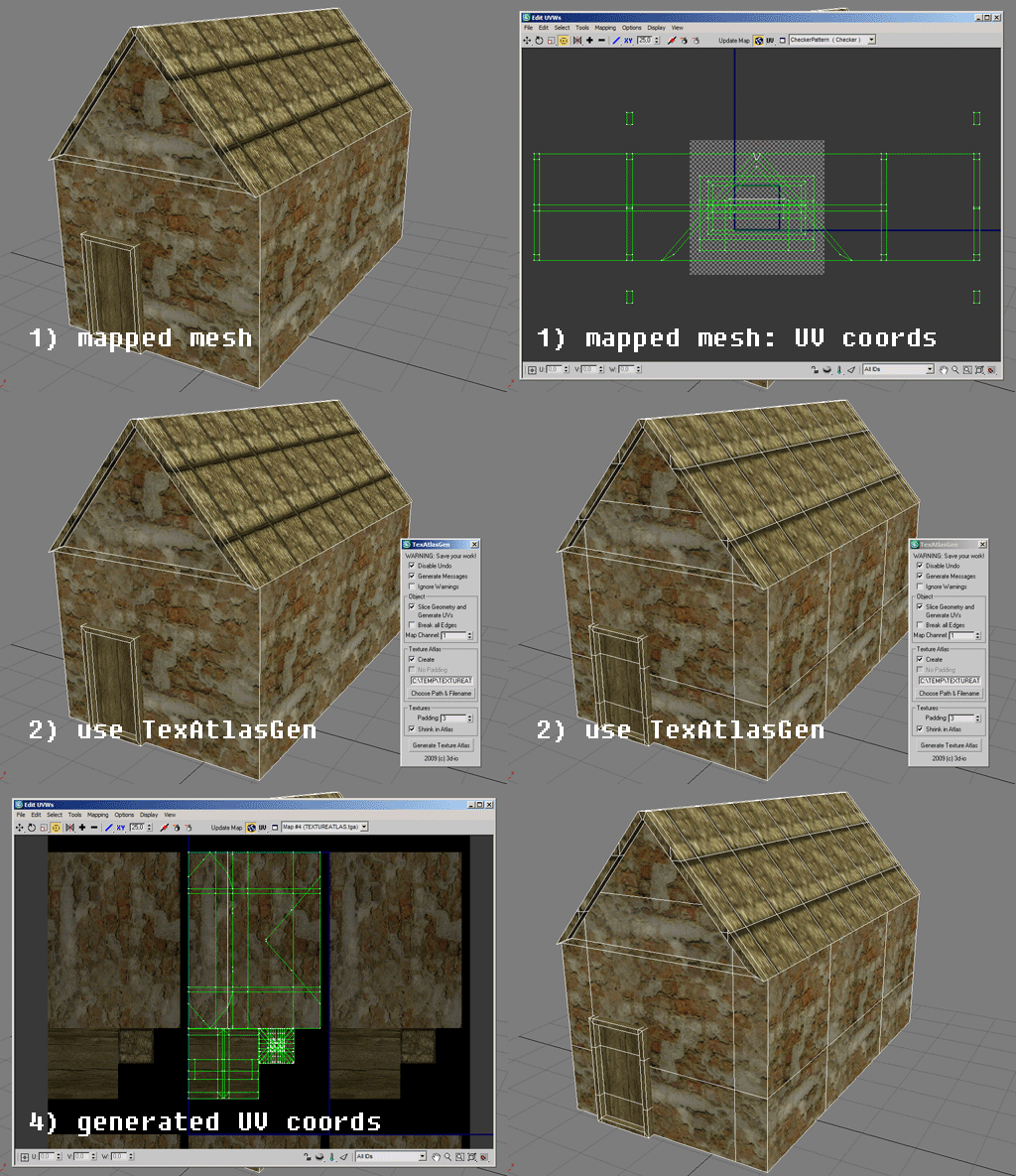
Texture Atlas Generator

51 votes

This script generates a texture atlas out of the selected objects, and manipulates their UVs (and if necessary, their geometry as well). Currently only Multimaterials and/or Standardmaterials (with bitmaps in diffuse channel!) supported.
Texture atlasses especially are important for real time applications and game development. Check http://developer.nvidia.com/object/texture_atlas_tools.html to see performance comparisons.

Features:
- geometry slicing
- padding
- simple packing algorithm
- editing many objects at once, thus creating only one atlas for all of them

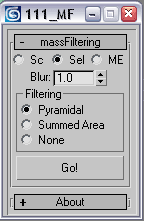
mass filtering

21 votes

this script changes filtering type and blur value for a number of textures at once


VrayColorTool

13 votes

The vrayColorTool will insert vraycolormaps into every available textureslot in the diffusechannel of a material. The new vraycolormap will hold the appropriate colorvalue. This wil enable artists to convert materials to a gamma-oriented workflow. The script will also remove the vraycolormaps if needed.

RH Check ATS Maps

22 votes

This script goes through all the .max files in a given folder and checks if all the assets in the Asset Tracking System have their status set to "Ok". Once its done it pops an info box thats shows how many files where checked, and then gives you the name of the .max files that were wrong.

rdg::graphPaper

14 votes

A procedural graph paper texture. The essential part of this material
are both Gradient Ramps (horizontal and vertical) that define tiling
and line management. Colors are defined by the top mix or output map
(depending on material version).