Tagged 'maxscript'

Matcaps

1 vote

EcoCloud-Get your 3d asset in an instant!

1 vote

EcoCloud-Get your 3d asset in an instant!

1)EcoCloud is a 3d asset management tool for 3d artists.It Works on Windows 7 & 8 and is fully compatible with 3dsMax 7 and above.

2)The EcoCloud app is free to download -yet is the world's most advanced, user-friendly file organizer created specifically for 3D designers and artists.

3)Fully integrated with 3DXY
Get your 3dxy.com 3d models on your desktop!Automatic synchronisation of your downloaded files.

4)Works seamlessly with Autodesk 3ds Max

Batch Exporter

0 votes

Batch Exporter allows users to export multiple formats with different settings. Users can export as many formats as they want. There are no limits. They can also choose from a variety of exporting methods like Exporting Selected Layers, or Exporting separate files per Object and much more. Check out the video for more details.

PaperWindmill

3 votes

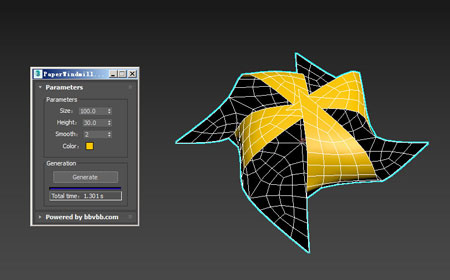
MAXScript for build paper windmill model.

Refresh Icons

0 votes

Macroscript for making a button that refreshes button icons using colorMan.reinitIcons(). That's basically the entire script right there. :)

BasketBallMaker

3 votes

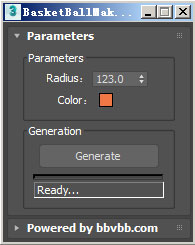
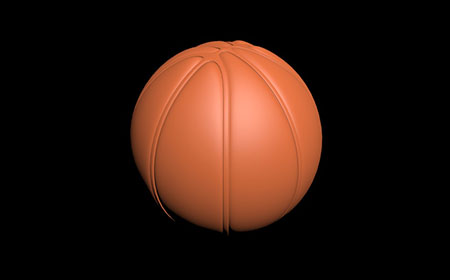
This MAXScript will help you to build basketball of editable_poly objects in 3dsMax. 

Volleyball,football modeling has existed,the supplementary basketball modeling script.

Memento

1 vote

New MaxScript. Simple and handy as aways. Free.
It's very useful for my use. You can quickly save and recall up to 5 groups of selections. You can increment memories adding objects to them (Which is SO useful in some situations (to help in the process of organizing big and messy scenes)...
Hide and Un-Hide from Memory buttons. Isolate groups, etc.

BTW, the video says QuickSelect, but i changed the script name to Memento.;)

2Dextruder

1 vote

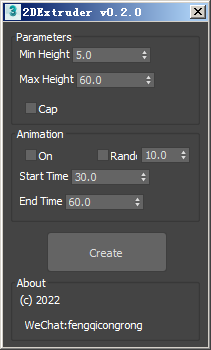
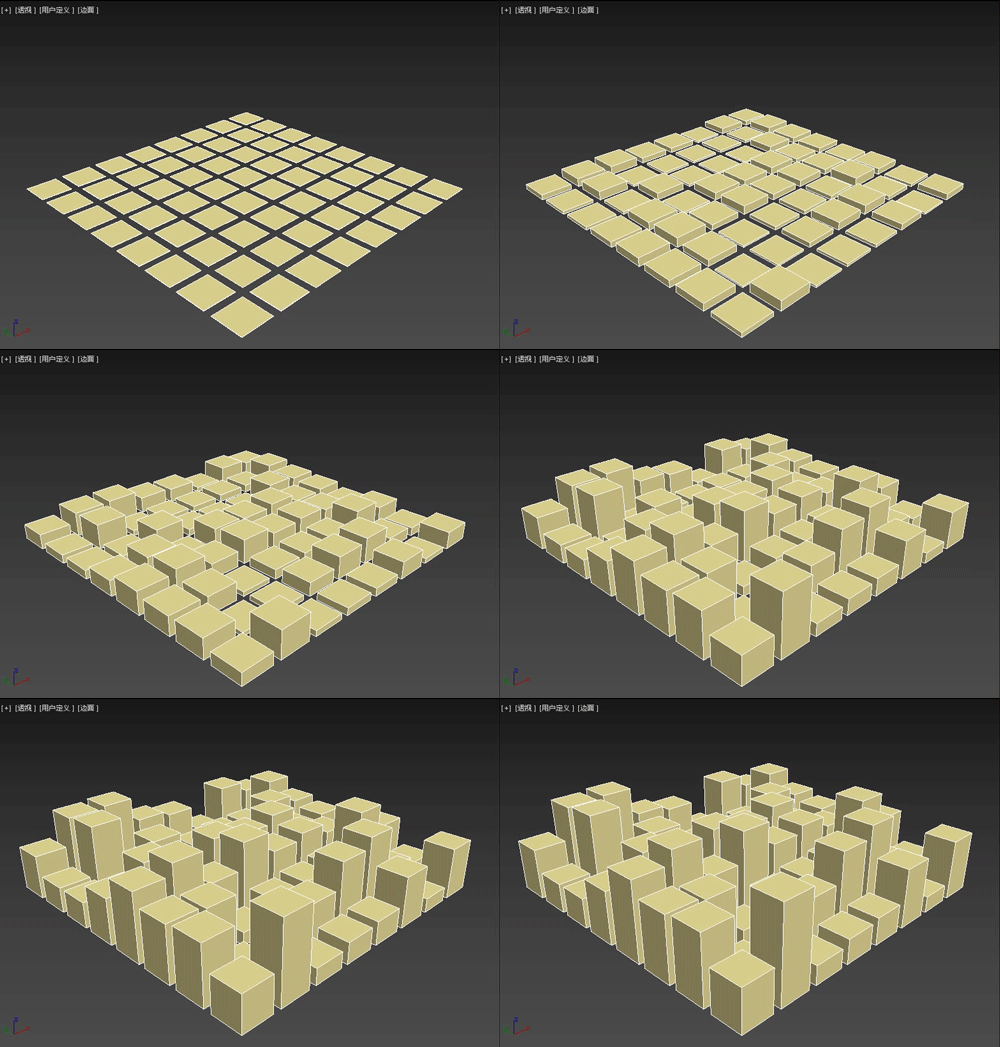
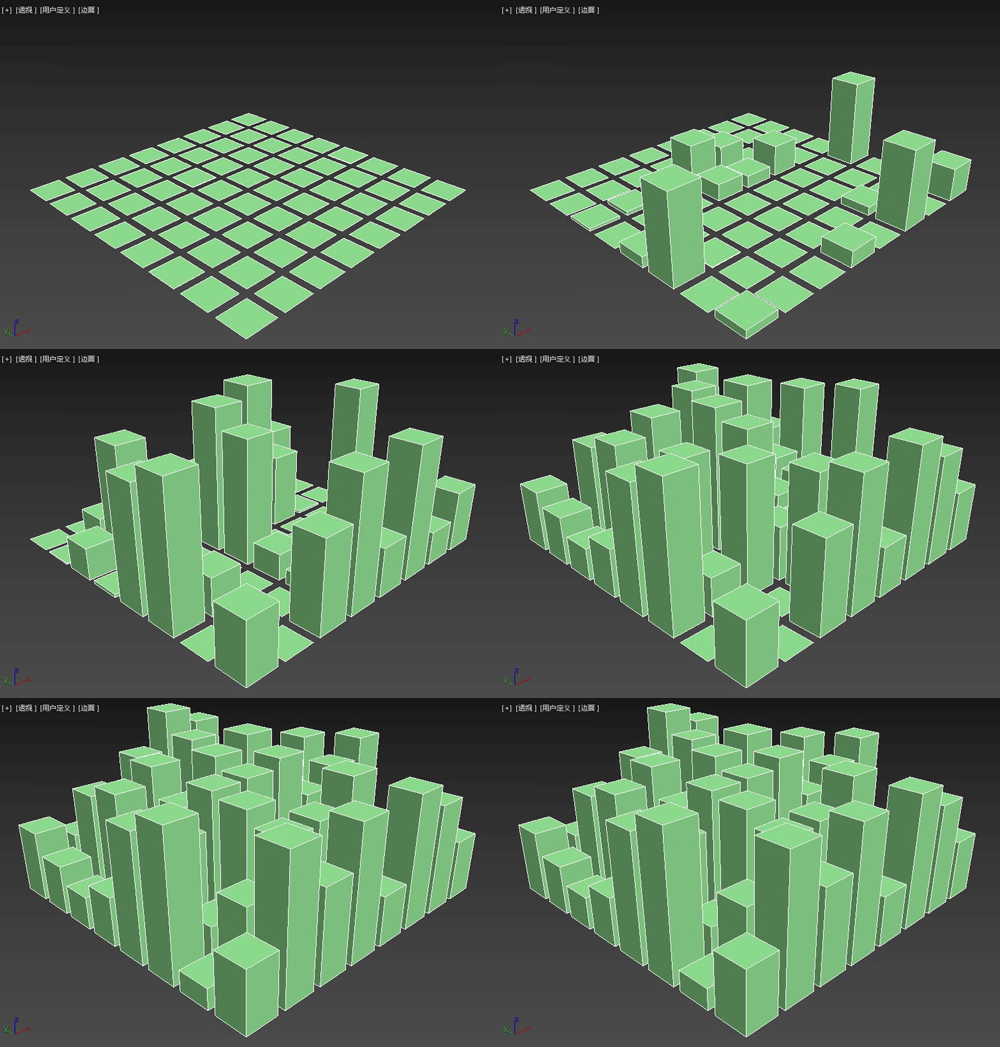
The 2DExtruder random extrusion plug-in is a MAXScript script that can randomly extrude the thickness of multiple selected spline shapes, and also set simple growth animation.

Main features

Scale Refs

1 vote

Model: Same Named Copies

0 votes

Title: "Model: Same Named Copies"

Description:
-- This script creates multiple copies with same object name
-- This script works on all geometry types but it may also work on other types like lights, helpers, etc.

How to use this script:
-- First select a single object
-- Set the relative position with respect to this object in "Enter relative positions" options
-- In "No. of copies" option set the number of copies required
-- Then, press "Create copies" button

Here's the screenshot of the script -

Syndicate content