Tagged 'maxscript'

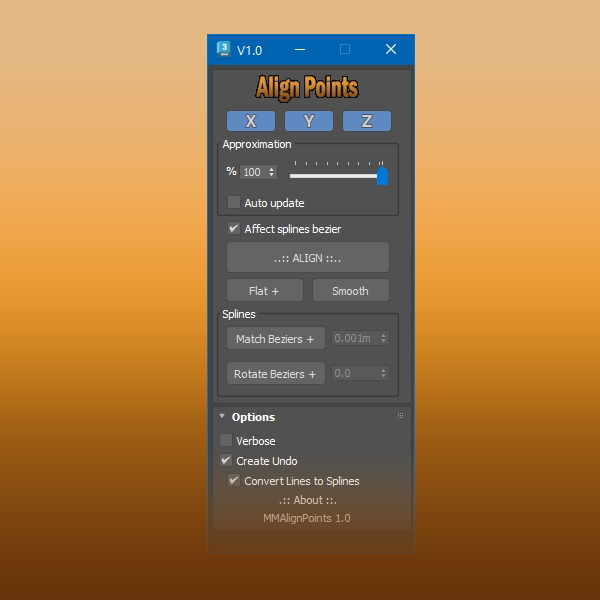
Align Points

1 vote


Free Tool

This tool aligns selected mesh vertices and spline points.

With splines you can align bezier vectors too.

available here


Move Points

1 vote

This tool moves points to a source very quickly. It uses the 3ds MAX SDK for heavy-duty tasks like moving mesh points. The destination source can be points or SpLines. When the source is SpLines, you can move points along a direction (perpendicular to the selected point) or can move by edges.

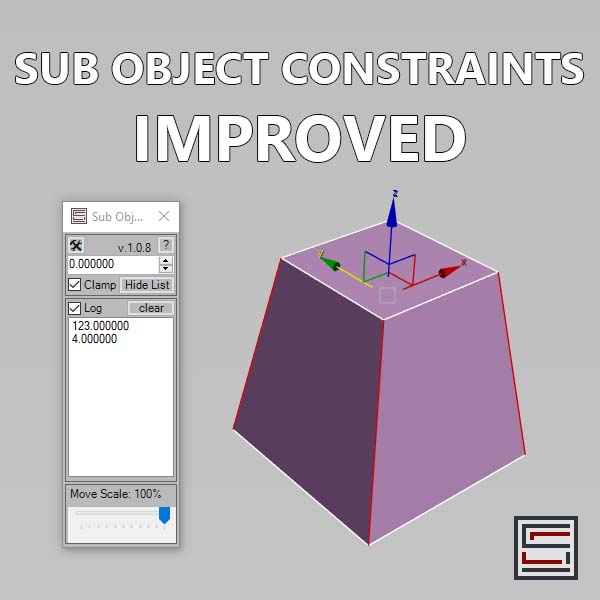
Sub Object Constraints Improved

2 votes

Description: Slide verts & faces along edge paths. Similar to the standard constraints, but works in both directions.

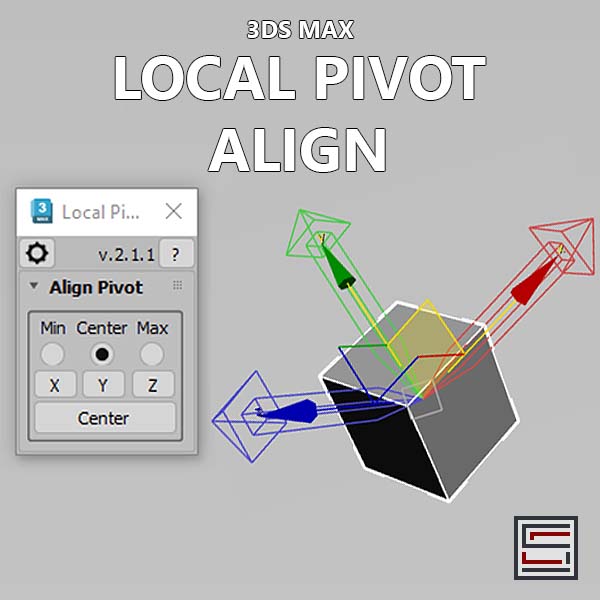
Local Pivot Align

2 votes

Description: This script aligns the local pivot using an object's bounding box min/max extremes. 

FloralStarBall

0 votes

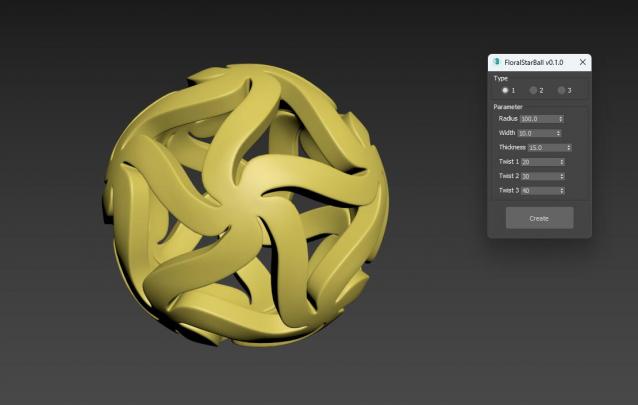
Floral Star Ball for 3ds Max plugin, A beautiful variation of the classic star shaped sphere. The star shaped pattern is arranged in a floral style, giving objects a unique visual aesthetic. It will be an excellent addition to any Math Art collection, desktop exhibit, or even stress reliever for flexible plastic printing. One click generation surprisingly effortless!

FloralStarBall

0 votes

Floral Star Ball for 3ds Max plugin, A beautiful variation of the classic star shaped sphere. The star shaped pattern is arranged in a floral style, giving objects a unique visual aesthetic. It will be an excellent addition to any Math Art collection, desktop exhibit, or even stress reliever for flexible plastic printing. One click generation surprisingly effortless!

3DS Max - Plugin - [UPDATE] - CopyPaste V1.5

1 vote

This is an update for the CopyPaste plugin. This plugin allows you to copy and paste geometry between opened 3DS Max files, of course, in the same file too. This version includes a few additional features. The most important one is the ability to copy and paste using a base point. Also, there is a button that allows you to clear the cache file to save space on the hard drive. And, lastly, a Status section that gives you feedback whenever you perform an action. Please check the demo video for an in-depth explanation.

3DS Max - Plugin - ZoomExtSelFix

1 vote

In this update, the script will work on sub-object selections. Also, a bug in the first version is fixed, when you switch to another mode other than the Modify Panel, the first version gives an error, this is fixed now in this 1.5 version.
To recap on why this plugin:
The default Zoom Extents Selected tool in Max has an issue when you're in a sub-object level but no sub-object element is selected, pressing Z(the default shortcut) causes Max to Zoom Extents on the whole scene instead of the selected object.

3DS Max - Plugin - ZoomExtSelFix

0 votes

This plugin is intended to replace the built-in Zoom Extents Selected. The reason is that the built-in feature doesn't work the way it should in many cases as you'll see in the video and instead of zooming in on the selected object, it zooms out to show the whole scene.

3DS Max - Plugin - MatchMaterialAndUVs v2 0

0 votes

This script I created allows the user to match a source's material, UVW Maps, and Unwrap UVW(you can choose what you like to apply from those 3), with the possibility of preserving the targets existent similar modifiers or replacing those with the source's ones.
Please whatch the video to see all the features present in the dialog box that opens up, and how to use the script.

Note: This script is a major upgrade for a script I've done before: https://youtu.be/_Cl0L-6iyIs?si=ZoMj4x-qSSykWDmI