Tagged 'vertex'

Connect Always

14 votes

By default, Max has two separate commands for Connecting Edges and Connecting Vertices. You had to have two menus for both of them.With Connect Always, you just have to select the vertices/edges and hit "Connect Always"

Here is the code if you dont want to download:-

macroscript Connect_always
Category: "Butt tools" buttonText: "Connect Always"
(
$.EditablePoly.ConnectVertices ()
$.EditablePoly.ConnectEdges ()
)

The category and buttontext is needed if you want to put it in a menu or quad.

[CREDIT}

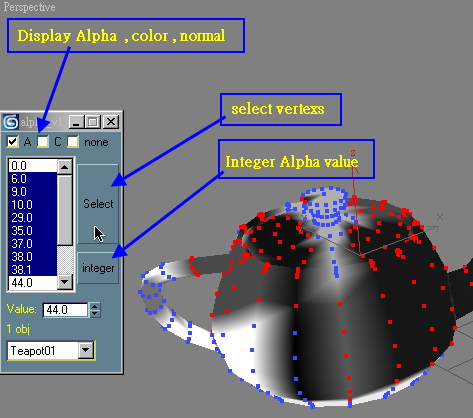
Vertex Alpha selector

7 votes

multi objects Vertex alpha select and set


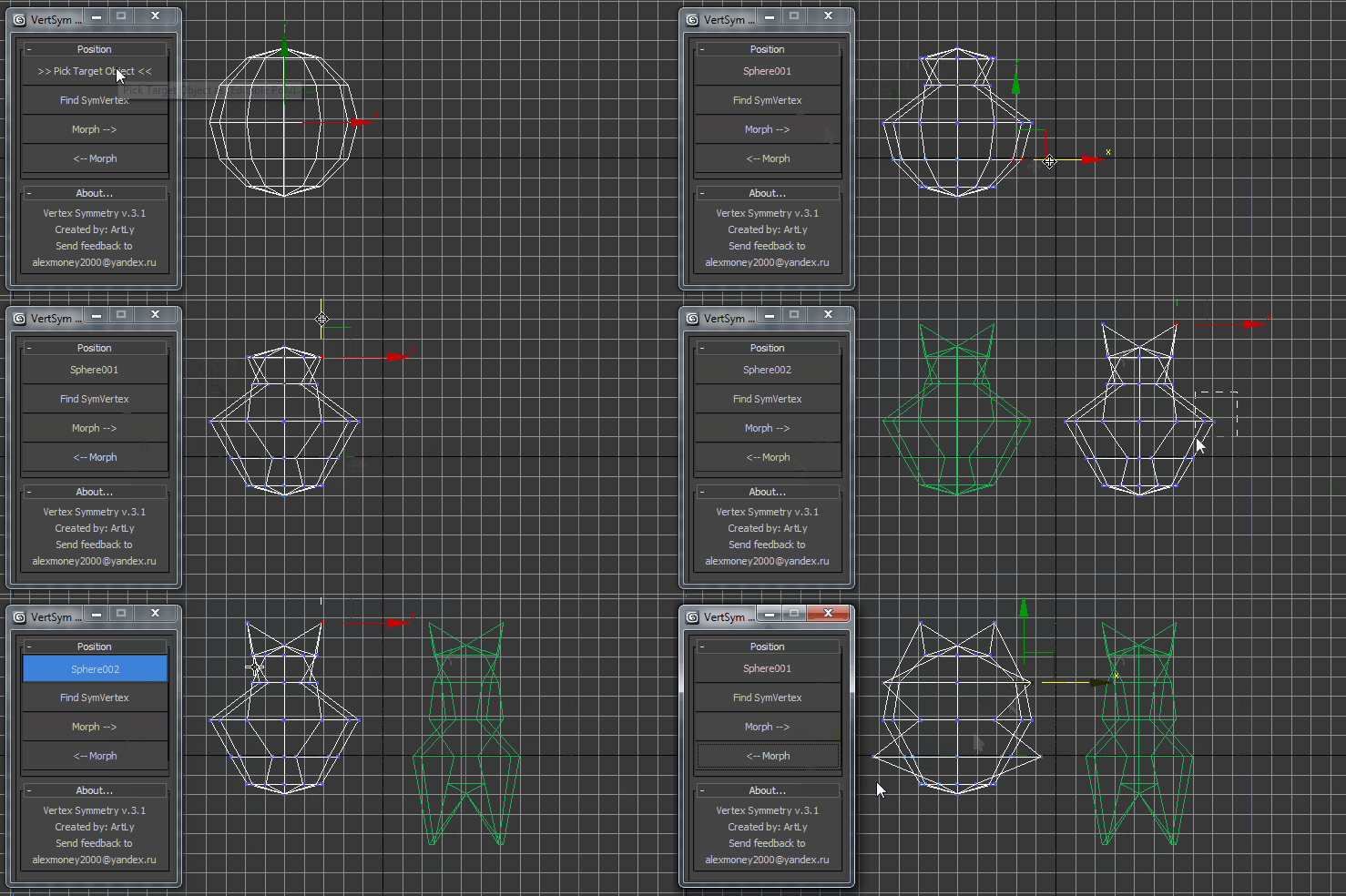
VertexSymmetry

12 votes

This script use for morpher symmetry + video Tutorial Transform move (Left to Right) (Right to Left) 

VertexMapDisplayer

7 votes

Toggles or turns on or off the vertex map viewport display for all scene or selected objects.

Tutorial:
Select a bunch of objects that already have vertex maps. Run the UI version of the script. Choose "Selected". Hit Do. It will toggle the vertex map display in the viewport on or off.

Editable Poly to ADD Edit Poly (vertex transformer)

8 votes

(vertex) to ADD as Modifier (vertex position) for clone Object

Straighten Edge

69 votes

Straighten Edge (maxscript) allows projecting and placing selected vertices/edges on the given straight line on the Editable Poly object, Edit Poly modifier, and Editable Spline & Line objects.

When the SHIFT key is pressed, vertices/edges will be straightened with axis constraints