Tagged 'vertex'

Weld and Smooth

1 vote

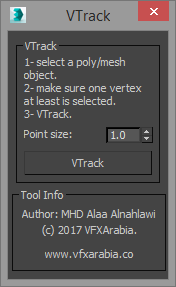
VTrack

2 votes

If you work in vfx field then you will appreciate this tool, VTrack is a vertices tracking scripted tool that allows you to track a selected vertex or an averaged vertices position of a deformed mesh (Alembic or point cached) and create a point helper with a backed animation of the tracked position.

You can use it later as a source for your effect ( blood burst, explosion... you name it) or you can turn on that point animation trajectory so you can visualize the animation path of that area in the mesh.

Vertex to shape

21 votes

This is a script I did for a co-worker. It takes a vertex selection and turns that into a shape. It is the same as taking an edge loop and converting it to a shape but with less button clicks. Actually that is how it is scripted as well. It takes a vertex selection and converts it to a edge selection and then shrinks it to get the right edge loop. Then it just converts the edge to a shape. Pretty simple but it might help your work flow if you need something like this often enough.

Quad enhance

32 votes

These few scripts adds some new functions to your quad menu like hiding,selecting and isolating by objects layer or material.

Connect Always

14 votes

By default, Max has two separate commands for Connecting Edges and Connecting Vertices. You had to have two menus for both of them.With Connect Always, you just have to select the vertices/edges and hit "Connect Always"

Here is the code if you dont want to download:-

macroscript Connect_always
Category: "Butt tools" buttonText: "Connect Always"
(
$.EditablePoly.ConnectVertices ()
$.EditablePoly.ConnectEdges ()
)

The category and buttontext is needed if you want to put it in a menu or quad.

[CREDIT}

EditVertexDirect

5 votes

This is the replacement script of the standard script triggered from the "1" key. Yes, is goes to the vertex level for editing vertices. But makes this in more smart way. If you have a lot of modifiers above your base object typically after pressing the 1 key you get into editing the first sub-object level of the modifier. But we need editing vertices. Along with base objects it also picks the upper edit_poly or similar modifier. Version 0.4 seems to be polished enough.

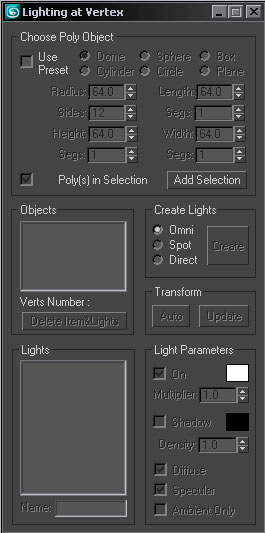
Lighting at Vertex

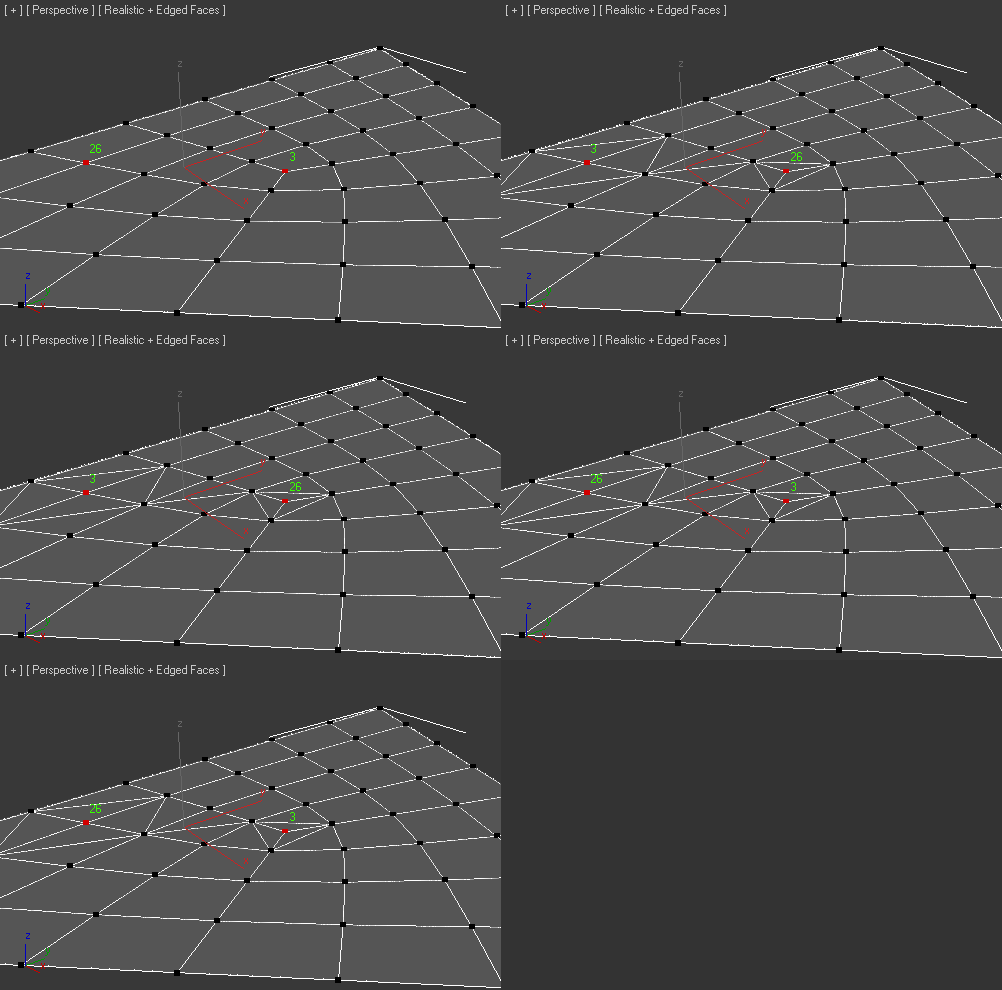
SwapTwoVert

3 votes

Added Fix tool if created bug-Faces

Vertex Aligner

1 vote

A 3dsMax Script for Aligning Vertices by 2 or 4 Points

it Works with [Poly/Mesh/Shapes].

Install: Drag and drop the downloaded mzp file to 3dsmax viewport or from Scripting Menu/Run Script. after that you can find it in _My Sceripts_ Category, you can add it to quad menu or toolbar or assign shortcut to it.

How It Works:

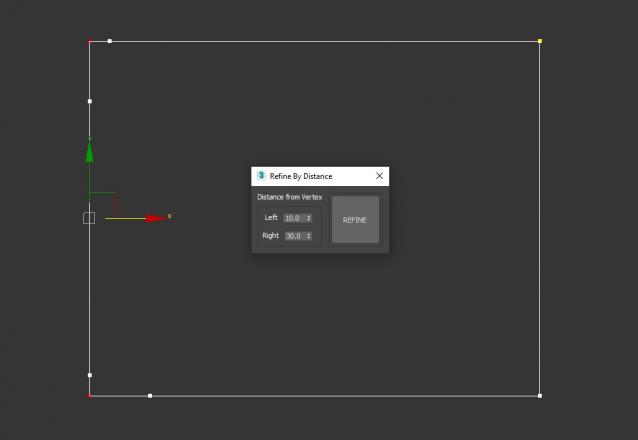
Refine By Distance

1 vote


3DS Max Script to Add 2 Vertices on each Selected Vertex by Specific Distance or to All Vertices if no Vertex Selected . Left of the Vertex will be Towered the Previous Vertex . Work on Multi Selected Shapes .

Syndicate content