Tagged 'export'

BFF-2007

27 votes

Original code by Borislav Petrov.
3DsMax 9 modify by Raúl Ortega Palacios.

This script convert .max files to older max versions.
Thanks Borislav, is very powerfull but there isn't work in 3dsmax 9.
This version solve the paths and the back-slash problems in max 9.

Best Regards.

Bip2root

1 vote

Copies horizontal position of the biped onto the root object and links the biped to the root.

Two useful uses for this script:

  1. Use it to create a root for your biped (using the Static Root option) - so you can place your biped with animation anywhere in the scene without adding extra keyframes. Simply move the root instead of the biped itself.
  2. Some game engines require a moving root to calculate biped's position in the game environment space. With a moving root the biped itself actually stays in place and only the root moves.

Biped (.bip) Animation Batch Retargeting & FBX export

4 votes

This script was made to retarget animations so that changes could be made to the biped's proportions throughout production.

I made this for making my life easier between Max and Unity (though it could be used in any max-based pipeline). Unfortunately Unity has no native retargeting, unless your team is using Mecanim.

Boujou2Max

1 vote

Boujou2max plug-in poster

Boujou2max imports raw markers from Boujou as an animated cubes or dummies. This is a good solution for raw motion tracking without camera solve.

Cryengine 3 export preparation

0 votes

This script is specific for use with Cryengine 3. So if you don't intend to use this with Cryengine 3, this script will not work and be of no use for you.

It creates all the appropriate layers for the lods and main object, creates the dummy and linking the mesh to the dummy. Creating the proper material, submaterials (4 by default) for the model and the proxies, assigning the crytek shader and the physicalize (no draw) to the proxies.

Left for you is assigning the proper IDs manually to the correct submaterials (if needed).

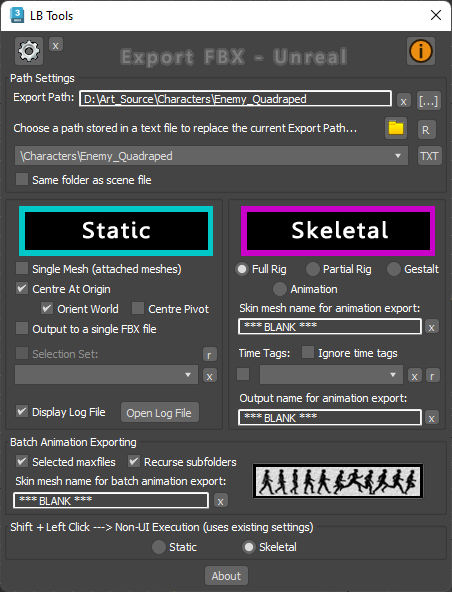
Export FBX to Unreal

3 votes

Designed specifically for Unreal workflow, this script provides a quick way to export scene data with minimal interaction with scene objects.

The script will quickly export static meshes and their existing collisions, skeletal meshes or skeletal animations using the FBX format.


See online guide in links section. 


Latest Updates:

Version 2.4;

Export Prep

7 votes

New with the second version, added JEEWiz exporter (see below), added
option to break up export prep steps, and added an effect pivot mode
button.

"Apply Above" button: resets the Xform, collapses the
modifier stack, places the objects pivot, based on settings, (default
xyz minimum extent of object), moves the object (default moves it to
the origin), for every object in selection.

Check List, button opens a file with were you can store exporting notes, and trouble shooting tips.

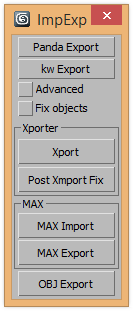
ExtendedXporter

0 votes


v1.7 Added support kw-exporter

Works with two plugins Panda Directx Exporter and Xporter and kw-exporter


Extractor

2 votes

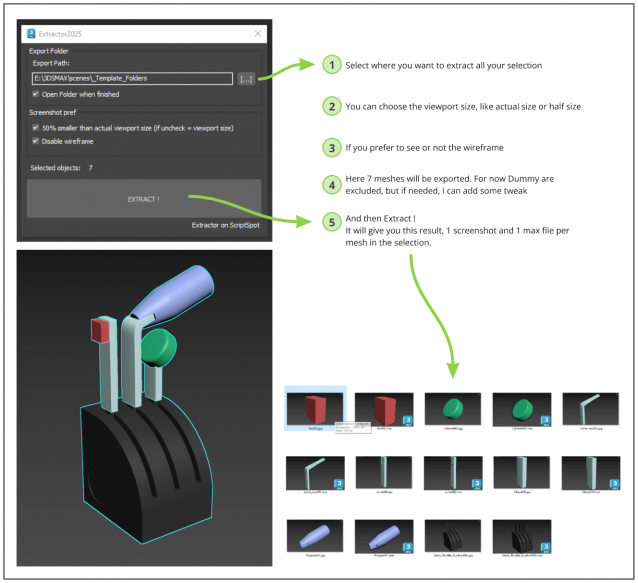
Script allowing you to extract into separate Max file and Screenshot all selected meshes in your Max scene.

Just Select, and Extract.

FBX Saver

0 votes


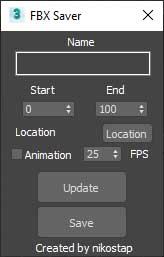
Just help you fast export to fbx.

Syndicate content