3ds Max | All

Copy and Paste Objects

111 votes

It's always annoyed me that I couldn't copy objects from one instance of max and paste them into another - as I work with 2 or 3 instances of max up at a time. It's tedious to do a save selected / merge objects so this script does it for you. It's not a TRUE copy/paste via the windows clipboard - but it will let you very quickly copy objects from one file to another.

Domino Rigger

30 votes

.

Easy and Procedural Domino Animation Tool for 3ds Max

Book Rigger

166 votes

Now Supports the Latest 3ds Max Versions with Improved features!

One-click page turns, ready to animate.

Make believable book and page animations in seconds. Book Rigger builds a full page-turn rig for any page count, gives you intuitive controls for flipping and shuffling, and supports single or double-sided materials. Drag, drop, rig, animate.

Mesh Cleaner

1 vote

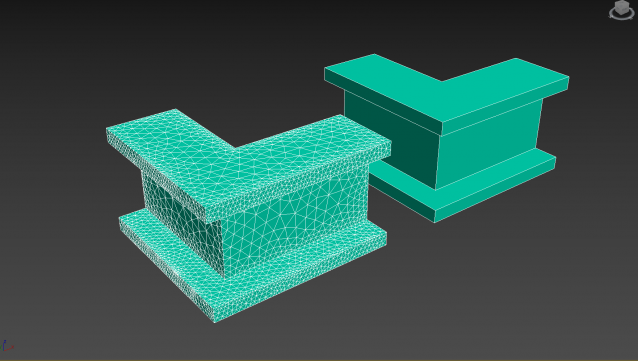
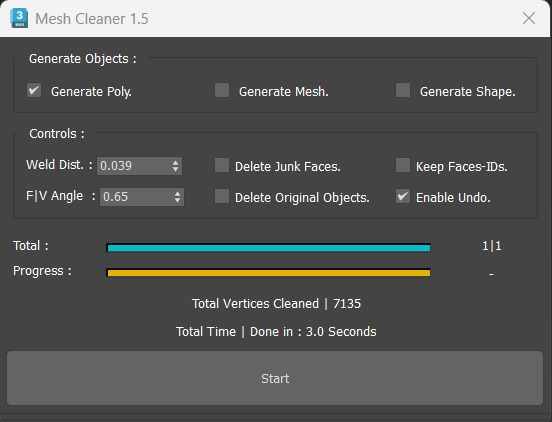
A 3dsMax Script for Cleaning Objects Topology.

*Please Save your Work before using the Script (just in case!).

miauu's PinMyFiles

0 votes


tPDatasViewer

2 votes

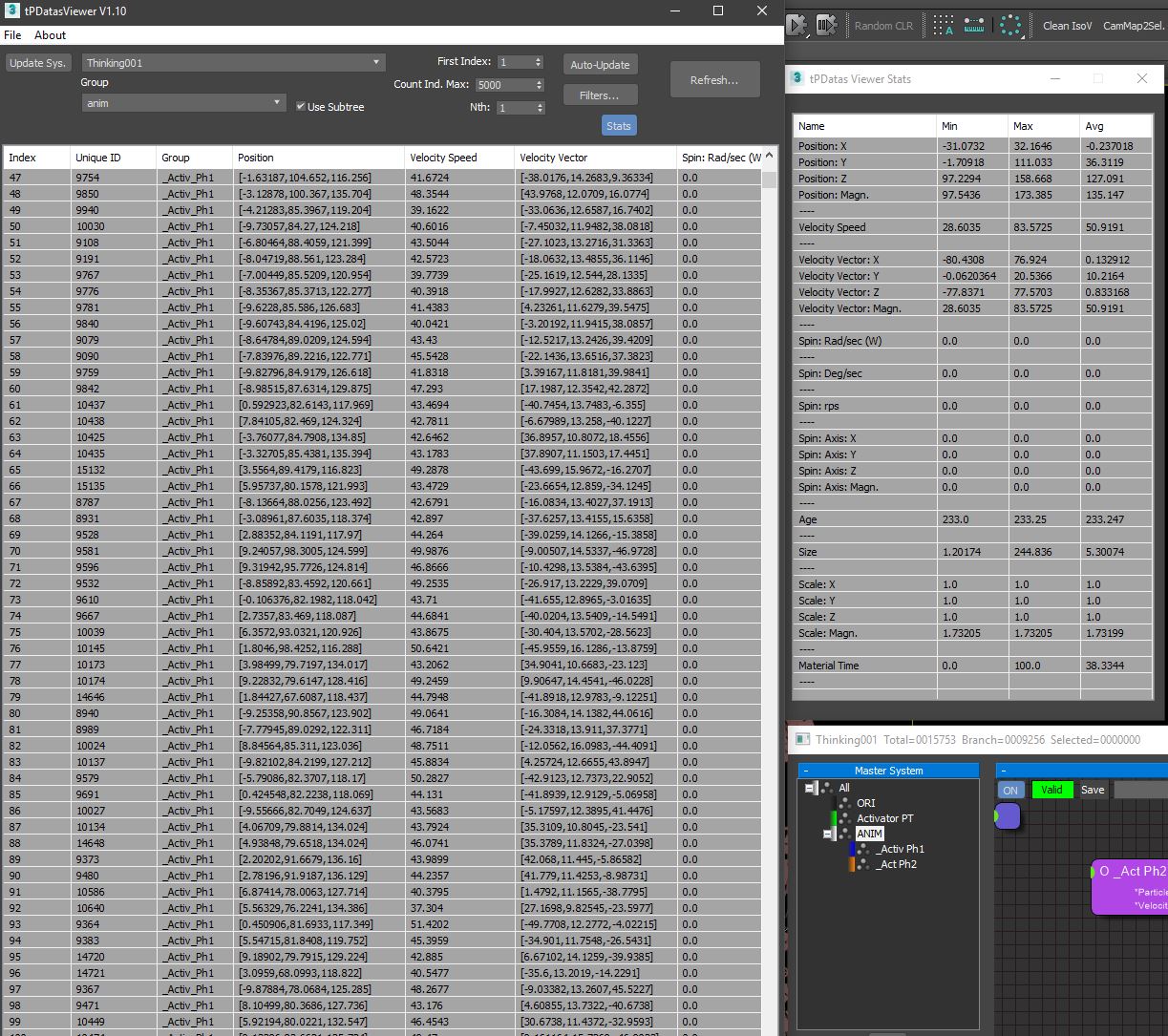
'tP DataViewer' for faster feedback than default debug mode.
Support Group filtering and groupSubtree selection.

Sprite Render Script

22 votes

This script will render animations and pack them into a sprite sheet. It exports the image file, the animation frame data as an XML file, and optionally a heightmap.

Improvements and Bug Fixes (v0.7)

+ Render Lists use XML. (they work now)
+ Included an option to turn cropping off.
+ Config settings are now written and read in a consistent way. (now it works)
+ Border padding has been fixed.
+ Added an option in the viewer to toggle the frame borders

Batch Material Editor

14 votes

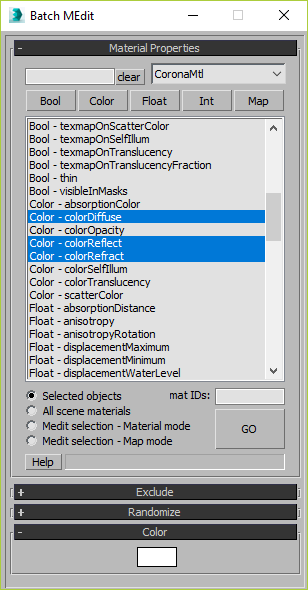
This script allows you batch edit multiple materials and bitmaps.

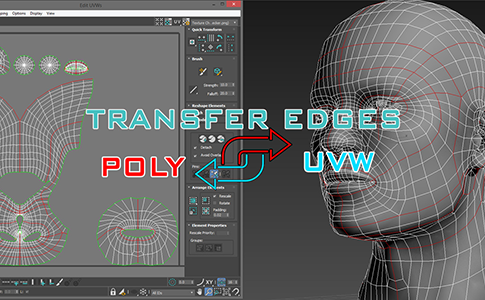
miauu's Transfer Edges: Poly <-> UVW

3 votes

3DS Max [Plugin Update] Multiple Sections v1.5

0 votes

In this version, I added the ability to clean the sections of unnecessary vertices. This feature works with the sections created by this plugin, and you can also use it with splines in the scene. Please watch this video to the end to learn about this new addition.

To learn about all the plugin's features, you can refer to the demo video for the first version:
https://youtu.be/4HX5wssIqSw

But download and install the updated version from here.

Syndicate content