3ds Max | All

EDim

3 votes

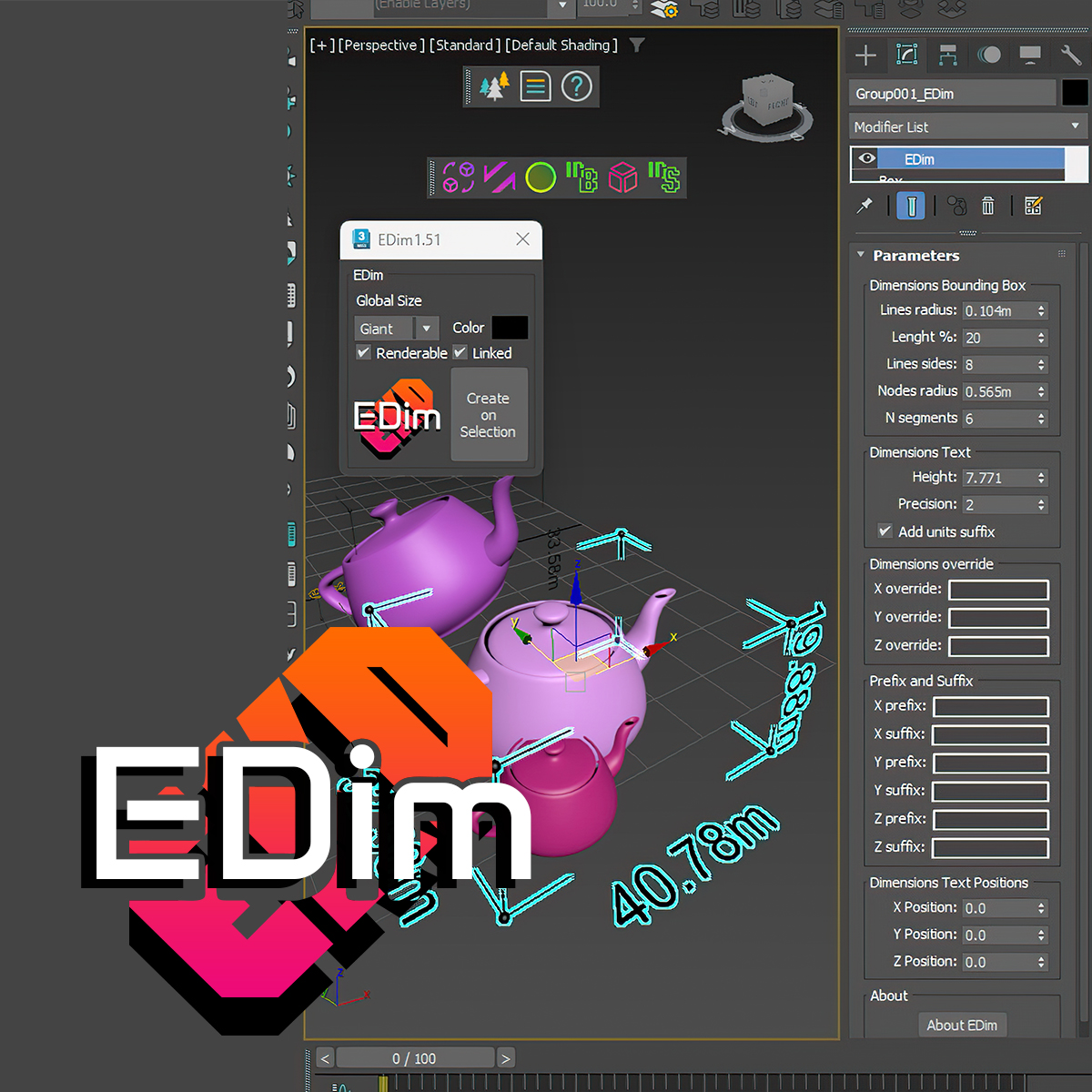
EDim is a professional 3ds Max plugin that allows you to create stunning 3D dimensions in seconds. It supports multiple selection and color changing, and can be linked to your original object. You can control the dimensions’ renderability and put them in a separate layer. EDim also offers three different dynamic sizes that will always fit your original object size.

Poster Image

changelog 1.53

NOW SUPPORTS 3ds max 2025.

EVector

3 votes

EVector is meticulously crafted software intended to facilitate the creation of 2D lines from 3D objects within 3ds Max. It adeptly projects your models, including groups, onto 2D splines, offering an array of customizable options within a remarkably stable environment. The resulting splines can be seamlessly exported to DWG or DXF formats, ensuring impeccable compatibility with AutoCAD and delivering pristine lines aligned with your desired projection direction.
Poster Image

EBatcher/Econverter

2 votes

EBatcher is a max file cleaner, assets collector, Corona converter with legacy materials support that enhances your file’s performance. It can clean up your files and save them to previous versions in batch mode. EBatcher also provides a controllable subdirectory environment and has the ability to collect your assets and rename it to a desired folder.

Each license of this script can be activated on one computer only (With many max versions* and instances as you want) and this license covers ver 1.++ and it’s minor updates below ver 2.00.
Change log:

QuadrifyAll+

24 votes

•••••••••••••••••••••••••••••••••••••••••••••••••••••••••••••••••••••••••••••••••••••••••••••••••••••••••••••••••••• VERSION 1.2

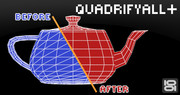
With this script you can easely clean old .3ds models, imported Onyx trees and other types of geometry(mesh) with triangular faces.

dwAssignIDs

0 votes

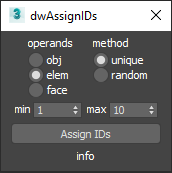
UI screenshot

Allows you to assign random/unique material IDs to objects/elements/faces.

Expects selection of one or more Editable_Poly objects.

Smart Material Select

0 votes

This script streamlines the process of selecting similar objects based on material in your 3dsmax scene. It automatically opens the group, eliminating the need for manual opening. Additionally, it can handle the selection of multiple samples. For instance, you can select a window frame and then add glass to select both window frames and similar glass objects.

Roof Window Generator

0 votes

Roof Window Generator is a script that is efficient in automatically creating 3D roof window models in 3dsMax. With 3 styles of roof window, it can be applied flexibly in Archviz projects while saving a lot of time for 3D artists.

.: Compatible with 3dsMax 2018 & higher

.: Compatible with Vray Renderer & Corona Renderer

.: Version: 1.0

Faster File merging into 3ds max

1 vote

3ds Max always saves a backup file when merging file into it.
Disabling the Auto-Backup function does not solve the issue.

To stop the saving behaviour of 3ds Max at opening/merging a scene file:
Open the Scene Converter at: Rendering > Scene Converter
Disable the function Backup Original Files:

BUT, some max versions just do not save this settings, so you have
to, always for every scene, over and over, check this settings.

This small startup scripts save the time and nervs!

Just put it into

Scene Notes Pro

3 votes

Adding notes directly in scenes(.max files) can be useful in many ways - to remind you something about any aspect of whole process of 3d work, for future reference, about whys or hows, for a colleagues(who are going to use the scene). 

FilePathFinder Pro & Light versions

410 votes

Using the FilePathFinder you can be sure that you have complete control over external links into your scenes.

Asset tracking features include support for XREF files and easy linking with external files.

Using the FilePathFinder (and Batch Render&Relink), you can search for missing assets and relink external files.

In addition, files that are linked to selected objects are displayed in Interactive Mode, and bitmap textures can be toggled and placed within the Material Editor.

Also with this tool, you can easily make an archive a 3ds Max scene.

Note that FilePathFinder supports the highest number of asset types of any plug-in.
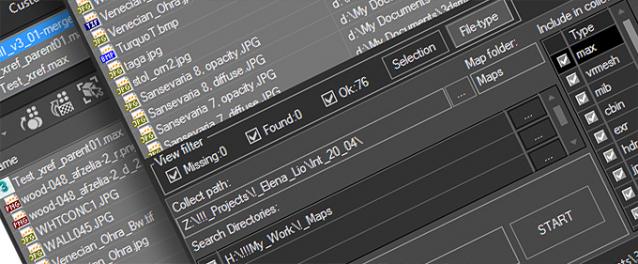
 

The Batch Render&Relink tool helps manage your asset files into the 3D model and material libraries in Batch Mode.

BR&R is capable of rendering thumbnails for 3D models, materials, and IES photometric files.

Batch Mode makes for an easy way to gather and compile many assets at once.


The new version of FilePathFinder is released with support to 3ds Max 2026

and many new features that improve managing scene assets

FilePathFinder Pro version 4.17.01

  • Adds support to 3Ds Max 2026
  • Play IFL, and animated GIFs directly in the list view
  • Play IFL and animated GIFs in the external Asset Viewer
  • Ability to change selected assets directly from the Asset Viewer using keyboard shortcuts
  • Adds an ability to include/exclude search directories by filename
  • More accurate material/texture placement in SME
  • Drops support to light theme
  • Fixes an issue with including/excluding search directories by filename
  • Fixes an issue with searching, relinking, collecting, and archiving the content of IFL files
  • Fixes an issue with relink assets in batch mode for Demo version [Batch Render&Relink]
  • Fixes an issue with renaming external scene links with status #Found
  • Fixes some issues with relink assets using exclude directories
  • Fixes a bug with relinking assets in huge scenes
  • Fixes a bug when using the tool together with Materials Manager and Models Manager
  • Some other optimizations, fixes and speed improvements

Syndicate content