3ds Max | All

3DS Max [Plugin Update] Multiple Sections v1.5

0 votes

In this version, I added the ability to clean the sections of unnecessary vertices. This feature works with the sections created by this plugin, and you can also use it with splines in the scene. Please watch this video to the end to learn about this new addition.

To learn about all the plugin's features, you can refer to the demo video for the first version:
https://youtu.be/4HX5wssIqSw

But download and install the updated version from here.

Matcaps

1 vote

miauu's Select by visibility

3 votes

With miauu's Select by visibilit you can:

delete useless faces

3 votes

Hi! Im not such a ninja in scripting, but I managed to make this! Thanks a lot to my friend Vadim who help me to fathom some things in max script!
1) This script remove useless polygons enshrouded by other geometry.
2) No unwanted geometry will be generated, just removing precisely mesh-interior faces of selected editable poly object.
3) It's hardcoded so pretty slow, sorry for that.
4) no multiple objects allowed yet
5) all opened parts will be preserved to avoid any bugs

Spline FFD

19 votes

Spline FFD is a tool that allows you to move multiple vertices at once, moving the points of a spline.

New 1.1: Added mode that preserves the original distance between vertex.
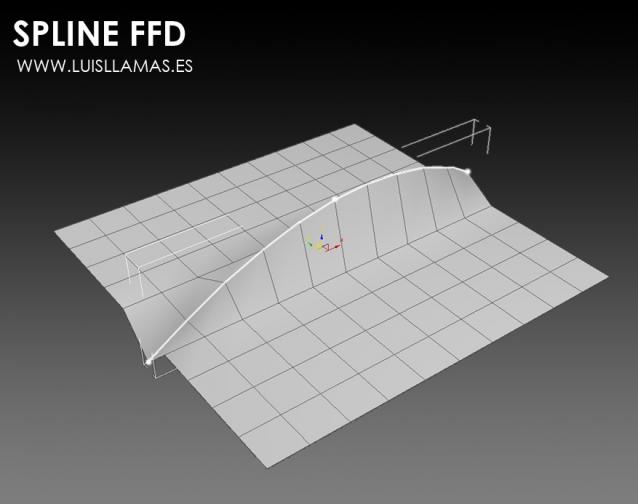
With Spline FFD you can select a number of points on a mesh and creates a spline that passes through these points. By moving the points of the spline, the original mesh vertices move properly.

Oversize Render

0 votes

OversizeRender

OversizeRender is a MAXScript tool for 3ds Max designed to help users easily set up and manage "oversize" or "over-scan" rendering. This technique involves rendering an image larger than the final intended dimensions, providing extra pixels around the edges. This is commonly used for:

Weld Edges Advanced

0 votes

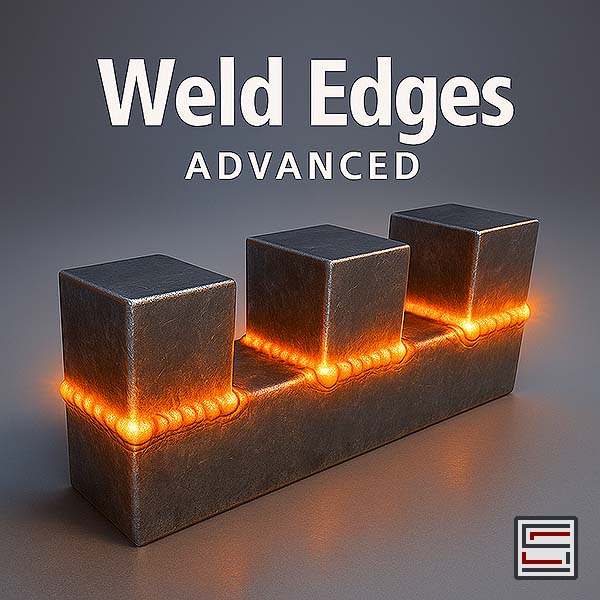
Description:  Simple yet incredibly powerful script designed to weld overlapping edges together.

Time and Frame Manager

0 votes

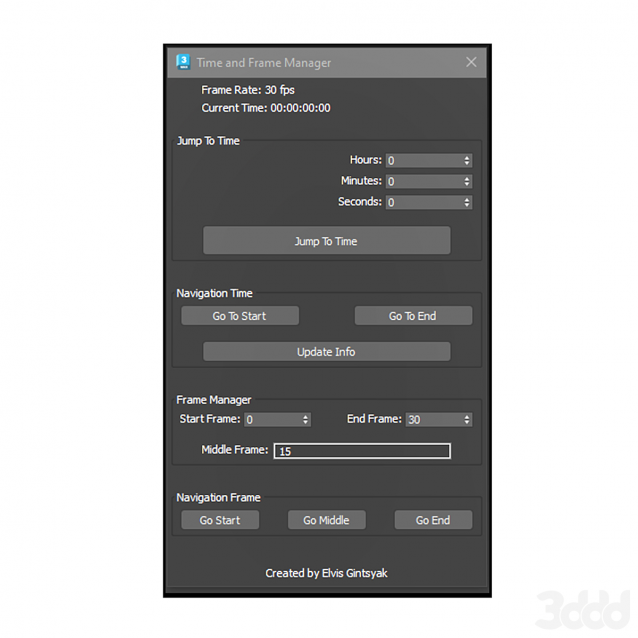
Time and Frame Manager

Edge Loop Straighten with Constraints

4 votes

Edge Loop Straighten with Constraints works like this:
Selected one or more partial loop(s) of edges, run the script, and it will straighten all the verts between the end verts of the loop(s). What makes this script different from others of its kind is that it fully supports all three geometry constraint modes; edge, face, and normal constraints.

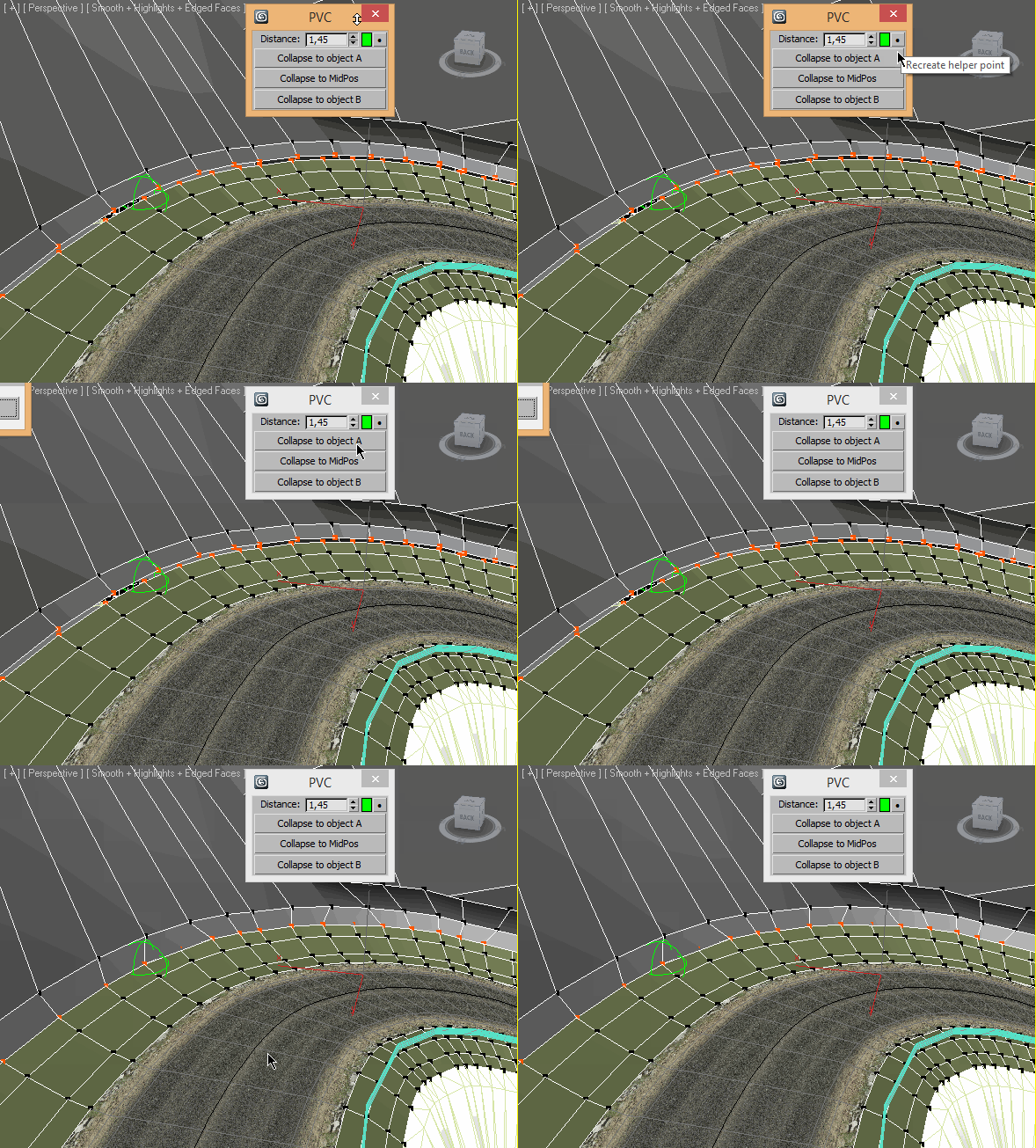
Pair Vertex Collapser

3 votes

Syndicate content