Tagged 'Scripts'

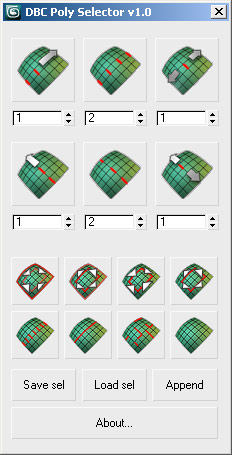
DBC PolySelector V1.0 (RC1)

14 votes

DBC PolySelector V1.0 (RC1)

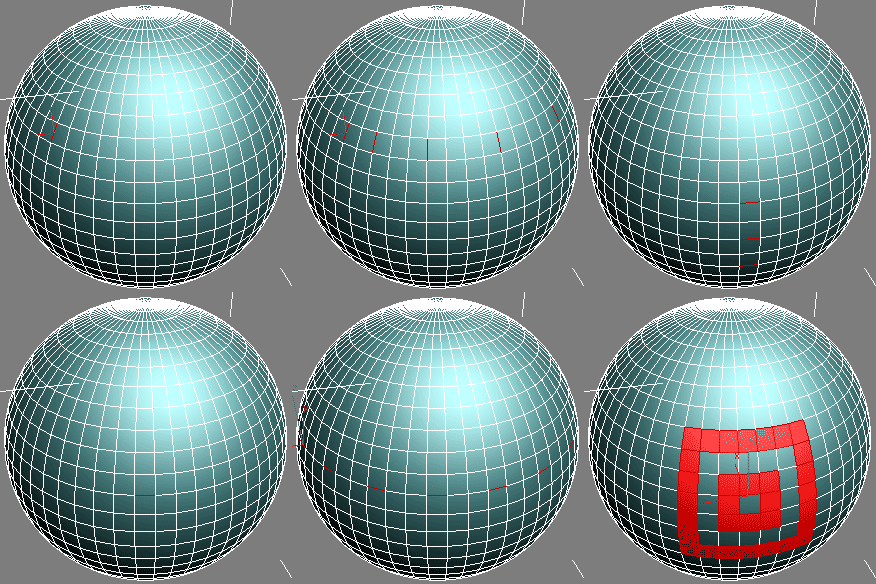
Screenshot Demo

Certain Modifier ON/OFF

13 votes

I can describe it as a good handy script for choosing a certain modifier in all the scene - in any scene node - and turn it on and off easily,

i really searched for this specific script and i couldn't find it.

i use it alot myself as i work in animation to turn on and off "flex" modifier because when you grab the time slide back when its "ON" especially in a big scene it takes alot of time.

You can use it with any other modifier such as turbosmooth ,etc.

sadly the modifier name must be identical in all nodes to have this script work.

random wire colors

5 votes

a standard wire color geneartor for objects

i know that there must be others posting the same script,but its my 1st one

-- thanks Bobo --

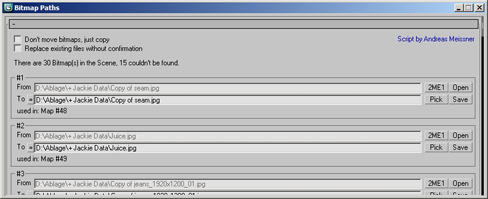
Bitmap Paths

24 votes


Adjust your bitmap paths ... hope it helps :D

Open Image File

8 votes

This very simple script allows to open a float window of an image.
Present in 3dsMax 2010, him and totally assents in the previous versions.
Useful to open an image during the job in 3dsmax

Puzzle

8 votes

Just for fun. I made a simple Puzzle game
feel free to add more buttons, a timer, and maybe a high score log. and please send it back to me : )

Hump

23 votes

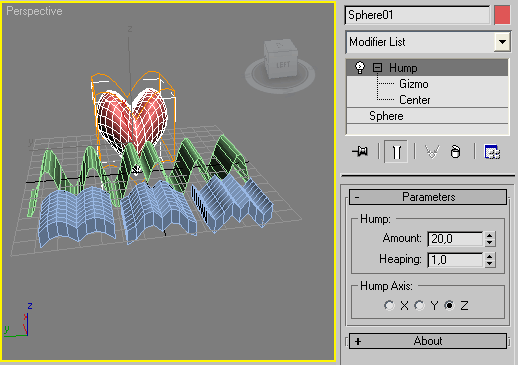
Hump is a simpleMod scripted plug-in modifier which folding an object according to the transformation of the modifier's gizmo, the amount and heaping parameters over X, Y or Z axis.

Installation:
Copy this (.ms) to Max "stdplugs\stdscripts\" folder

HollowCube

25 votes

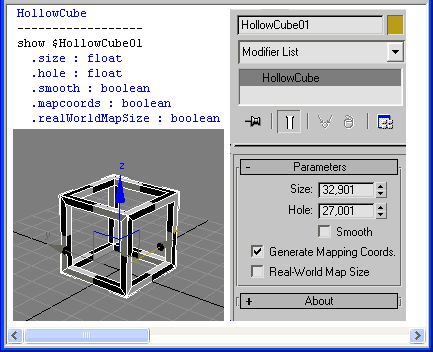
HollowCube is a simpleObject scripted plug-in.
Procedural primitive that I made today for fun.

HollowCube

Installation:
Copy this (.ms) to Max "stdplugs\stdscripts\" folder

Usage:
HollowCube is in the "Create/Geometry" tab in the "Scripted Primitives" menu

Note:

Obelisk

14 votes

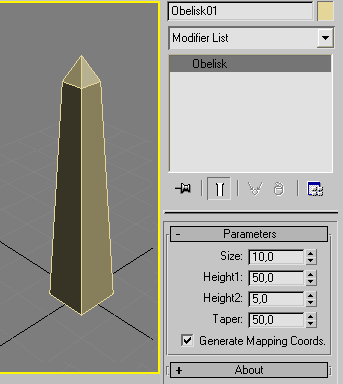
Procedural object (simpleObject) scripted plug-in

Installation:
Copy this (.ms) to Max "stdplugs\stdscripts\" folder

Usage:
Obelisk is in the "Create/Geometry" tab in the "Scripted Primitives" menu

Step Pyramid

15 votes

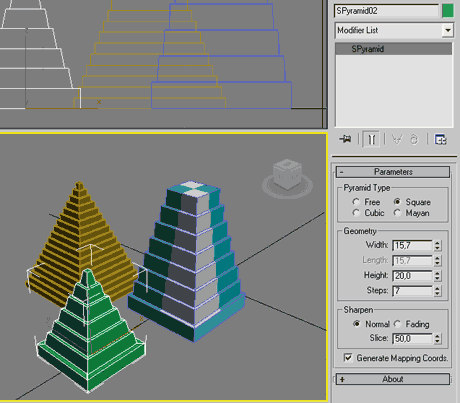
Procedural object (simpleObject) scripted plug-in

Installation:
Copy this (.ms) to Max "stdplugs\stdscripts\" folder

Usage:
Step Pyramid is in the "Create/Geometry" tab in the "Scripted Primitives" menu

Syndicate content