Tagged 'Animation'

Autoweight - Automatic skinning tool for 3ds Max

20 votes

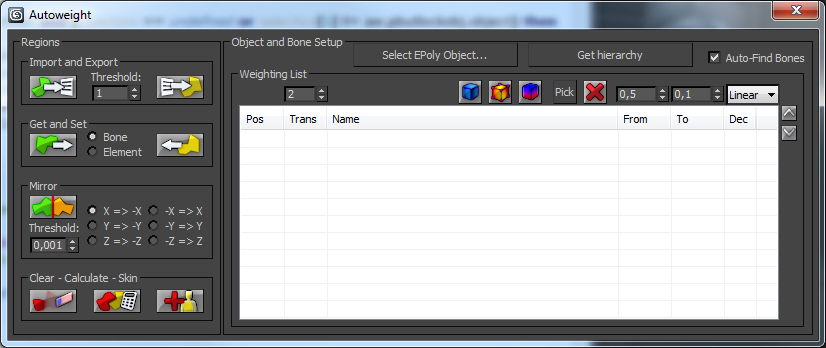
Autoweight is a script designed for 3D Studio Max helping you speeding up the skinning process of characters and machines.
You define special polygon regions and the script finds the appropriate bones, calculates the appropriate skin-vertices and sets up smooth transitions between those regions.
There are also Youtube video tutorials explaining the script step-by-step.

The new version 1.0 comes with an installer so you don't need to hassle around with the mzp-stuff anymore.

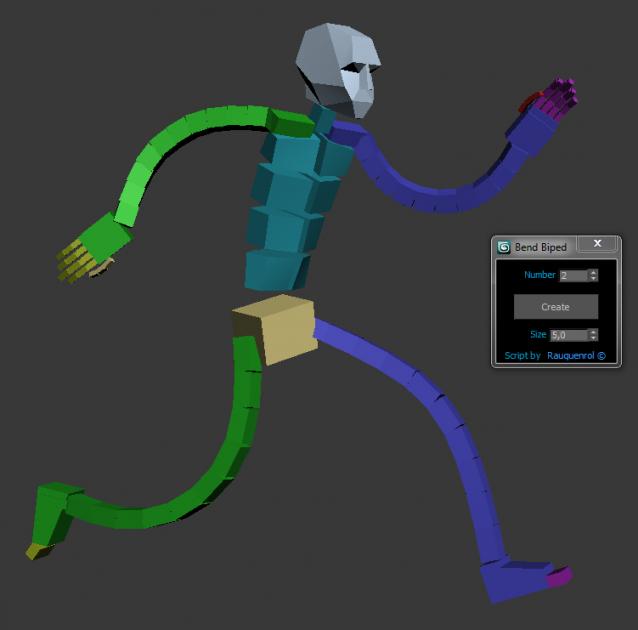
Bend Biped

3 votes

It adds to the biped bend joints on Arms and Legs.
A slider on Hands and Feets control the bend value.
It also can be use to create good twist bones.
It adds the ability to stretch the Arms and legs.

You just have to skin using these new bones and not the biped ones.
But you animate using the original biped bone

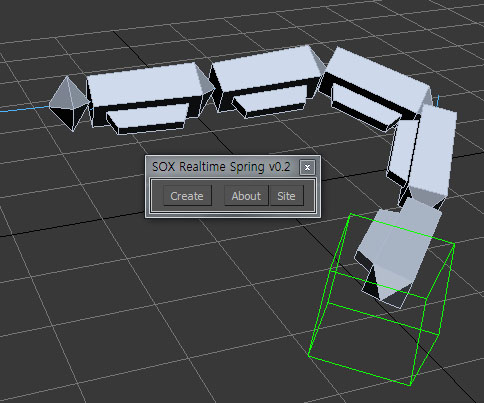
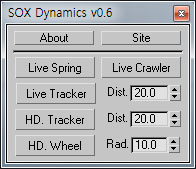
SOX Dynamics

3 votes

Sorry, The management of the tool will stop temporarily.


Superflow Elements

7 votes

Superflow

----------------------------------------------------------------------------------------------------------------------------------------------------------------

V-MOTION - SF Elements // Superflow Motion Designer Toolkit // www.v-motion.co

----------------------------------------------------------------------------------------------------------------------------------------------------------------

Developed by:

G.M.A.D. Tools

3 votes

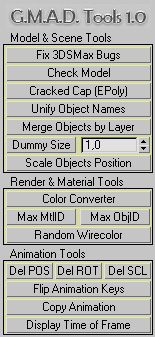
Here is a maxscript utility pack called "G-Model-Animation-Design Tools" (or G.M.A.D.)

Key features:


  • - Merge objects by layer name
  • - Scale objects positions without rescaling the objects themselves
  • - Color converter (int-float-hex-colorpicker)
  • - Flip animation "sign" (up-down-up -> down-up-down)
  • - Copy animation from one object to another
  • - Display float time of current frame in seconds

animhelp

1 vote

Animation helper script to dynamically add animation ranges. By clicking on a stored range the active range is set back to the stored range. Right click on a stored range will play the animation as well (see screenshot).

The animation ranges are stored within the scene, no additional files are used. Animation sequence can be changed, exported or deleted.

Time-Ranger

2 votes

Sets up time-ranges in Max and embeds it to the max file.

Very useful tool when you have multiple time-ranges in your single animation file. Mostly used for games - but can be used for many other purposes as well.

Sometimes it's useful to have many animations of a character in one file - so its start and end positions match between the different animations. TimeRanger lets you choose which section of the animation to show in the timeline.

SpeechBot

7 votes

 A script to load and save animated morph data

For many years, I have used the same system to deal with lipsync within production, and it is with great pleasure that I release it to the community now. This script will take a character that uses a morph modifier for lipsync and save the data to XML. This can then be re-applied at a later stage.

Rotation Order Tool

17 votes

This tool allows you to quickly change the rotation order of any object in max. You can select multiple objects and change their rotation orders all at once, or you can copy the rotation order from one object to another.

To use:
1. Select all the objects whose rotation order you would like to change. Then use the dropdown list and select which rotation order you would like to choose. The transforms for each object will be preserved as long as it has not be animated.

Animation Range Tool

23 votes

This is a simple Macro script which makes it possible to manage and to save (txt files) several animations ranges.

Delete animation ranges by rigth click on it.

NEW: It's possible to assign a selected camera