Tagged 'Objects'

Scene Explorer Delete Extension

0 votes

This script allows deleting selected nodes and layers in the Scene Explorer. The default delete option of 3ds Max only deletes empty layers and nodes without childs. With this tool, deleting a selected parent node or layer implies deleting all its children hierarchy.

When you drag this script into the viewport of Max, it’s added to the “Barreira” category of the Customize User Interface panel. Then, you can create a button to execute the script easily.

zmTools

Liked Category OpenCUI

1 vote

To continually not found among heaps of categories that category into which most inputs for setup hotkeys. For instant access to the category Customize-> CustomizeUserInterface-> desired category ...

Чтобы постоянно не искать среди кучи категорий ту категорию, в которую чаще всего залазишь для установки хоткеев. Для мгновенного доступа в категорию Customize->CustomizeUserInterface->Нужная категория...

Duplicate Geometry Select

7 votes

v1.31
If selected 0 Work to all objects
If Shift pressed then will select objects by geometry vertex count.
If Shift NOT pressed then will select by center objects position

diaRhombus

51 votes

diarhombus_v1web600

ExtendedXporter

0 votes


v1.7 Added support kw-exporter

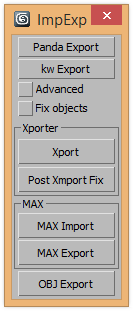
Works with two plugins Panda Directx Exporter and Xporter and kw-exporter


paint mover

24 votes

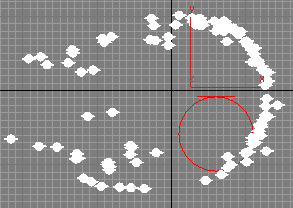
with this script you can move a bunch of objects at once, using your mouse like a brush. works only for X and Y axs.


Replace Objects Script

7 votes


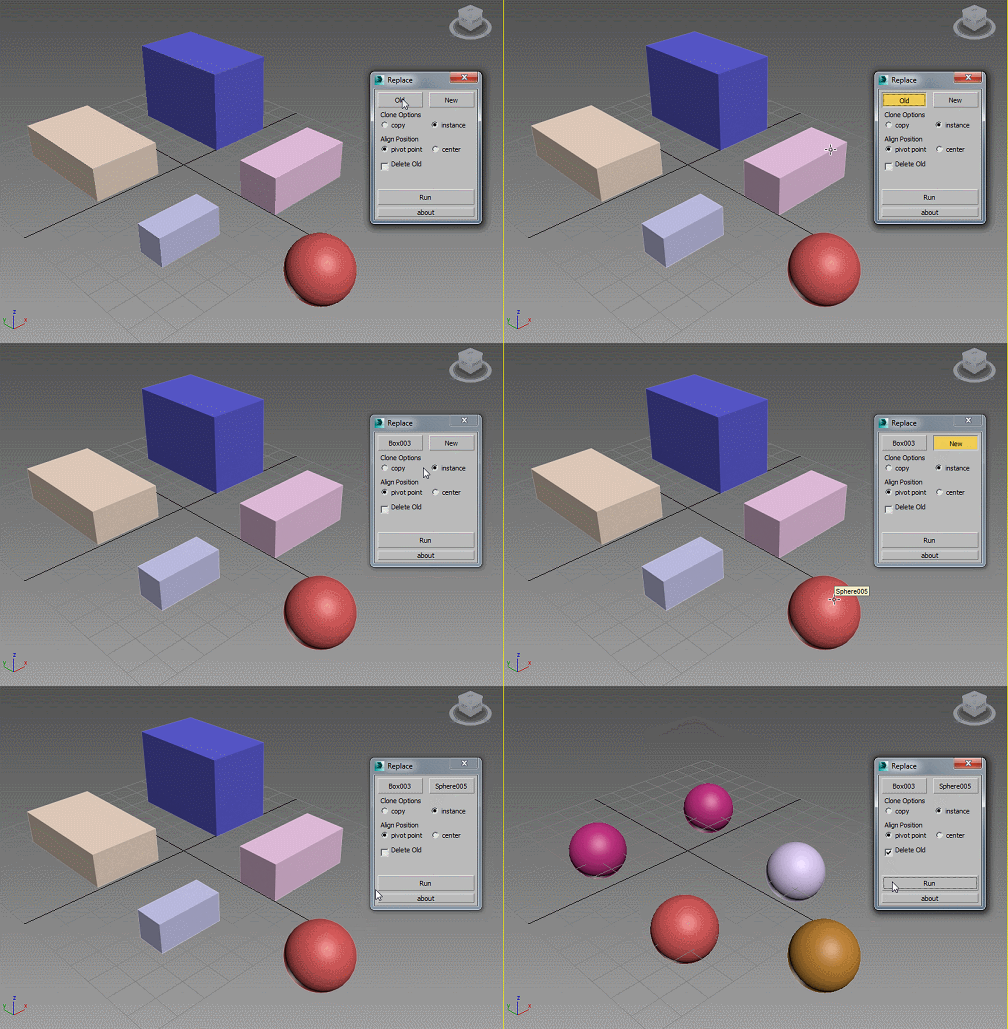
This script can automatically replase specified objects in scene (each of them) to another object. Replaceable objects should have a similar names, for example: Box001, Box002, Box003... etc.
Run script, and with button "Old" pick one of the objects, which you want to replace. Other simillar objects will be append automatically, based on their name. Then with button "New" pick an object, which will replace previously selected objects. Push a button "Run",

Place Objects according to normal

3 votes

This script will place objects according to the normal of the face you place them on.
You can add multiple objects in a list and let the script random pick one of those, or disable the random button and choose yourself.

Script features:

- Add multiple objects to a list and start placing them.
- Place them with the first click, then move your mouse to rotate the object and click again to confirm.
- Cancel placement at any time.
- Random select objects from the list.
- Add a Z-Offset to the objects.
- Place objects according to the normal they are placed on.

Vertex Normals Stitcher

8 votes

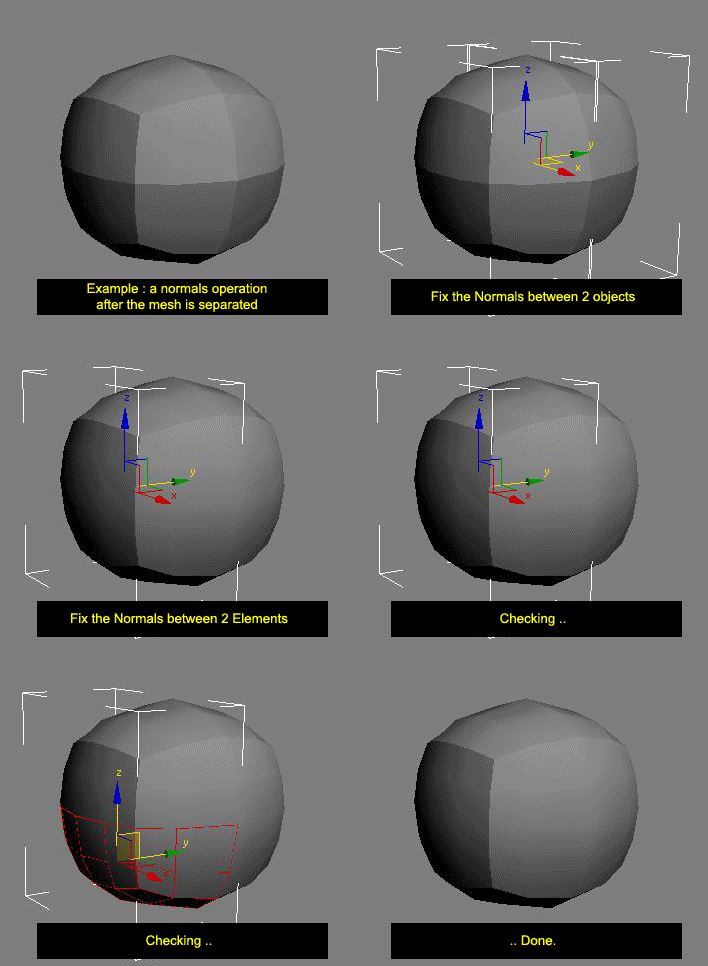
This script averages vertex normals at the borders (Open Edges).

It allows you to smooth a surfaces after separating vertexs / edges / faces.
(example: after detaching faces or splitting edges).
It still keeping a hard Edges if the object have multiple Smoothing Group ID

Images shown are not a welding operation

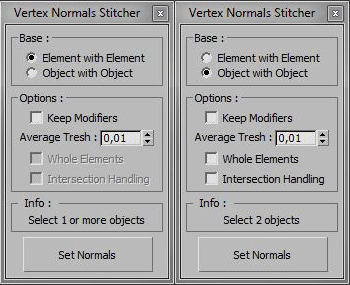
New UI :

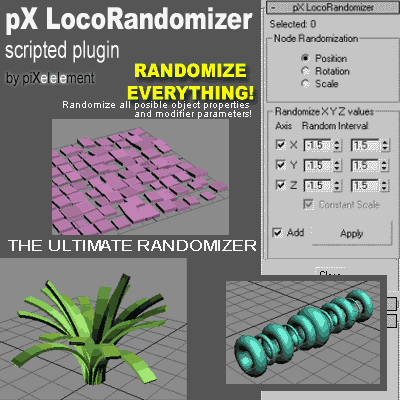
pX LocoRandomizer

41 votes

Randomize multiple object properties is something useful, but the randomizer I found in the internet they always randomize only position/rotation/scale.
Then I was working creating this plugin to randomize every property or parameter from multiple objects.


Syndicate content