Tagged 'spline'

Spline Poly Bind

15 votes

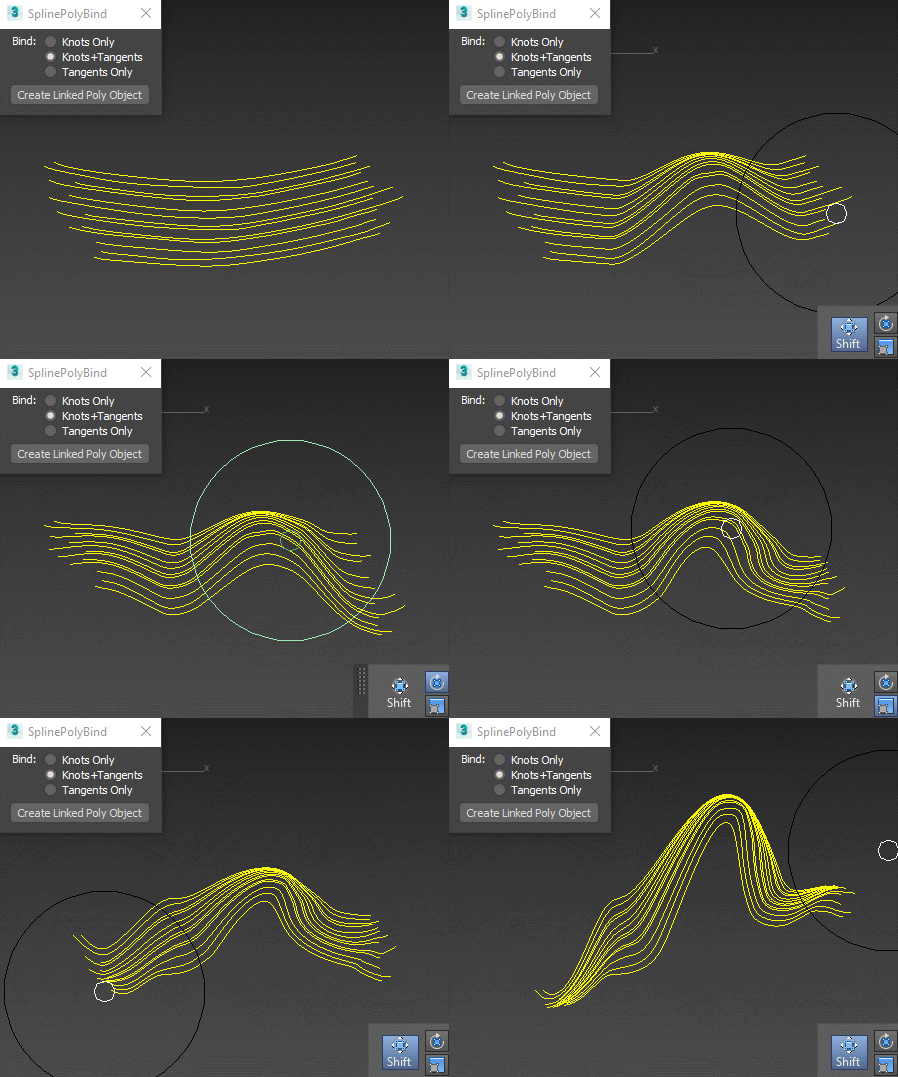
Creates an empty vertex-only object that you can deform with polybrushes (or any other editable-poly-friendly tool), and the splines will follow the deformation:

Spline Poly Influence

splineRig

62 votes

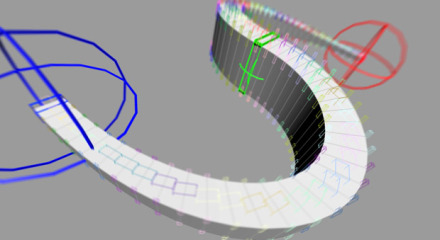
A spline based rig. An alternative approach to using PathDeform with more control over twist and scale.

1. Create a straight Spline - every vertex on that spline will be a helper to control the position
2. Run Script
3. Pick Spline
4. Adjust X Y Z to align the orientation of the box to your spline
5. Adjust width and length
6. Set twist helpers - this controls the amount of helpers to control twist and scale
7. Subdivisions - this controls the final resolution of your mesh
8. Press Go

Spline Curve Control

12 votes

Resize Splines From First

27 votes

Tools that resize spline sub-objects in regard to their first vertex, one with a scaling factor, the other using a fixed size.

CADStair

80 votes

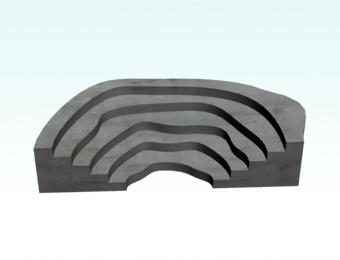
create stair by 2D shape,arc,Fan line,donut arc , Irregularity spline,Single Line,Multi Line to stair.


Spline Project

17 votes

Same kinda thing as mesh project except projects spline anlong their Z axis onto the surface of an object

Spline Cleaner

6 votes

Clean, repair and organize thousands of splines in no time!


Description

Spline Cleaner is an advanced batch processing tool for cleaning, repairing and managing spline curves in Autodesk 3ds Max.

Select, attach, detach and delete multiple shapes using smart filters: by size, by length, by proximity, by similarity, by wirecolor, by layer, etc.

Spline Control

14 votes

While working on a small fun project that involved animating splines (Montpellier Tramway Map morph), the limitations of Spline IK and general hostility of spline animation forced me to create my own simple animation-friendly spline control.

SplineTrace

43 votes

SplineTrace is a MaxScript that can be used to:

- convert a 2D Image into spline shapes, where each spline corresponds to an interior or exterior contour (outline) in the image. Works best on Black/white images but can be used on Colour images by adjusting threshold value.

- create a flat 2D object which corresponds to the "black" areas of the image. Any internal "white" areas are removed from the object.

- quickly turn a plain 2D image into a solid 3D object.

- create a flat 2D shape or 3D Object from an existing spline (not just those created by this script)

ChangeLog:

Flatten_Spline_XYZ

24 votes

This script comes in 6 macros - rolled into 2 script files. The script flattens splines to an X - Y or Z snap point. You select the spline - select the verts you want affected and then use the command. The script creates 6 commands - Flatten_Spline_X - Flatten_Spline_Y... Fatten_B_Spline_X and so on. The non B version moves the verts to the proper location but will not adjust Bezier Handles.