Tagged 'spline'

Spline Control

14 votes

While working on a small fun project that involved animating splines (Montpellier Tramway Map morph), the limitations of Spline IK and general hostility of spline animation forced me to create my own simple animation-friendly spline control.

Pathstribute

-13 votes

Pathstribute is a 3ds Max plugin which gives users the ability to distribute a mesh along any number of splines. Users are given a variety of controls to adjust the number of clones, the placement of the copies, scale, and the rotation. All controls support animation.

Download now!

Helix

4 votes

功能介绍:

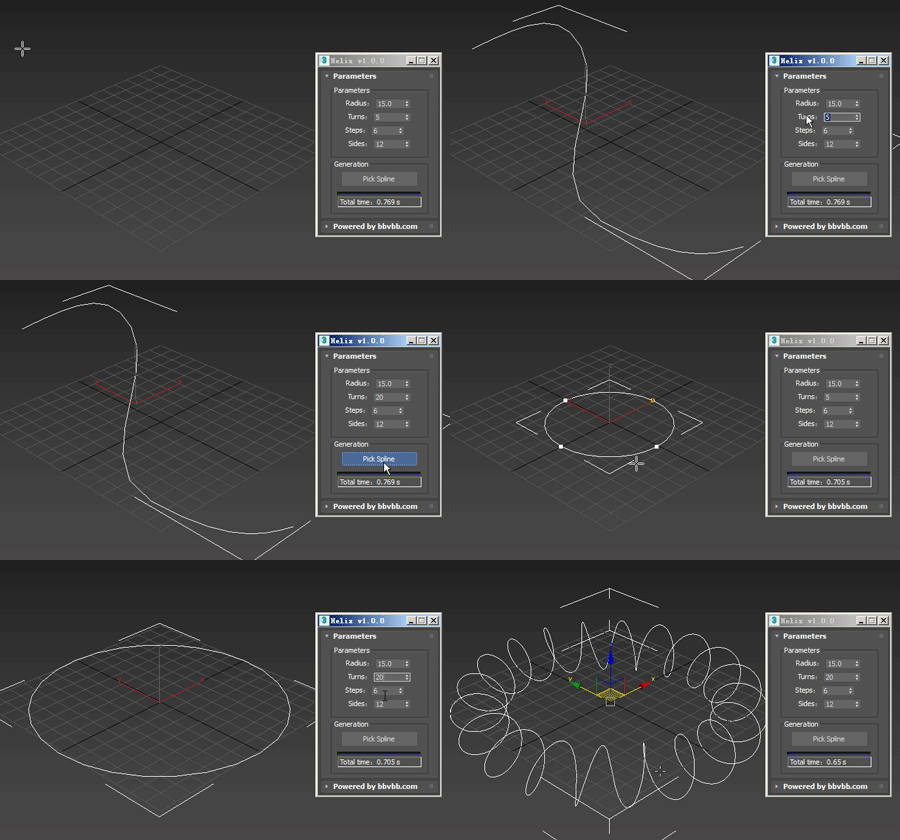
Helix for 3dsMax,是一款由#沐风课堂#用MAXScript脚本语言开发的3dsMax建模小工具,可以将任意弯曲形状的样条线一键转化为延该样条线路径上的螺旋样条线。

MAXScript for build helix spline.

Usage method: 

1 run Helix-1.0.0-en_US.mse.

2 create a spline in the Max view.

3 Click the "Pick Spline" button, and then pick the Spline. 

Spline Cleaner

6 votes

Clean, repair and organize thousands of splines in no time!


Description

Spline Cleaner is an advanced batch processing tool for cleaning, repairing and managing spline curves in Autodesk 3ds Max.

Select, attach, detach and delete multiple shapes using smart filters: by size, by length, by proximity, by similarity, by wirecolor, by layer, etc.

SuperHelix

4 votes

Description

SuperHelix is a professional tool to create complex helix splines for 3D modeling, Animation and VFX.

Make convoluted objects like DNA strands, ropes, tornado-like shapes, balls of wool, woven wicker baskets, tangled cables, wires, springs, spirals, intricate knots and a lot more.

Build custom deformed helical paths to animate your objects, characters or particle systems.

Advanced Sweep

15 votes

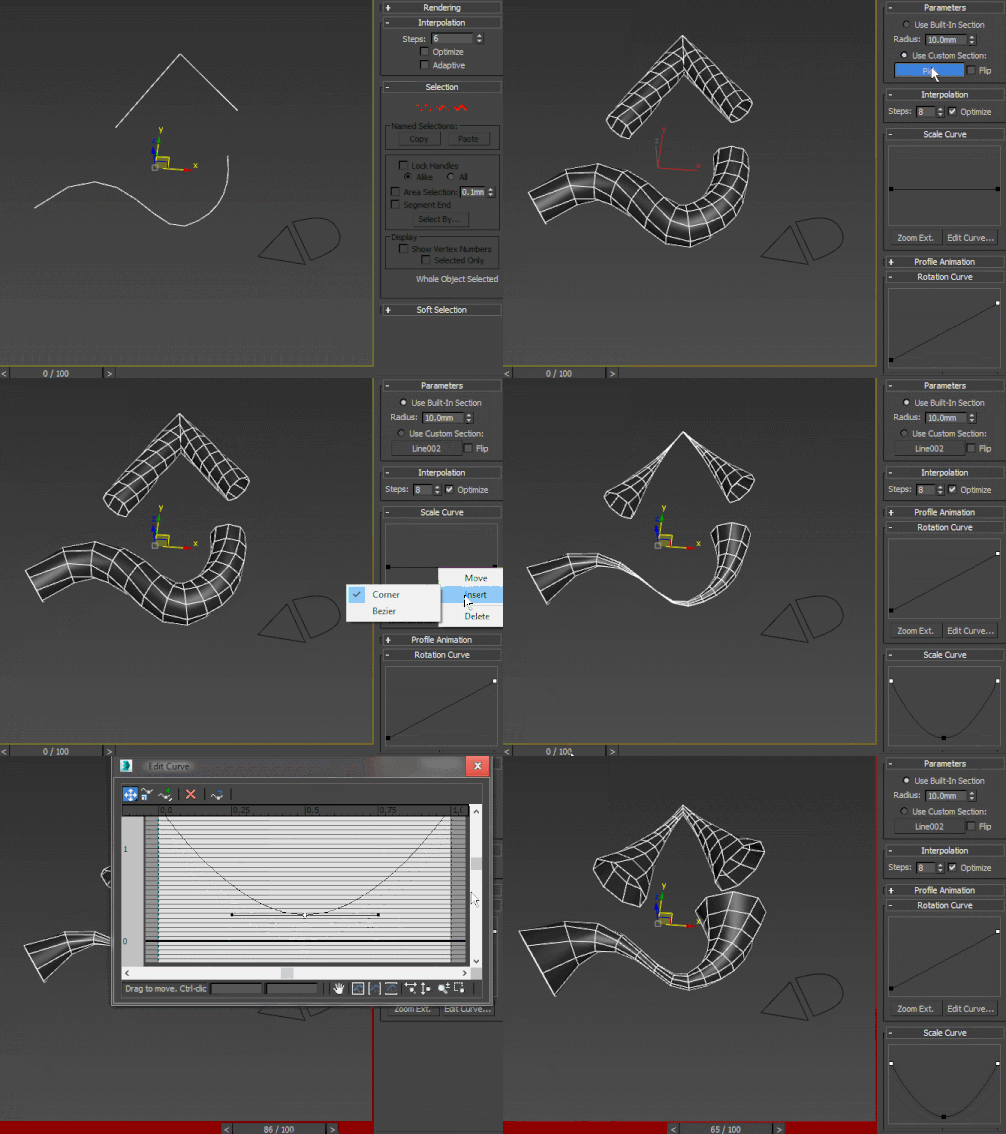
A curve-controlled scripted sweep modifier. As of now, both the Interpolation and Profile animation rollout UI items are just placeholders for non-implemented stuff. Using curve controls this way is pretty much experimental and as such, I wouldn't advise using this in production - better collapse it or make a pointcache and use that instead.

Mesh Surface

21 votes

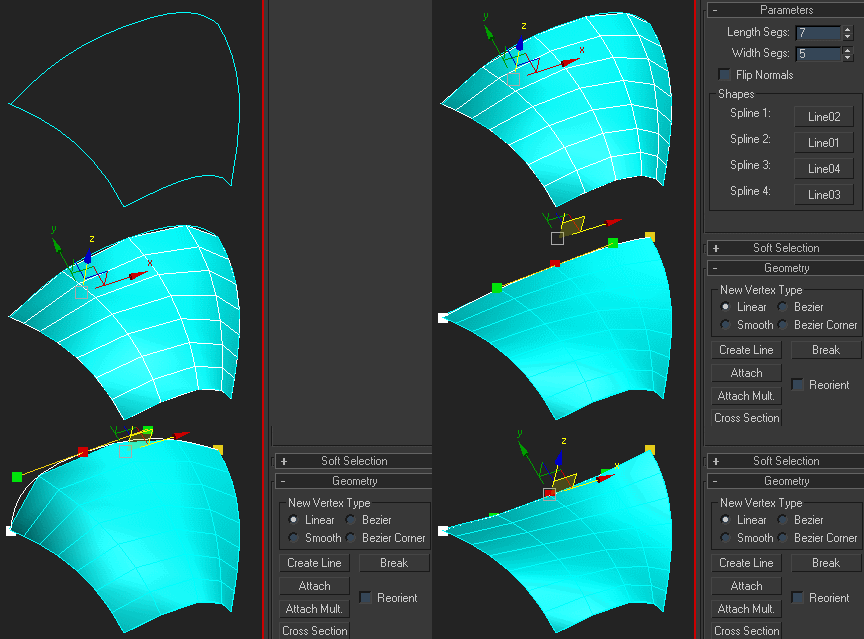
Creates surface defined by four splines. The order of picking the splines matters - they should form a closed loop. If you get a weird looking mesh, try once again starting with another of the four splines:

Note that if any of the splines are animated, the resulting mesh is animated, too.

Bone on spline

2 votes


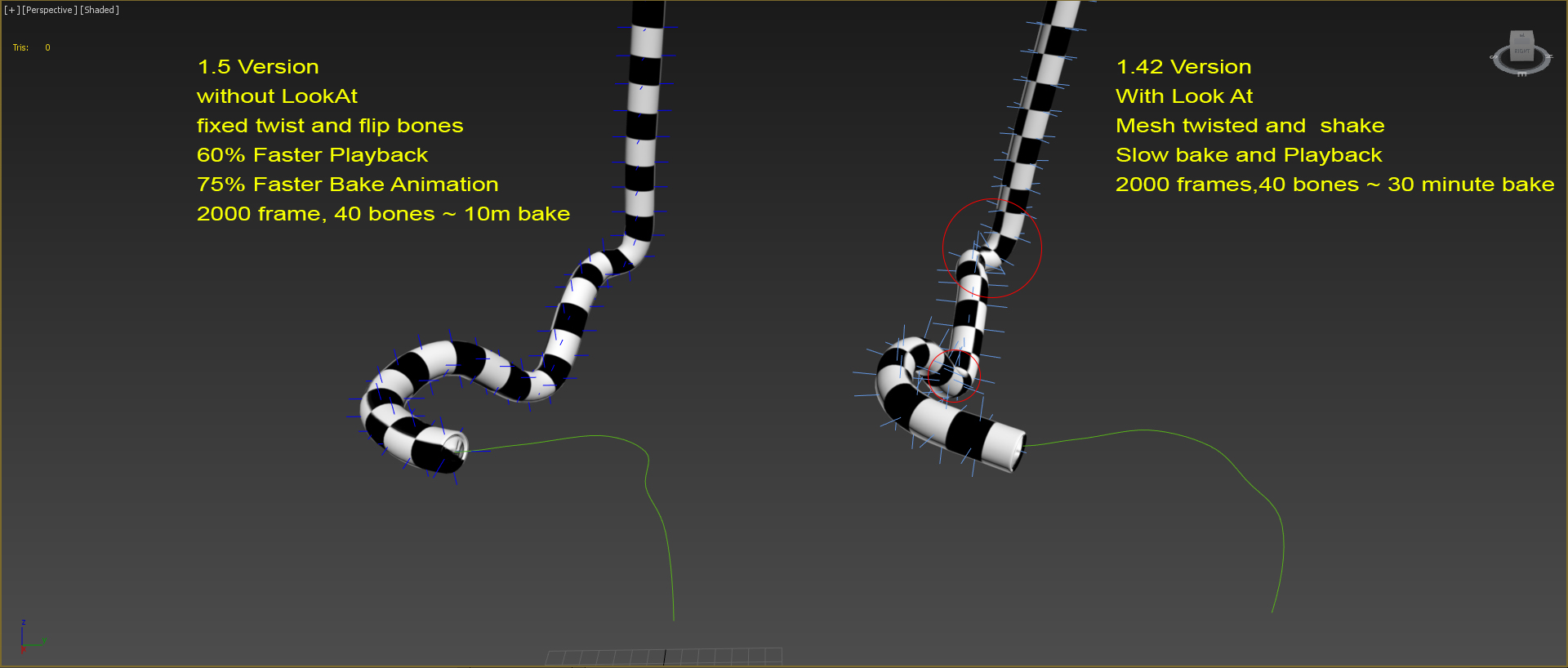
Animates bone spline. It will be useful when the animation: worm, snake, or something like that.

-- Update version 1.1
- Now you can change path every time
- Add "Update end frame"
- Minor fixes and improvements

-- Update version 1.2
- Fixed flip bones

Explode Spline Elements

0 votes

A small tool for quickly exploding all selected splines and shapes elements into separate objects. Support for turning on and off Undo for speeding up the process.

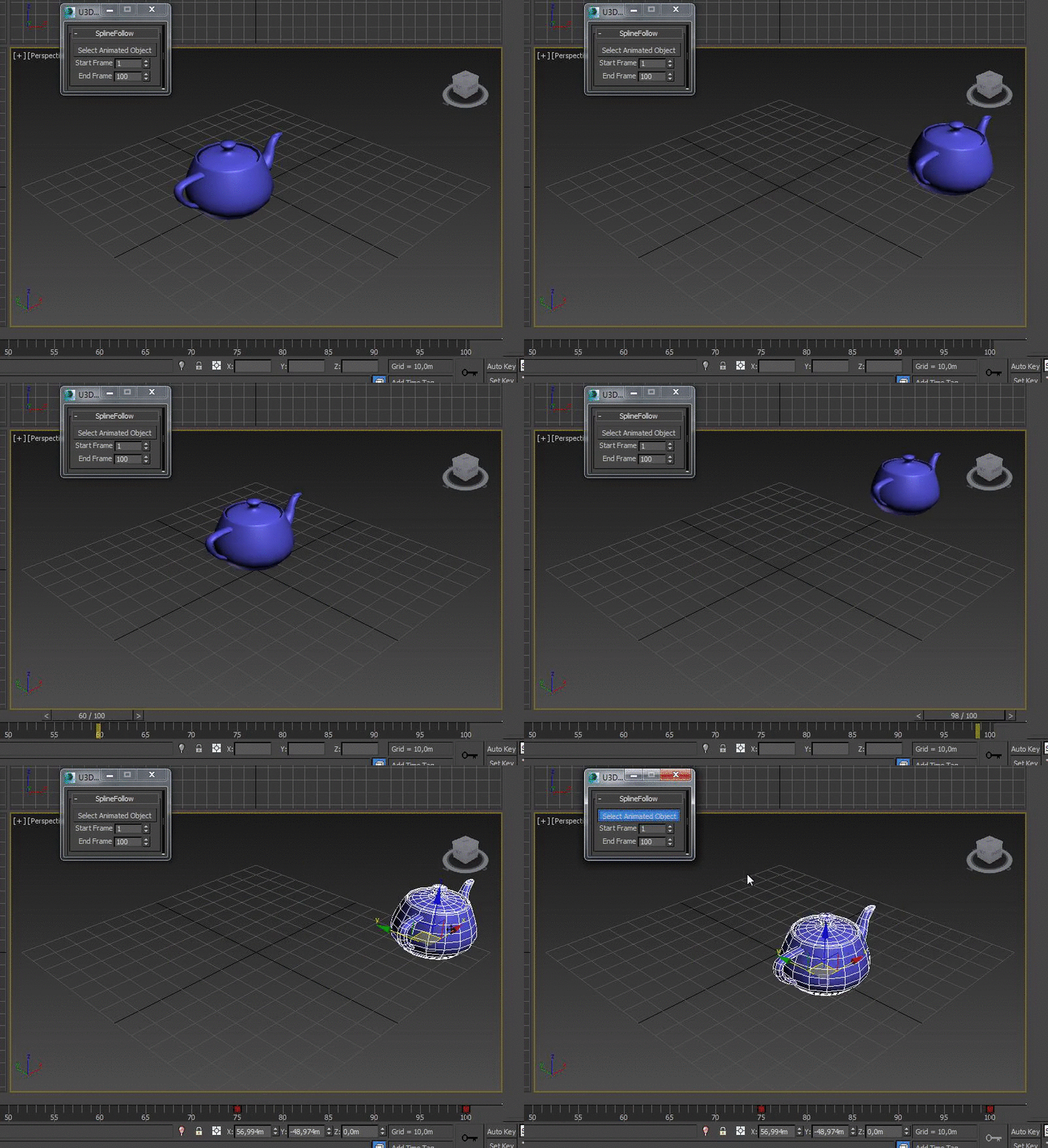
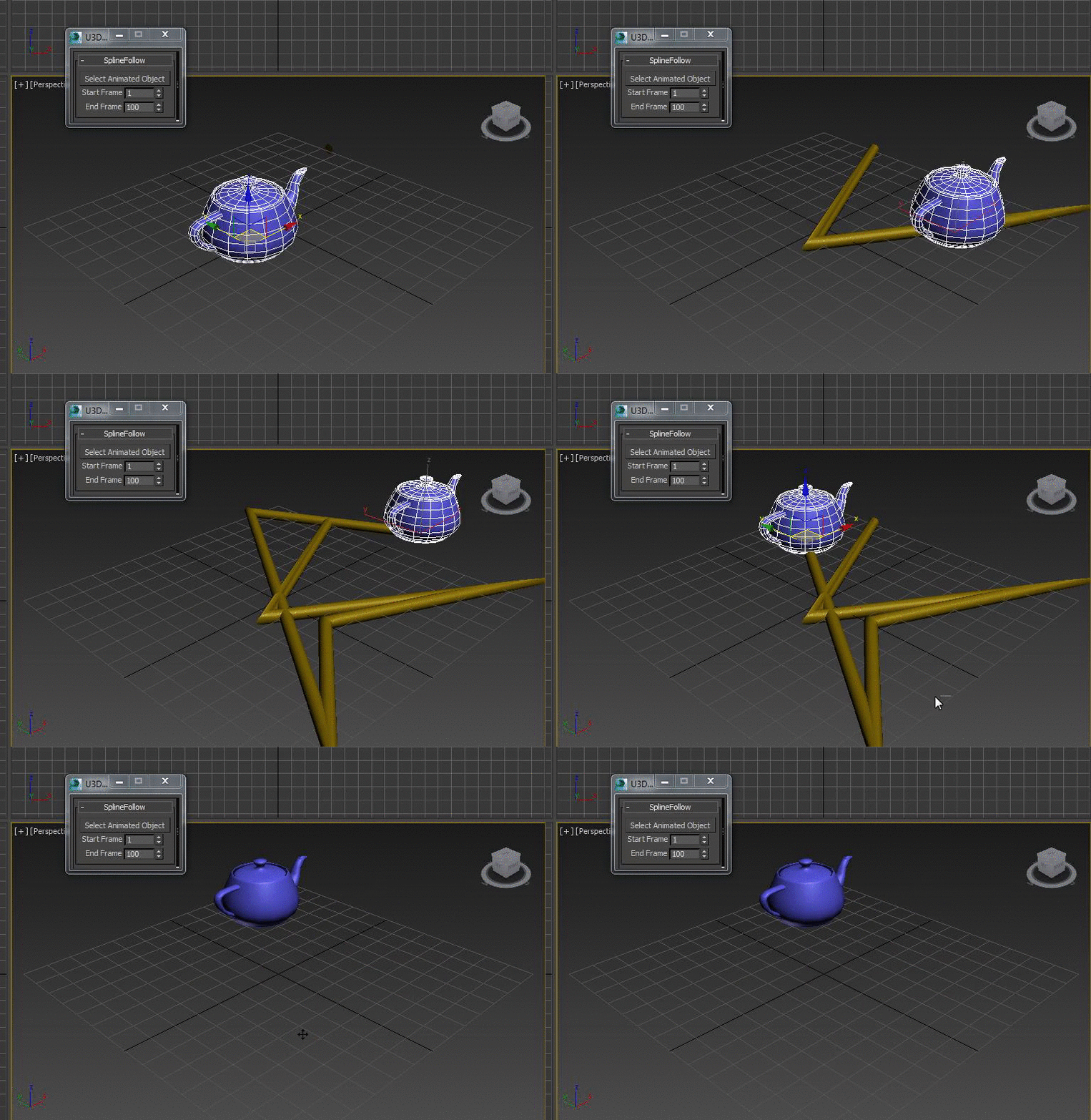
SplineFollow

1 vote