Tagged 'batch'

Smart Camera View 3

1 vote

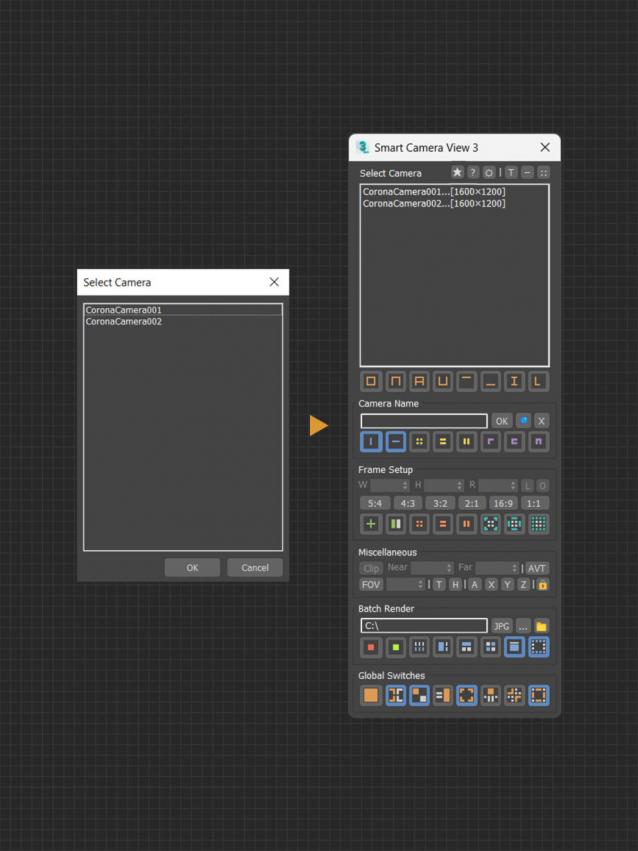
A major upgrade from Smart Camera View 2. While still sharing the same idea as previous version, version 3 actually has been completely rewritten from scratch, based on a brand new algorithm and workflow, for speed and performance, with a lot of new features. This script is intended to replace the default Camera View (C) in 3dsMax with many cool functions. 


MAIN FEATURES

Names Fixer

0 votes

A Script for Replacing Chinese and illegal Characters from (Objects-Materials-Maps-Modifiers-layers) Names .

PS: Undo Disabled , So its Better to Save your Work Before Running the Script .

For Replacing Texture Names you can use Pop Chinese Script

UPDATE 1.1 :

  • Change the script name to "Names Fixer"  .
  • Add Fix for Names Sequences , ("Group464134564" will be fixed to normal sequence "Group023")

Smart Merge 2

6 votes

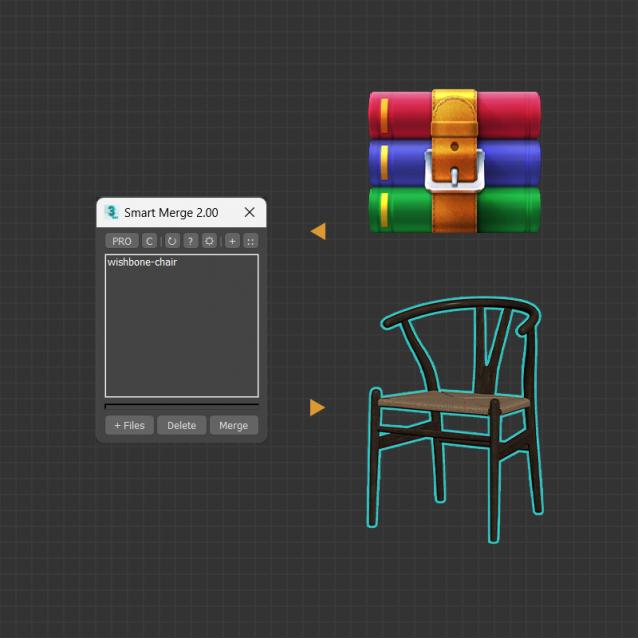
A tool for quick import/merge of 3dsmax files, or downloaded archives from 3D Stocks or Asset Libraries site. You can quickly batch load these files into the current scene by simply drag and drop, and then selecting the max files to merge from the list. This convenient script will save you a lot of time, especially when you have to merge many files into your project.


MAIN FEATURES

Smart Camera View 2

0 votes

Smart Camera View 2.99 — FINAL UPDATE FOR VERSION 2

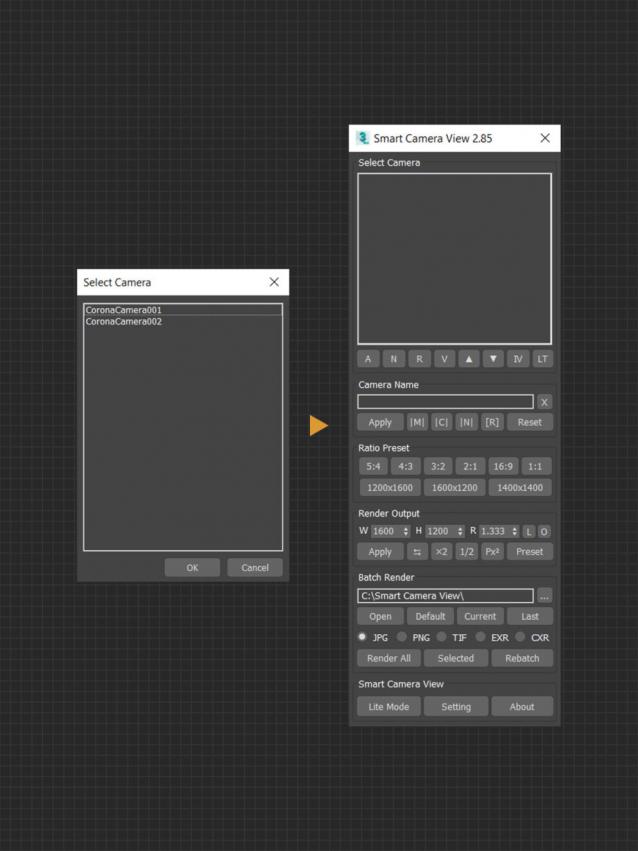
A major upgrade from Smart Camera View 1 (fomerly known as D95 Camera View), with many important additional features. This script is intended to replace the default Camera View (C) in 3dsMax with some cool functions. It will save you a lot of time when setting camera, especially in scenes that has multiple cameras with different aspect ratios.

CHANGELOG (LASTED VERSION)

2.99 | 10/01/2022

Render to Texture Selected

0 votes

poster

Batch render to texture script ready for game engines. Bakes all selected objects or groups with one click, saves baked UV textures into a directory, and replaces materials on the objects! If you select a group, it attaches all group members together and bakes it as a single object. Each selected object will have its own texture as well as a group. Output standard material will have a white diffuse color (necessary for some game engines such as Unity3D).

==== CHANGELOG ====
v2.0
-Fixed an issue with V-Ray

renderStacks

4 votes

Render Pass Manager for 3dsMax

We offer a free non-commercial version.

It is a render pass/generic task manager for 3dsMax. If you have used RPManager, LPass Manager, Prism, StateSet, Scene State. It is something like that. But, it is aiming to be a lot smarter, faster and more stable.

Proxy Textures

1 vote

Proxy Textures 3dsMax plugin - banner

Quickly optimize your textures for viewport performance and fast rendering!


Description

Proxy Textures is a 3dsMax plugin to automatically create low resolution versions of your textures, to speed up your work on heavily loaded scenes.

Render Batch Helper

7 votes

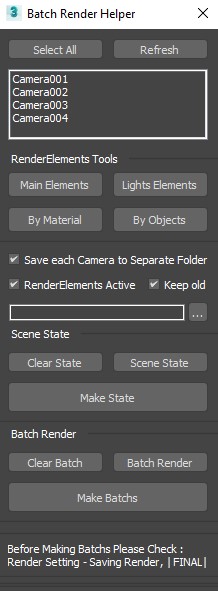
This Script will Speed up the Process of Creating (Batch Renders) and (SceneState) for Specific Camera .

and Making (Lights RenderElements) and (Masks RenderElements) for (Selected Objects) and (All or Selected Lights) .

Overnight Batch Render

3 votes

SubSpline 3dsmax script - banner

Full rendering job while you sleep!


Description

Overnight Batch Render is a simple yet powerful batch rendering tool for 3dsMax, capable to process multiple scene files sequentially on a single computer.

Batch Save 3ds Max Files to Previous Version

4 votes

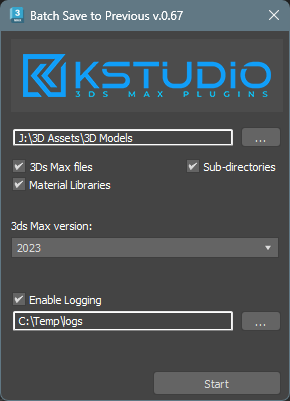
Script for saving 3ds Max files and Material Libraries* to the previous version in batch mode

*Batch saving Material Libraries to the previous version requires 3ds Max 2023 Update 1 or newest