Tagged 'Unwrap'

Unwrella UV-Helper: Blue Edge Selection To Green Seams

15 votes

This script converts (blue) pelt edge-selections into normal (green) texture seams.
It is used to skip the tedious manual parting process and it creates instantly separated UV parts.

http://youtu.be/FKdrColmPPk

Mainly for use with Unwrella 2.

There's an extra button for clearing all seams from the mesh.

Last Update: max 2013 compatibility, detailed tutorial video added

SteamRoller

14 votes

Steamroller unwraps every objects in a selection using Max's built-in flatten function based on the specified parameters. Steamroller is mainly intended as a quick and dirty method of quickly unwrapping lightmap UVs on large sets of objects, similar to the automatic unwrap in Render to Texture.

Unwrap Pro

13 votes

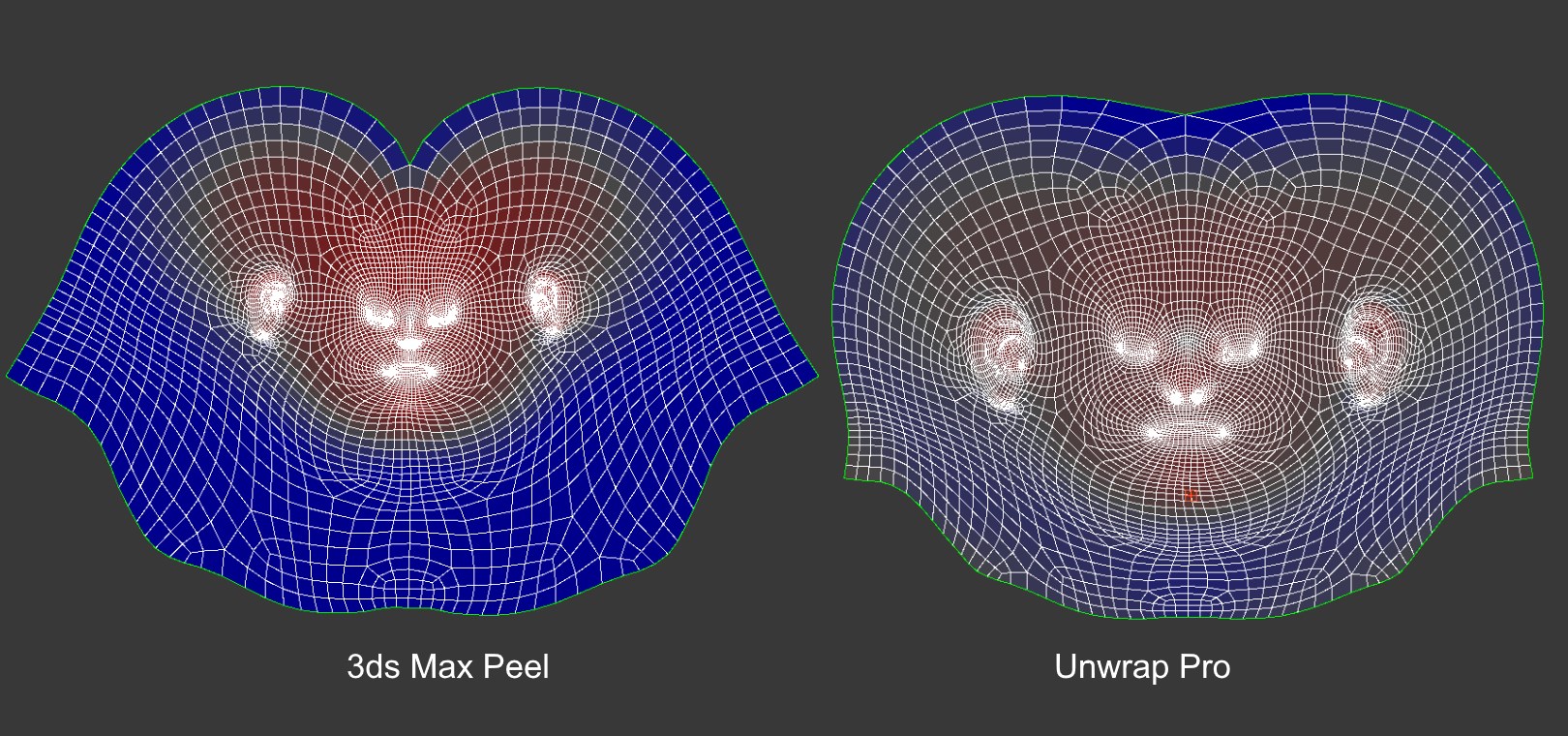
Unwrap Pro is a 3ds Max plugin which unwraps meshes while producing low distortion, overlap free, weighted density UVs unlike the 3ds Max Peel command which produces overlapping uvs with high area distortion. Get it from https://mariussilaghi.com/products/unwrap-pro

UVW Aspect Fix

12 votes

The script takes existing UVW Elements and scales them relatively to
their proportions in the parent object.

Works only on a single poly or mesh object.

[ 3dsMax <> UVLayout ] UVPipe mod by miauu

11 votes

This script will allow you to send the selected objects to UVLayout and get them back.

This is useful when you wants to have more than one object in the same UV square.

All editable poly objects from the selection(selected objects or groups) will be sent to UVlayout.

UnwrapAlignTools

11 votes

This script is actually three in one, for use in Unwrap UVW.

Align Selection Horizontally, Align Selection Vertically, and Collapse Selection to single point.

Update 1.1 added Undo

Advanced UV Normalizer

8 votes

Advanced UV Normalizer (AUVN) is a tool for normalizing the Texel Density across different objects.

It has a comprehensive set of features to calculate, get, set and modify the Texel Density of your models based on different parameters such as Geometry Area, Texture Area, UV Area as well as the Geometry/Pixels and Geometry/UVs Ratios.

The Texel Density can be set using a fixed texture size, or you can assign different AUVN textures and normalize them all at once using their texture size.

UVWXYZswap

7 votes

Swaps the UVWs with XYZs very useful if you want to use any modifiers, use poly modeling tools, or any other 3d tools on your UVWs. Update: Added undo, and rolled in some the scaling work that TexTools added to my script.

Polygon Tools

4 votes

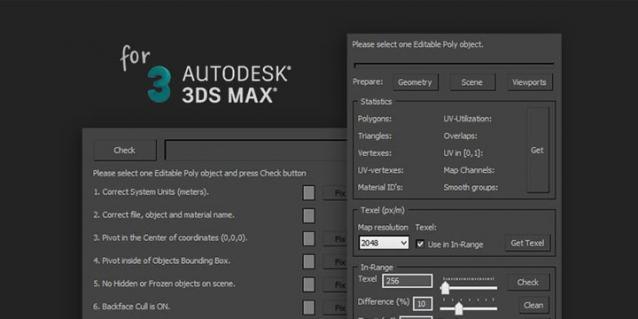
Polygon Tools are scripts pack for checking 3D-model during modeling and UV-mapping process in 3ds max.

Target audience: enthusiasts, beginning 3D-modelers, outsource managers, Art QA, art-managers and etc.

Polygon Tools was created to facilitate common problems search in 3D-models and speed up the work by reducing the amount of routine work.


Short Features List:

World Scale UV Tiling

4 votes

I have a material library in Unreal that uses real-world values to calculate how much they should tile.

I needed the ability to apply any material to any mesh in Unreal, including custom unwrapped ones, and have the materials be at the same scale. This script solves that issue.

If I wanted to solve this manually:

Syndicate content