Tagged 'script'

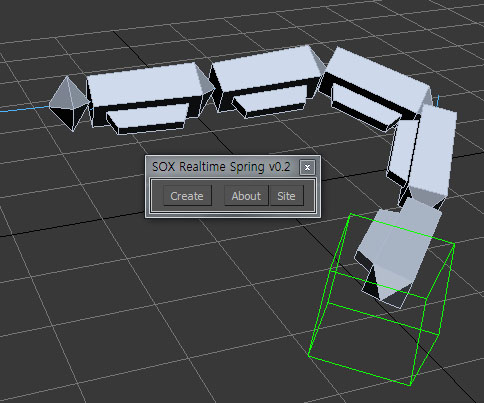
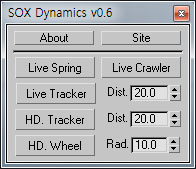
SOX Dynamics

3 votes

Sorry, The management of the tool will stop temporarily.


3ds Max 8 Quick Walk Through v1.0.0

9 votes

QUICK WALK THROUGH V 1.0.0. is for architectural visualization. In this version the script can detect 7 PivotDoors (PivotDoor01 to PivotDoor07) and 7 CasementWindows (CasementWindow01 to CasementWindow07). Using Keyboard Camera can be rotated in the x-axis also. Mouse can be used while Auto Key is on.

Xrefs Selection Sets

3 votes

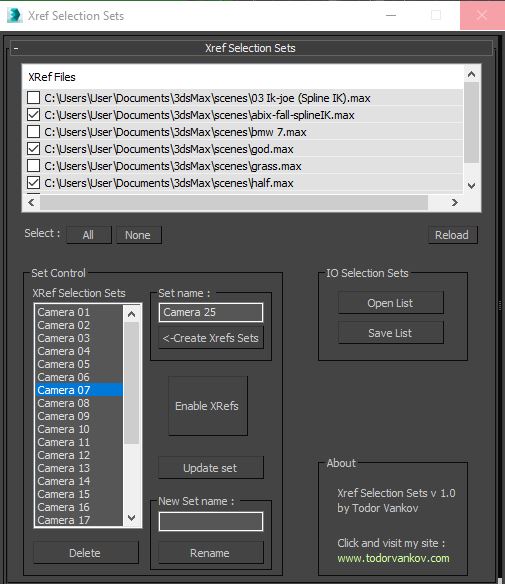
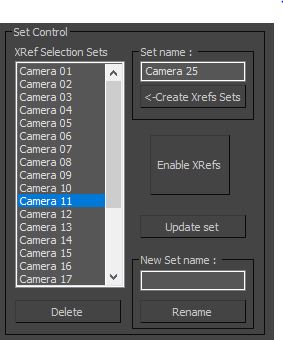
I made this script to save time when I send cameras in my renderfarm.

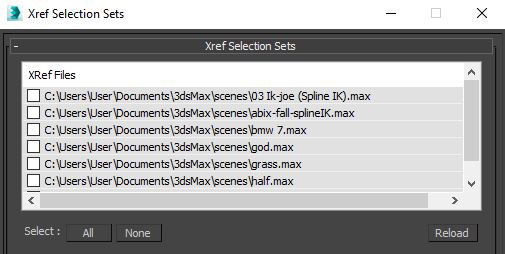
1.You can choose your XRefs in this window.

2.Create a list of XRefs selection sets for every camera in your scene.

Stairs Extruder

0 votes

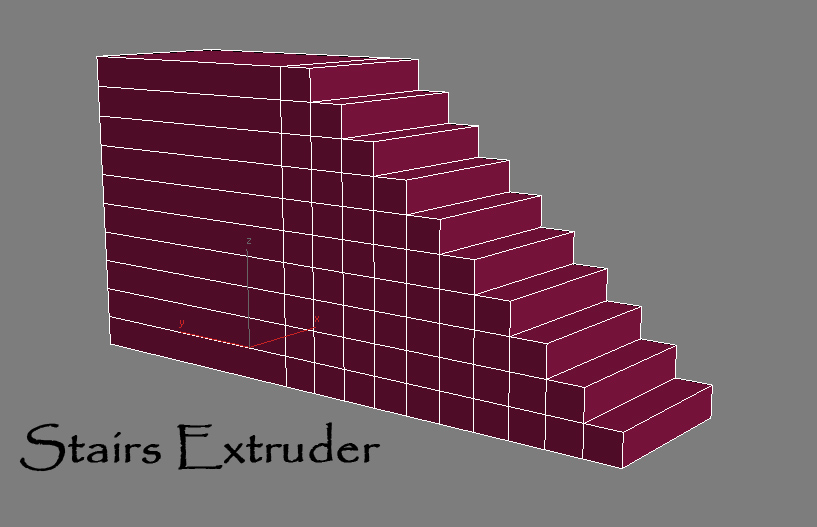
Simple Script that do incremental face extrusion (useful to create stairs for example)

# Installation:

1-extract files

2-copy Stair Extruder.mse to 3dsmax\script folder

3-copy StairExtruderMacro.ms to 3dsmax\script\startup folder

4-restart 3ds max or run StairExtruderMacro.ms from script menu run.

5-add it to ur desired UI (menu,quad,toolbar...)

3DS Max Multi/Sub-Object Material Browser Script

2 votes

When dealing with various bitmaps to be applied on multiple objects (i.e large video walls), this script comes really handy. The purpose is to scroll through the Multi/Sub-Object Material diffuse bitmaps and apply on one or several objects.

Change Log:
v0.9b :

  • Bug Fix.
  • Added icons and macroscript.
  • v0.9a :

  • SubObject Support.
  • Preview before applying.
  • Improved Code and functionality.
  • New features added.
  • Object-Bound Camera Clipping

    1 vote

    Description

    Adds additional controls to the selected camera for driving clipping planes using objects in the scene.

    Object-Bound Camera Clipping 3ds Max script

    Features

    Log Console Zorb

    3 votes

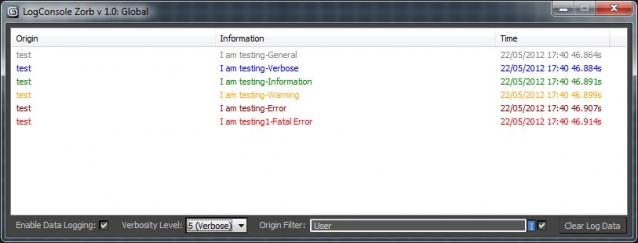
    This script is a general Log Console to be used by max scripters, a great way to quicly add information logging to your script Once installed you will have access to the LogConsole by creating an instance (you can create as many as you want) by using something like:

    foo = ZorbConsole title:"Log A"

    You may open the log by using: foo.showme() And write to the log with the AddLog function like so:

    foo.AddLog #("test", "I am testing-General", 0)

    The Information may then be filtered by verbosity or by the information origin (handy to add what function is sending the log info)

    Material Lister

    14 votes

    Material List is soon to be made redundant with the release of Mission Control!

    Read more about it here : http://reformstudios.com/mission-control-for-3ds-max/

    or joing the Beta here : http://reformstudios.com/mission-control-beta-programme/

    I have added a feature list to the website here :
    I am also looking for beta testers, so please sign up here for a chance to take Mission Control for a spin. 

    Content Browser

    2 votes

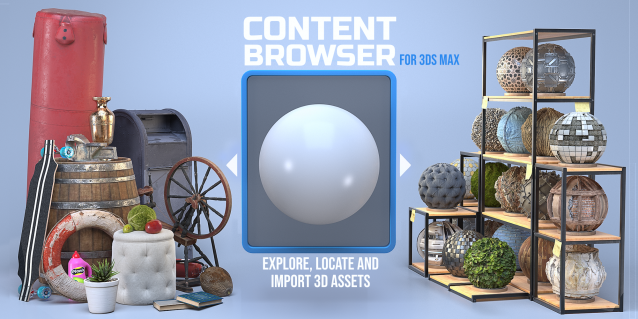
    The Content Browser helps you quickly browse and import 3D assets on your computer.

    Load any folder accessible on your machine and the Content Browser will find any materials, hdri’s, models, and max files. It will group, organize and display these files as assets, recognizing previews, LODs, mapping channels, resolutions and other important information automatically. 

    It simplifies the importing and merging process for 3d models, max files, material creation and hdri environment maps by allowing you to directly browse, filter and drag all of your 3D assets from sources like MegaScans, PolyHaven, gameTextures, Poliigon, Arroway into 3ds max viewport or material editor. 

    Main Features

    • Load any folder and find 3D models, max files, materials and hdri’s.
    • Show grouped files as assets, group matching assets and find preview images.
    • Drag and Drop asset into the 3ds max viewport or the Slate Material Editor
    • Import assets to Slate and Compact Material Editors
    • Default Merge and Import 3d files and max scenes, with automatic relinking filepaths
    • Choose LODs/resolution/variations and Import multiple assets at once
    • Folder hierarchy, File list and Preview Gallery

    Normalize Render Elements

    3 votes

    ---- Description:
    ---- Normalize file Path of render elements.
    ---- Change all or selected render elements extensions to unique extension, and extension can be diferent that file name OutPutPath render.
    ---- Set a diferent path to render elements and output render.
    ---- 1.1
    -----Fix little Bug in update name output file with name output elements