Tagged 'materials'

waRp Slate

2 votes

Inserts into Material Editor sets of 24 SCENE materials.
If there are more than 24 materials in the scene you can choose, which set of 24 you want to load to the Material Editor (slate number one means get the first 24 scene materials, set number two means get the second set of 24 materials and so on).

Vray Mass Material Editor

1 vote

Simple script, that walks through all Vray Materials (including Sub Materials of Multimaterials, VrayBlendMtl, Vray2Sided, VrayBump etc. including Sub-Sub...and Sub-Sub-Sub Materials) to make mass-changes like adjust Glossy Reflection Samples, Enable/Disable Bump Maps, change Trace Depth etc. ----New---- Added checkbox "Affect selected objects only". Please remember, if selected and not-selected objects share Materials/Material Instances, also the materials of the not selected objects will be affected, of course. Have fun, use at your own risk!

Select Objects By Sub-Material

2 votes

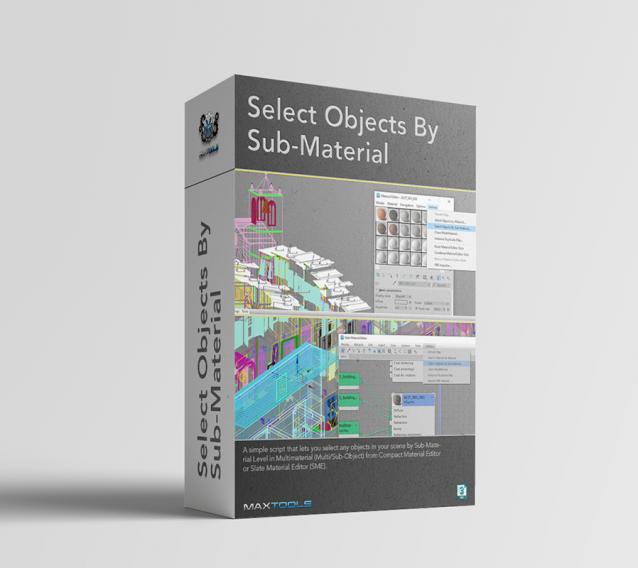
Select Objects By Sub-Material (SOBSM) is a simple free script that allows you to quickly select all objects in your scene that use a selected sub-material from a Multi/Sub-Object material.

Unlike the native "Select Objects By Material" tool, which only selects objects by exact main (parent) material match, this script analyzes material IDs assigned to faces/polygons. This allows you to select objects by a specific sub-material, even when a Multi/Sub-Object material is assigned to the entire object and the desired sub-material is only used on a portion of its faces.

The script works with both material editors in 3ds Max - the Compact Material Editor (Medit) and the Slate Material Editor (SME). Select a sub-material in any editor, run the script, and all objects that use this sub-material (on faces with the corresponding ID) will be selected.           

waRp CtrlMtls

0 votes

This script simplifies the editing of the textures (that are imported from Mari) within 3ds Max. It changes some basic parameters of all the imported textures.
It automatically enable only the mapping slots that have textures assigned to them.
It only works with materials that are assigned in the scene and have the keyword "_tg" in their name

Options that are included:
-- Turn on or off a particular mapping slot
-- Change the RGB offset
-- invert the textures
-- Preview the textures in the viewport

MultiMats6

0 votes

* Title: Multi_Mats6

* Description:
-- Create Multi-Material with 6 SubMaterials
-- Can be assinged to a Box, Plane or Selection

* How to use this script:
-- Click on Multi-Material button to create a Multi-Material with 6 SubMaterials
-- We can assign this newly created Multi-Material to Box, Plane or our selected objects

Here's the screenshot of the script -
https://postimg.org/image/irtojn2op/

CoreLink

0 votes

CoreLink - AI-Powered Asset Library Manager for 3ds Max

CoreLink is a fast, lightweight asset manager designed for 3ds Max artists. It allows users to browse, preview, and drag assets directly into a scene without heavy viewport plugins or complex database setups.

All features are included for free, and users only need to upgrade when their library outgrows the standard limit.

Auto Material

2 votes

This MacroScript works as an on/off toggle. When on, the currently active material in the material editor is applied to new objects that you create. It also works on objects that you copy that don't have materials.

ShaderBuns

1 vote

- Created to improve organizing and retrieving of shaders and their settings quickly.
Features:
• Unlimited libraries
• Recursing of folders
• Create new shader libraries
• Add and Delete shaders
• Copy and Paste shaders from one library to another
• Shader previewer

Arch And Design Manager

0 votes

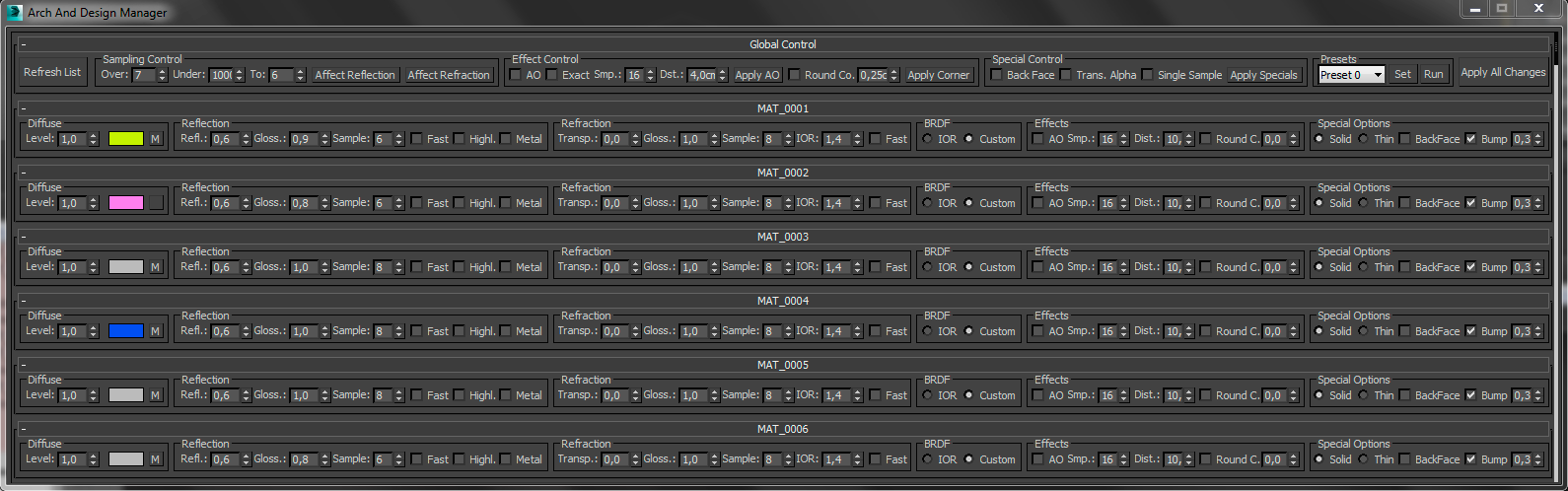
Full resolution screenshot: http://www.pixelcrusher.de//files/ArchAndDesignManager.png

This MaxScript is for manipulate arch and design materials in the scene. At the moment it is limited to 90 materials, this you can change at your own risk (maybe on some computers it works with 200 materials).

BadShell: Nested Shell and Multimaterial Detection

2 votes

Detects and selects objects with nested shell and multi materials so they can be addressed by the artist.