Tagged 'modeling'

UniRing-Loop Tools [URLT]

8 votes

The Ring-Loop selection and the edges and vertices of a single hotkey.

Universal Ring-Loop selector, works with Edges and vertex (on vertex works with bugs)

Выделение Ring-Loop и рёбер и вершин единой кнопкой

Универсальный Ring-Loop селектор работает с рёбрами и вершинами (на вершинах работает с ошибками)

Show Vertex/Face Indexes

6 votes

These two scripts enables you to have better visual feedback on the current vertex and/or face/polygon selection. It displayes the current selection's indexes in the active viewport.

Stairs

5 votes

Lets you quickly and easy build stairs and handrails with many settings.

SymMapping_Tools for max

17 votes

This tool was created by inspired from XSI symmetry mapping with some additional feature for max and its saved on external files for easy to use. Works on editable_poly object.

Mirror Vertex Selection

3 votes

Mirrors the current vertex selection of an editpoly/editmesh. Works only on symmetric objects

G.M.A.D. Tools

3 votes

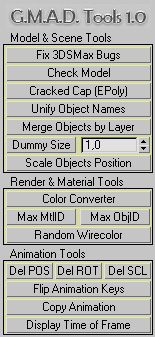
Here is a maxscript utility pack called "G-Model-Animation-Design Tools" (or G.M.A.D.)

Key features:


  • - Merge objects by layer name
  • - Scale objects positions without rescaling the objects themselves
  • - Color converter (int-float-hex-colorpicker)
  • - Flip animation "sign" (up-down-up -> down-up-down)
  • - Copy animation from one object to another
  • - Display float time of current frame in seconds

Welder

7 votes

Welds a model containing many individual objects into a single editable mesh.

WireJumble

8 votes

Makes a user definable number of wires (lines) of variable thickness that travel through various target objects. Useful for making jumbles of wires that go from place to place in your scene without the need to model them - and provides more power in placem

Animation Trajectory Volume

3 votes

This script helps you create an aproximate mesh that covers the animated object (transforming or deforming) through the animation range.
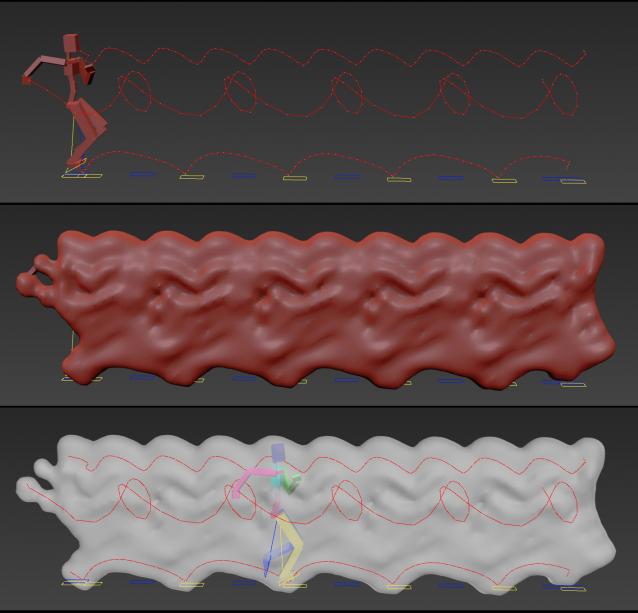
It can come in handy:

-When trying to build an environment around your animatedcharacter for example.

-or to see how your animation flows instead of using the normal line trajectory.

-also to know the dimention that our charachter are moving in to build FumeFX container or other fx stuff.

It's based on Blob mesh so:

Pattern Engine For 3ds Max

2 votes

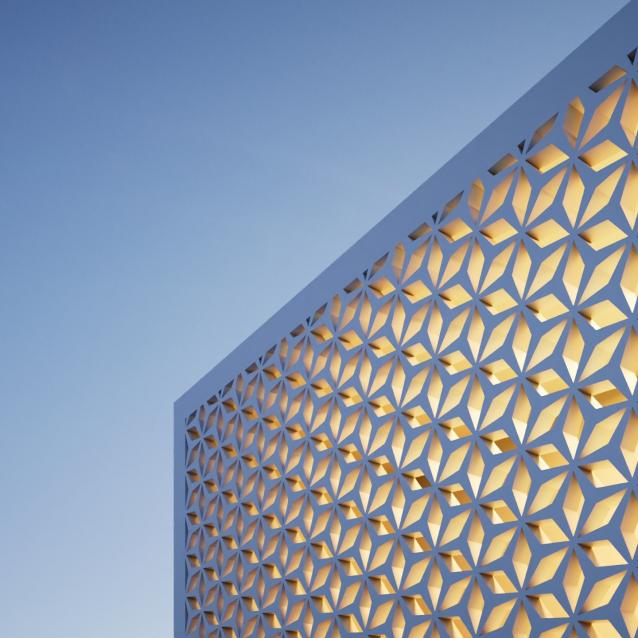
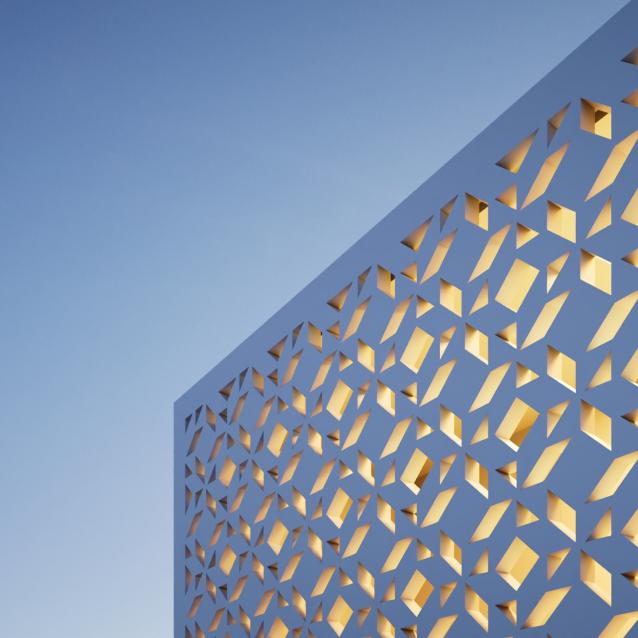
Pattern Engine is a scripted tool for 3ds Max that can generate and edit a variety of 3D geometry types—such as parametric patterns, 3D tiles, partitions, shelves, wall art, upholstery, and more—much faster and more easily than other approaches.

Syndicate content