modeling

EdgeStraighten

15
votes

Branchy

13
votes

Modifier Auto-Select

2
votes

This is a tool I put together because sometimes you have to work with modifiers on multiple nodes and the modifiers aren't at the very top of the stack. You’re constantly having to select the node and then selecting the proper modifier. Prime example of this is when you have a turbosmooths on top of all of your geometry while you are either skinning or modelling. It would be much easier, and save quite a bit of time, if every time you selected a node you just automatically were on the skin modifier or edit poly modifier.

Quadrangulate

8
votes

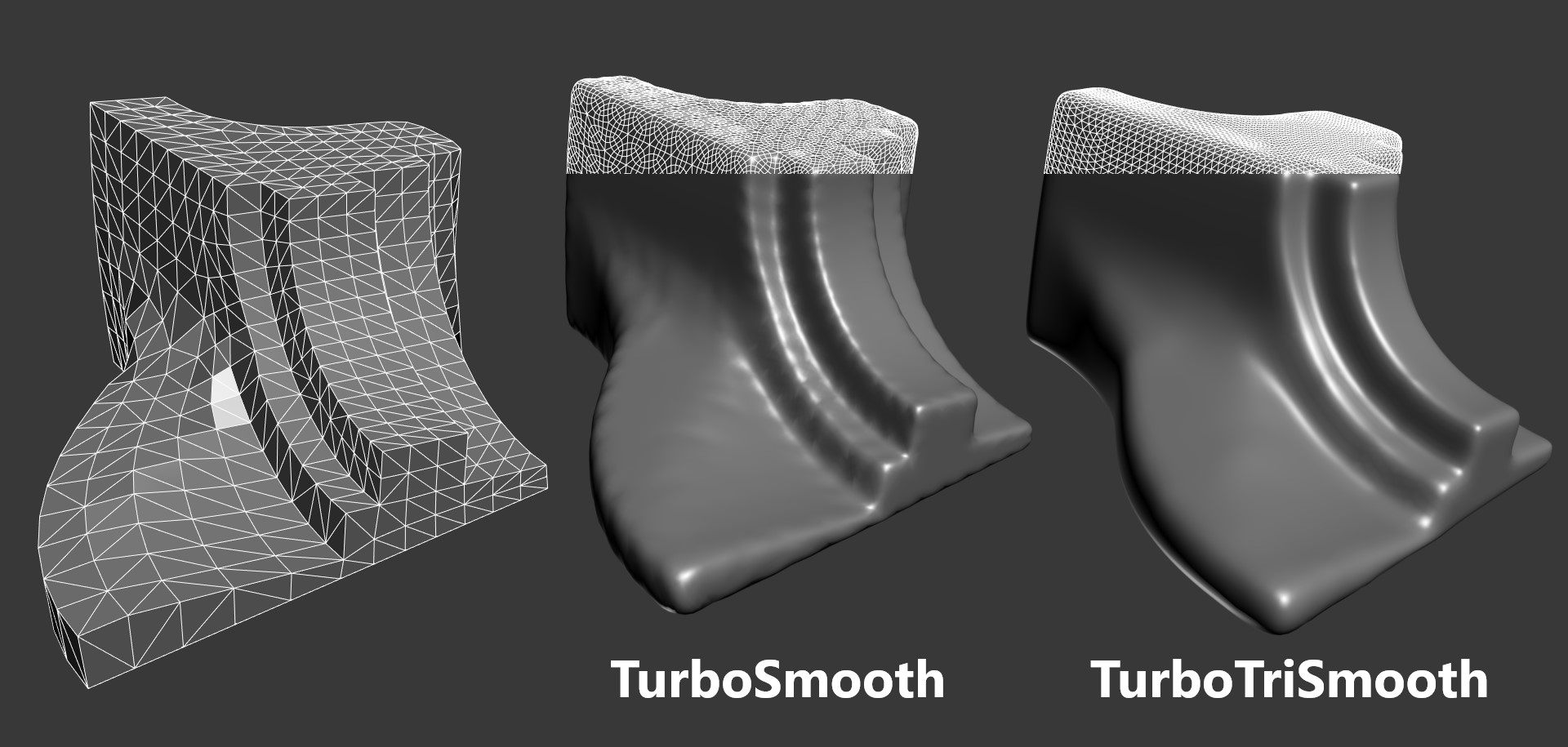
Converts a triangle based mesh into quads. This script has also been known as polybomb.

DetachElements

8
votes

Seperates all the elements of a selected object into seperate objects themselves. Will work on editable polys - editable splines and editable meshes. Renames the newly created objects based on the originals name. Detaching function for splines is different from that of meshes and polys (does not center pivot/reset object)

Advanced Painter

69
votes

Advanced Painter is a modular brush-based distribution tool derrived from the Nature Painter script. This tool comes with 7 inks:

  • Grass: to create grasses; Grass: to create simple grasses
  • Hair [new]: used to create simple hair/fur (or as guide hair for Shag:Hair
  • Randomizer [new]: a variation of Scatterer used to randomly distribute a selection of objects.
  • Stone: to create simple stones and peebles.
  • Spaghetti: spaghetties, noodles, wires and other long things maker.

SuperExtruder

14
votes

Affect Pivot and Center Pivot

7
votes

This script contains an Affect Pivot - and a Center Pivot. It works similar to Maya's Affect Pivot. You need to assign it to a hotkey - or put it in a Quad Menu. Once you have executed Affect Pivot - click anywhere you want the pivot point to be located. TIP: Works great with snaps. Center Pivot does just that. It also works with multiple selections.

RappaTools v1.9

15
votes

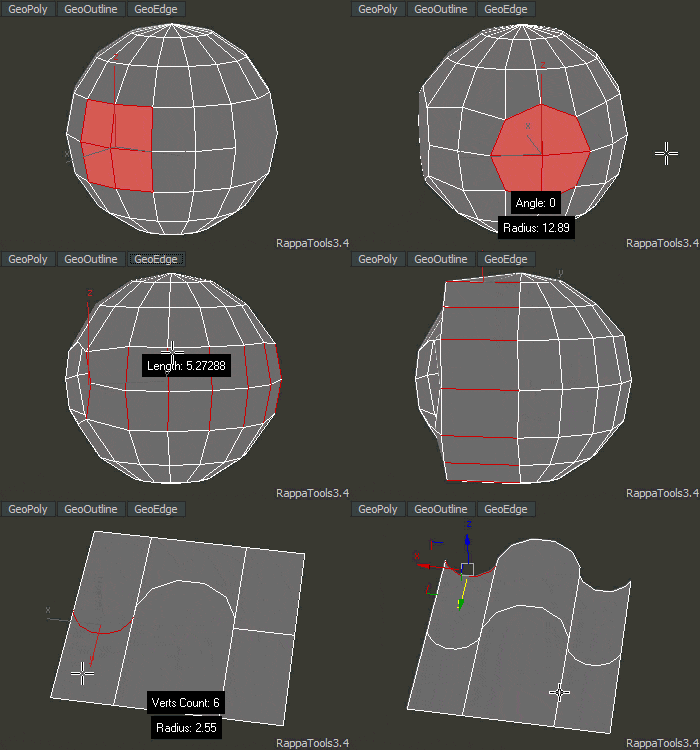
rappatools v1.9

Detriangulator

105
votes


This tool is intended to remove diagonal edges from triangulated editable poly.

Optional features are:

- keep edges that have angle between faces more then specified (set 0 if this feature is not needed)

- keep UV border edges (only 1st UV channel used)

- keep non-smoothed edges

Syndicate content