3ds Max | All

UnChamfer Pro

2 votes

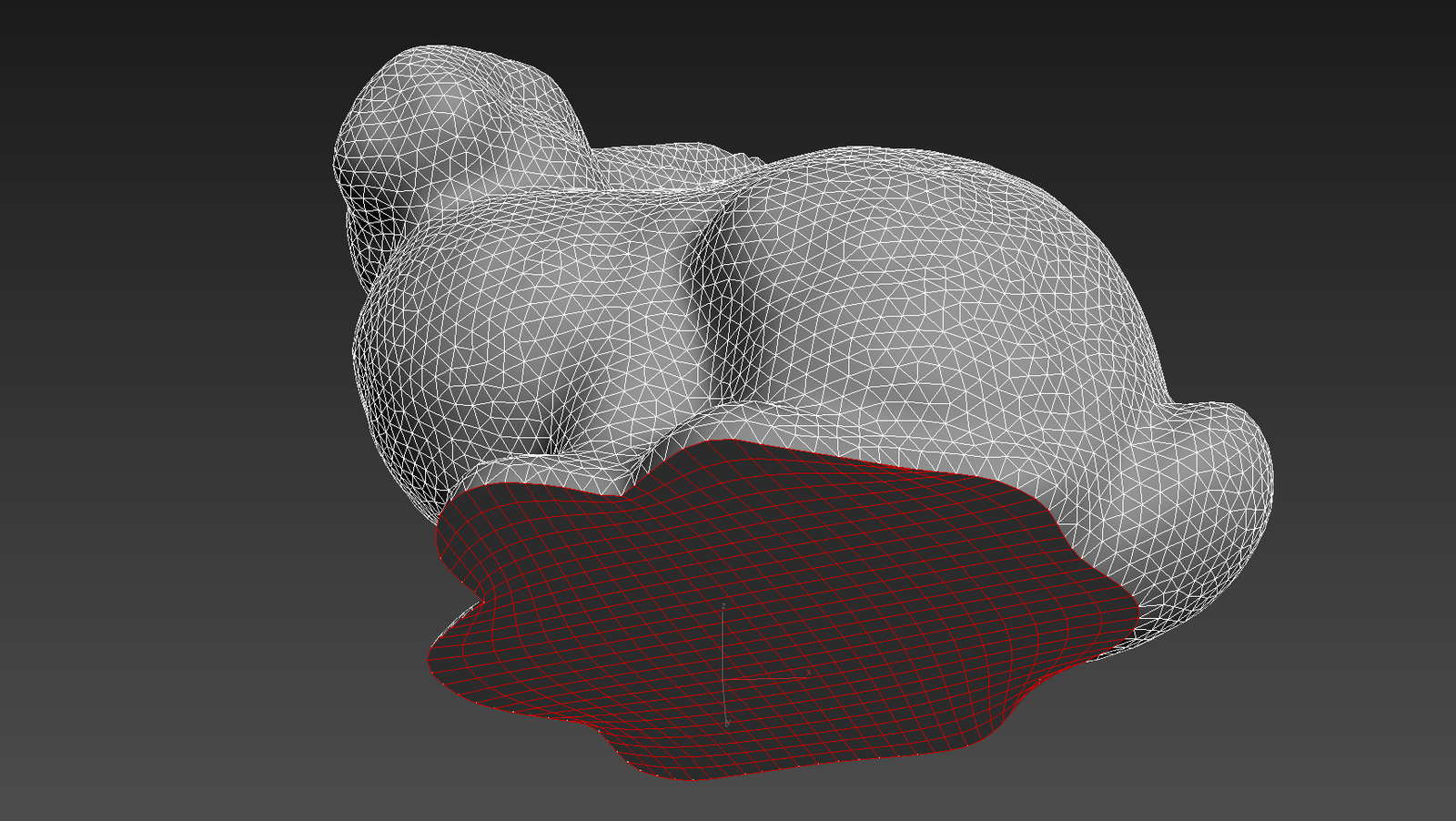
UnChamfer Pro is a script designed to allow for quick, easy, and accurate removal or scaling of mesh chamfers. All the user has to do is select the edges of the chamfer they want removed and run the script. It supports both automated and manual approaches to determining where selected edges should be collapsed to.

Supports both Editable Poly and the Edit Poly modifier.

Viewport View Selector

1 vote


What this script do:

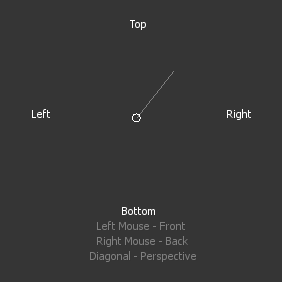
This script allow you to select viewport view using gestures and left/right mouse button.

How to use it:

 Assign shortcut. Press a button an interface will appear.

Quad Cap Pro

12 votes

Quad Cap Pro is a modifier plugin for 3ds Max that fills borders and ngons with quad polygons unlike the normal cap tool which produces one big ngon. Get it from https://mariussilaghi.com/products/quad-cap-pro

MultiMatte Tamer

1 vote

This script makes it very easy to apply Object ID's and store the MultiMatte Render Elements.

Objects are selected within the grid table. If objects and layers in your scene are not recognized by its name this script will not be much use.

  • Add Button will add another additional numbered ID button.

Batch Exporter

9 votes

3DS Max - Tip - Ctrl + Right-Click vs Right-Click Spinners

0 votes

Scatter Modifier (3dsmax MCG)

2 votes

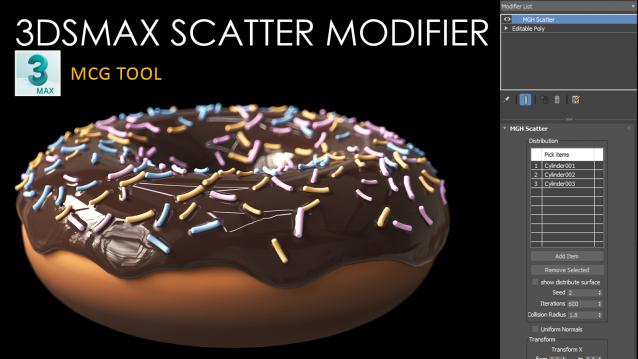
With the MGH Scatter Modifier, you can easily create beautiful, natural-looking scatter patterns in your 3ds Max scenes. It's like magic for scattering objects around your scene with just a few clicks!

3DS Max - Easy Modeling - Parametric Infinity Cube Table

0 votes

In this tutorial, we will create a parametric infinite cube table and we will see how to keep some of its parameters parametric, meaning that, after making the main geometry, we can go back and change things in it. After extracting the necessary segments from a base chamfered box(used as a path), we will use Loft to make the main shape using a custom rectangle as a profile.

Flatten Shapes

1 vote

A Simple Script to Flatten All Splines "Separately" of Selected Shapes with Conserving Segments Length .

PS : it Made to work with Simple Shapes not Elevations .

DebrisMaker2 - Procedural geometry creation tool

46 votes

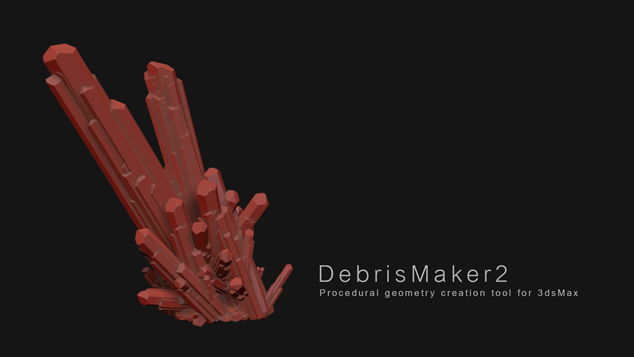
The DebrisMaker2 is a free procedural geometry creation tool for 3ds Max, that lets you quickly create objects for your 3D scenes. With the DebrisMaker2 you can create brick, corrugated metal, crystals, gemstones, snowflakes, grass, gravel, leaves, logs, splinters, meteors, obsidian, pigeons, planks, twigs, river stones, sandstone, shrapnel and slate. You can input parameters to customize the style of your debris. 

Syndicate content