Tagged 'selection'

UniRing-Loop Tools [URLT]

8 votes

The Ring-Loop selection and the edges and vertices of a single hotkey.

Universal Ring-Loop selector, works with Edges and vertex (on vertex works with bugs)

Выделение Ring-Loop и рёбер и вершин единой кнопкой

Универсальный Ring-Loop селектор работает с рёбрами и вершинами (на вершинах работает с ошибками)

Vertex normals selector

1 vote

UniMirror

8 votes

v2.1 Added tool which works by selected axis transform/ Добавлен инструмент, который работает по выбранной оси трансформации.

Quick Isolate Object

66 votes

With this useful and funny script, you can isolate in a ListBox, the category object in Geometry, Shape, Light, Helper, Camera and Space Warp in the viewport.  We can select, rename and count the items in the scene.  Useful in many work situation.

qio

AlignViewToFace

6 votes

Aligns the perspective view to the face that is under the mouse while keeping the distance to the selected object (the distance will pretty much the same as between the view and the face to align to). It does not matter if the object has modifiers applied and the view will not be distorted into some strange rotation but kept aligned to the world axis.

Self Intersection Selection

7 votes

The macroscript performs a selfintersection test on editable mesh
objects and selects all faces that have intersection and all edges that
are the cause of it. tested in max5 but should work on higher too.

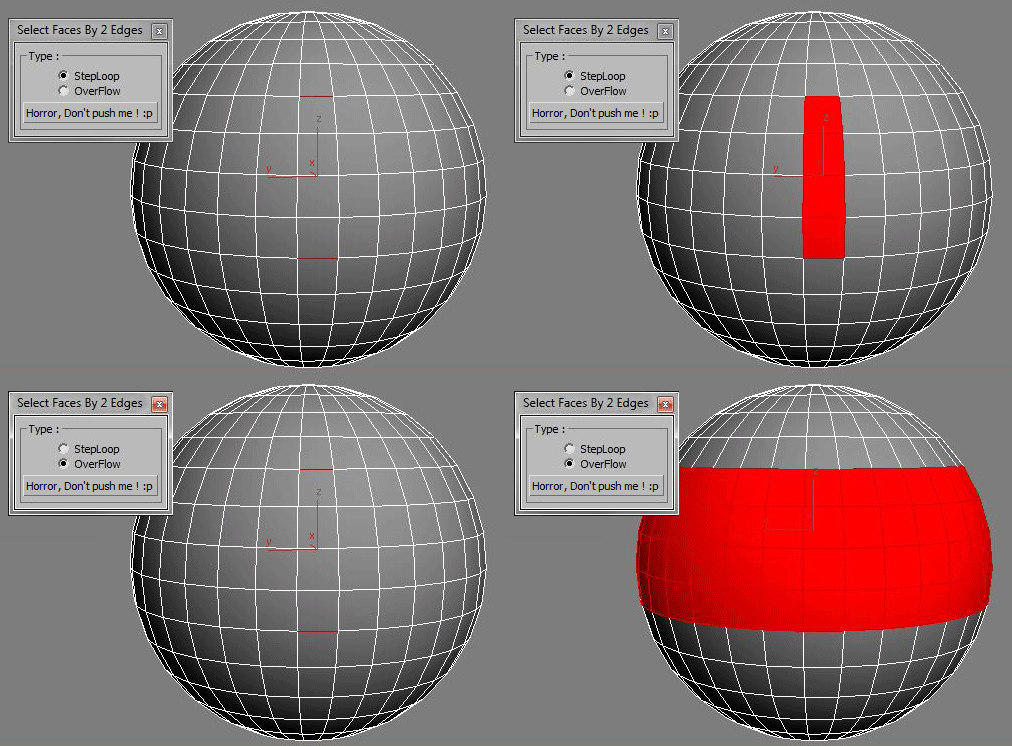
Select Faces By 2 Edges

2 votes

Select a Loop Faces between two selected Edges.

SelectionSet Tools

3 votes

This script allows you to export and import of Selection Sets as XML file. By selecting name in list, you can select the Selection Sets in scene.

How to use:

・Save SelSets / Load SelSets Button:
Export and Import selection sets in 3dsmax. In Load Selection Set Window, you can select any sets to import.

・update list Button:
synchronize selection sets list in scene and Selection Set List below.

・Selection Set List:
select set name in list, then the objects are selected in scene.

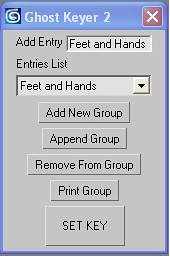
Ghost Keyer 2

12 votes

Ghost Keyer 2 will allow you to key objects without having to select them. You can create custom groups of objects that will be keyed together. 

Ghost Keyer 2 UI-4

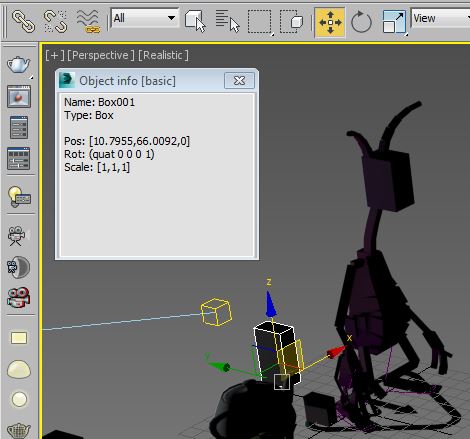
Object info [free]

2 votes

A little free utility which shows information about selected objects. The field is editable so you can copy information to the clipboard.

Syndicate content