ScriptSpot is a diverse online community of artists and developers who come together to find and share scripts that empower their creativity with 3ds Max. Our users come from all parts of the world and work in everything from visual effects to gaming, architecture, students or hobbyists.
Aligns the perspective view to the face that is under the mouse while keeping the distance to the selected object (the distance will pretty much the same as between the view and the face to align to). It does not matter if the object has modifiers applied and the view will not be distorted into some strange rotation but kept aligned to the world axis.
Submitted by Jean-François ... on Fri, 2006-10-20 20:45
4
votes
Keep the named selection sets when you merge objects! Once you will install this script - it will automatically save the named selection sets of your scene - and it will automatically merge them when you will merge objects.
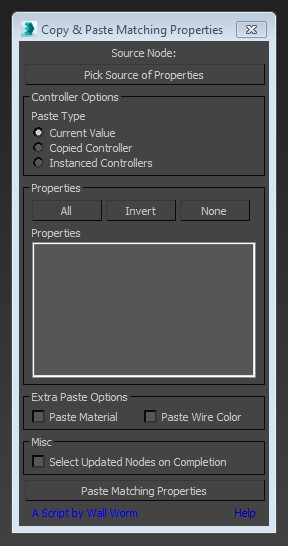
This little script will help you transfer arbitrary properties from one object to another. All properties that you selected that have matching names and types in the destination nodes will get the property values of the source node. You also have the option of instancing the source value's controller across the updated properties.
This is a tool designed to give the user more control than the default Select-By-Name dialog that ships with 3d Studio Max. It allows users access into grouped objects (searching through closed groups for objects - opening groups in scene on selection - etc.) along with multi-object renaming - moving - scaling - etc. A powerful object lister - and organizer.