Tagged 'bitmap'

Relink Bitmaps

501 votes

Relink Bitmaps is a script to easily relink all missing files (Bitmaps, VRayMeshes, Mental Ray Proxies, VRayHDRI, IES, etc) when they change directories or when you move computers, check out the short video tutorial below for more detailed information.

Unlike some other scripts of its kind, this is free!  There is a small donation link within the script if you choose to donate, I will remove the nag.  It is a simple licensing system, that does not force you to transfer network cards or be connected to the internet and will work with all versions of Max that are supported by the script.  If you choose to donate I'll be more than happy to license multiple computers as well.

Features:

[*] All 3dsmax supported Bitmap Texture types
[*] (new) Relinks Mental Ray Proxy files
[*] (new) Relinks VRay Proxies (.vrmesh)
[*] (new) Relinks VRayHDRI files
[*] (new) Relinks IES files (including VRayIES files)
[*] (new) Automatically checks for script updates and new versions
[*] 250% speed increase from previous versions
[*] Command-line mode available for automating repetative tasks (see documentation on the website)
[*] Configurable default user options saving button clicks and wasted time

Relink Bitmaps webpage:

https://colinsenner.com/relink-bitmaps/

Supported Max versions: Max 2018+
(Older versions should work, but are not supported moving forward)

RH Check ATS Maps

22 votes

This script goes through all the .max files in a given folder and checks if all the assets in the Asset Tracking System have their status set to "Ok". Once its done it pops an info box thats shows how many files where checked, and then gives you the name of the .max files that were wrong.

Search Materials And Maps

12 votes


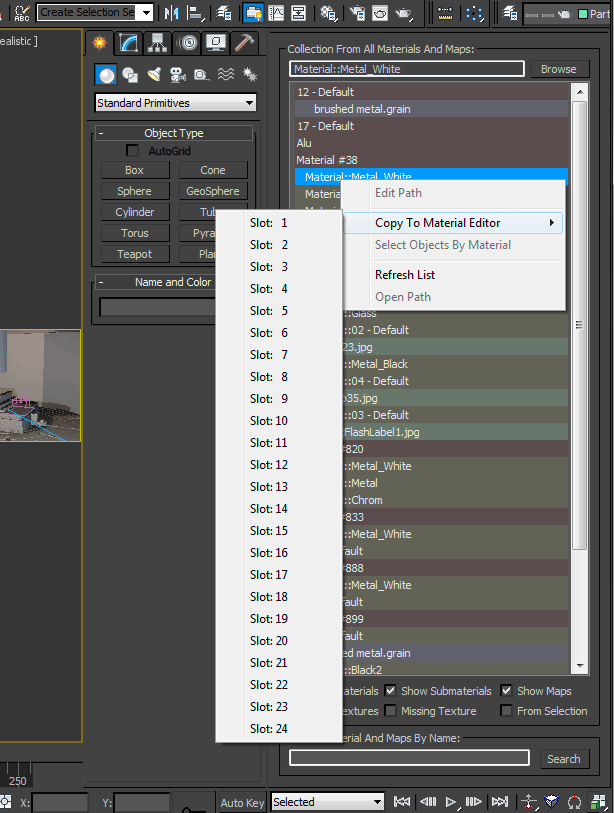
The script is also dockable and it has now a right click menu:


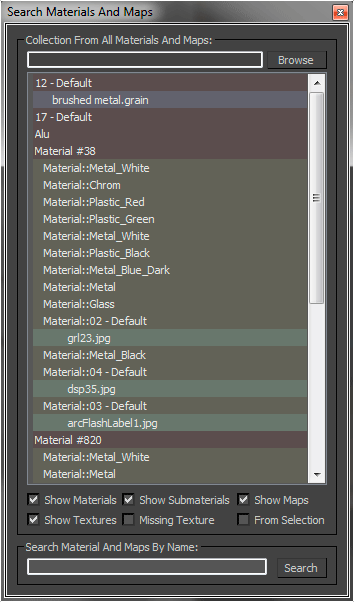
This MaxScript collecting all materials, maps and texture, it also allow to search materials, maps or textures by name. You can modify the texture path, also for multiple selections, and you can copy the selection to the material editor.

Set Bitmap Parameters

10 votes

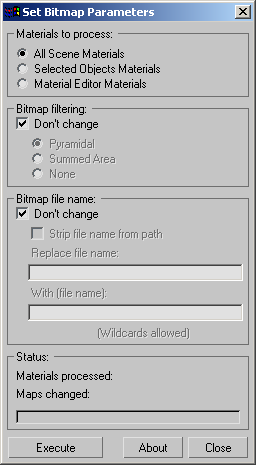
"Batch change the bitmap parameters of all materials - selected objects' materials or material editor materials. Includes options for stripping out bitmap paths - batch path replacement - and filtering options.

Screenshot

Version History:

ShivaTools: Image to Base64 String

1 vote

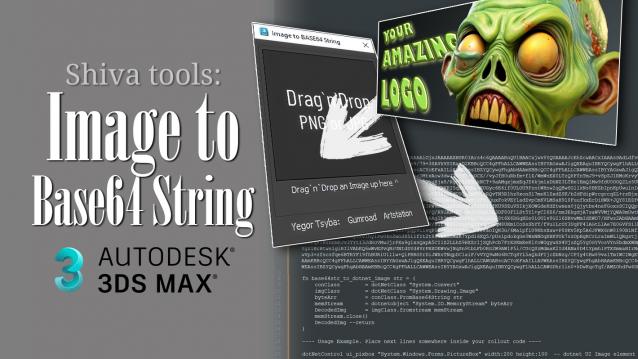
If you're a 3ds Max scripter, you've probably wondered how to avoid dragging logos and icons as separate files and embed them directly into your script. So, I made a convenient Base64 encoder for Dotnet for myself and decided to share it with everyone.

Strip Paths

0 votes

A FAST Script for Stripping All Paths (Bitmaps, IES, Proxies ....) Without Changing Render Paths .

Texture Lister

0 votes


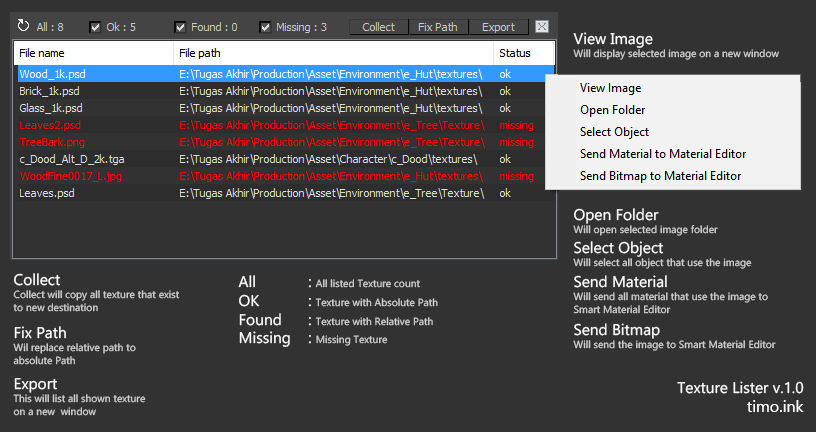
Texture Lister Help

 This script is inspired and use Collect asset by antomor as references.

tree shop

31 votes

with tree shop you can easily plant trees (plane mashes with opacity-mapped bitmaps) into your scene.
each tree is an 'intelligent' object which allows later interaction - like changing/randomizing size - aligning it to the ground (gravity) - changing orientation and map (tree type).

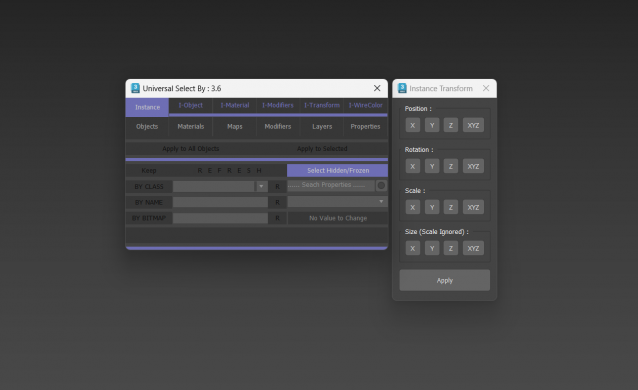
Universal Select By

9 votes

V-Ray to Standard Converter (Materials & HDRI Maps)

0 votes

V-Ray to Standard Converter is a lightweight scene-migration script that strips V-Ray dependencies out of a 3ds Max file in a single pass. It scans the scene for every VRayHDRI map and VRayMtl material, then replaces them with their native 3ds Max equivalents — BitmapTexture and Standard material — while preserving names, file paths, and the most common texture slot assignments.

Syndicate content