By colinsenner
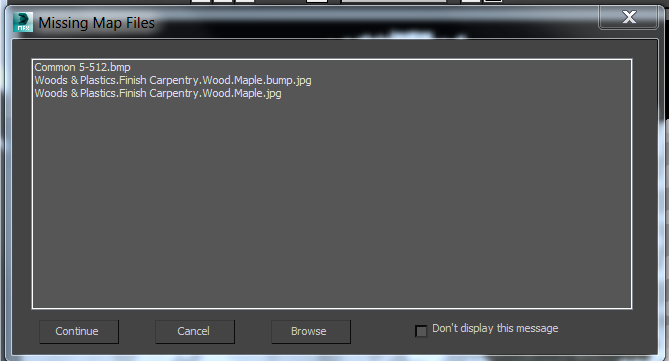
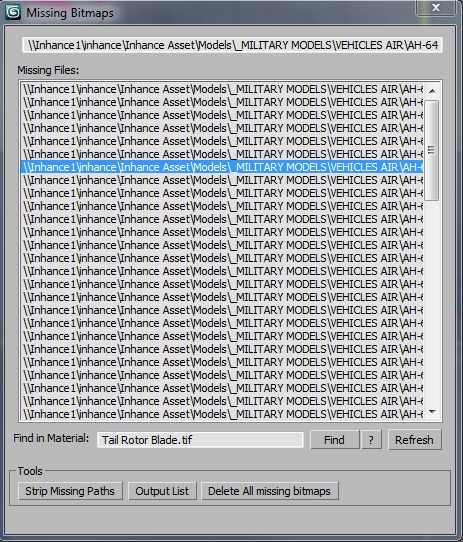
Relink Bitmaps is a script to easily relink all missing files (Bitmaps, VRayMeshes, Mental Ray Proxies, VRayHDRI, IES, etc) when they change directories or when you move computers, check out the short video tutorial below for more detailed information.
Unlike some other scripts of its kind, this is free! There is a small donation link within the script if you choose to donate, I will remove the nag. It is a simple licensing system, that does not force you to transfer network cards or be connected to the internet and will work with all versions of Max that are supported by the script. If you choose to donate I'll be more than happy to license multiple computers as well.
Features:
[*] All 3dsmax supported Bitmap Texture types
[*] (new) Relinks Mental Ray Proxy files
[*] (new) Relinks VRay Proxies (.vrmesh)
[*] (new) Relinks VRayHDRI files
[*] (new) Relinks IES files (including VRayIES files)
[*] (new) Automatically checks for script updates and new versions
[*] 250% speed increase from previous versions
[*] Command-line mode available for automating repetative tasks (see documentation on the website)
[*] Configurable default user options saving button clicks and wasted time
Relink Bitmaps webpage:
https://colinsenner.com/relink-bitmaps/
Supported Max versions: Max 2018+
(Older versions should work, but are not supported moving forward)
Best,
Colin
 albertomaciel · 2022-08-08
 todor · 2020-11-09
 Chichman · 2019-09-30
 uraken1@inbox.ru · 2019-04-12
 wok2005 · 2016-11-03
 NicolasC · 2015-10-06
 asymptote · 2014-03-16
 joqqy · 2013-10-12
 Univerpix Studio · 2013-03-30
 mewbrrj · 2012-10-20
 noel_d3 · 2012-06-28
 llld · 2012-01-09
 babo · 2011-08-15
 crystal3d · 2011-07-11
 haadolfo · 2011-02-07
 brittnell · 2009-12-02
 Christopher Grant · 2009-12-02
 le1setreter · 2009-08-25
 hongxu · 2009-07-06
 mankin · 2009-06-30
 jsrocha · 2008-10-17
 vsai · 2008-08-19
 S-ed · 2008-07-28
 chitzu · 2008-01-04
 overseastom · 2007-12-12
 tomrider75 · 2009-01-25
 spot · 2007-07-24