Tagged 'render'

Vray Light Select Elements

2 votes

—-Description:
—- With One Simple Button Create One VrayLightSelect Element for each Instances Light
—- Rename RenderElement with name of light
-- Ignore Targets

Inspired by the script of "ecXimer" "Auto Render Element VRayLightSelect" I created a new function more simple, with one unique button create one render element VrayLightSelect for each Instances Lights.

Z Manager

2 votes

SORRY, BUT THIS SCRIPT IS CURRENTLY NOT AVAILABLE.

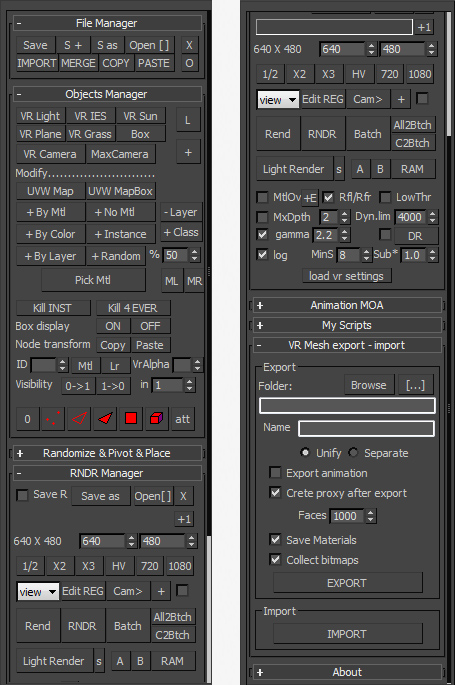
This is a 3dsMax manager tool, preferably for Vray users, very useful for editing architectural models created with other software (eg. ArchiCAD) and fast scene setup. Very useful tools for Selection, Rendering, Incremental Rendering, Copy/Paste objects from other scenes, Material Replacer, Animation with Moving Objects, Exporting/Importing Vray Proxy with material and so on...

Render Elements to folders

1 vote

This script will place your Render Element files in named subfolders according to where the main pass is stored.

Example:

Render path is set to - c:\blabla\bla.png

There are 3 render elements set, like: specular, shadows, zdepth etc.

path for render elements will look like:

c:\blabla\specular\bla_specular.png
c:\blabla\shadows\bla_shadows.png
c:\blabla\zdetph\bla_zdepth.png

In v2.0 multiple render Elements error corrected.

Pixel Scan Cam

10 votes

Bueno este es mi primer trabajo y es para materia de animacion 2 espero que les guste no es muhco pero pues es algo luego subire mas actualizaciones voten :D

Textures2materials

3 votes

poster

Textures2materials is a very handy plugin which can turn multiple textures into materials at once (into multi-material or into multiple material slots). It also checks if your textures have a bump versions and load them as bump. "Must have" plugin for any 3D designer.

Dirtizer 2

2 votes

A very helpful plugin which can make your materials dirty in one click!
- You can control the level of dirtiness.
- You can make it dry or wet.
- Dirtizer supports Multi-materials (you can set random dirt to all materials at once)
- You can add your own textures of dirt. (Organize your textures in "Dirtizer" folder as you want)

Sal Render Assistant

3 votes

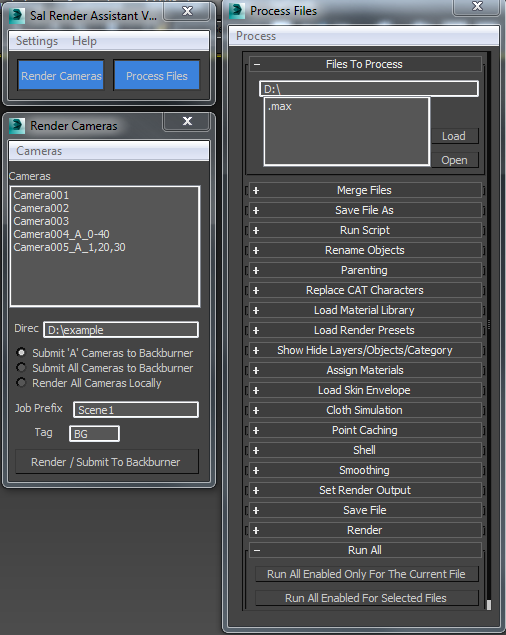
SalRenderAssistant

drop the mcr file to 3ds Max then put the mse file in the script startup then restart 3ds max

for more help

Sal Render Assistant Docs

Sprite Buffer

20 votes

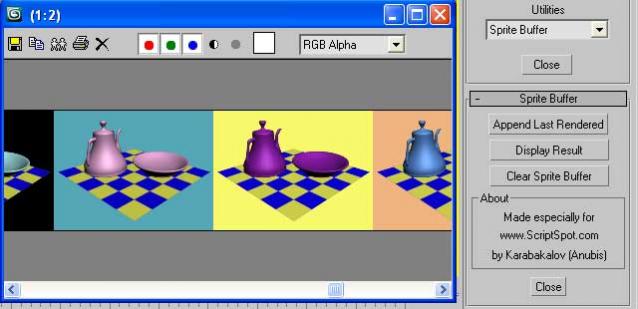
Such a Maya feature to compare rendered images. Result displayed into VFB. Which means that you have ZoomIn/ZoomOut control (which is useful in comparing bitmaps) and also access to all VFB's controls like: Save, Copy, Clone, RGBA, ... etc.

RC Camera Mod

2 votes

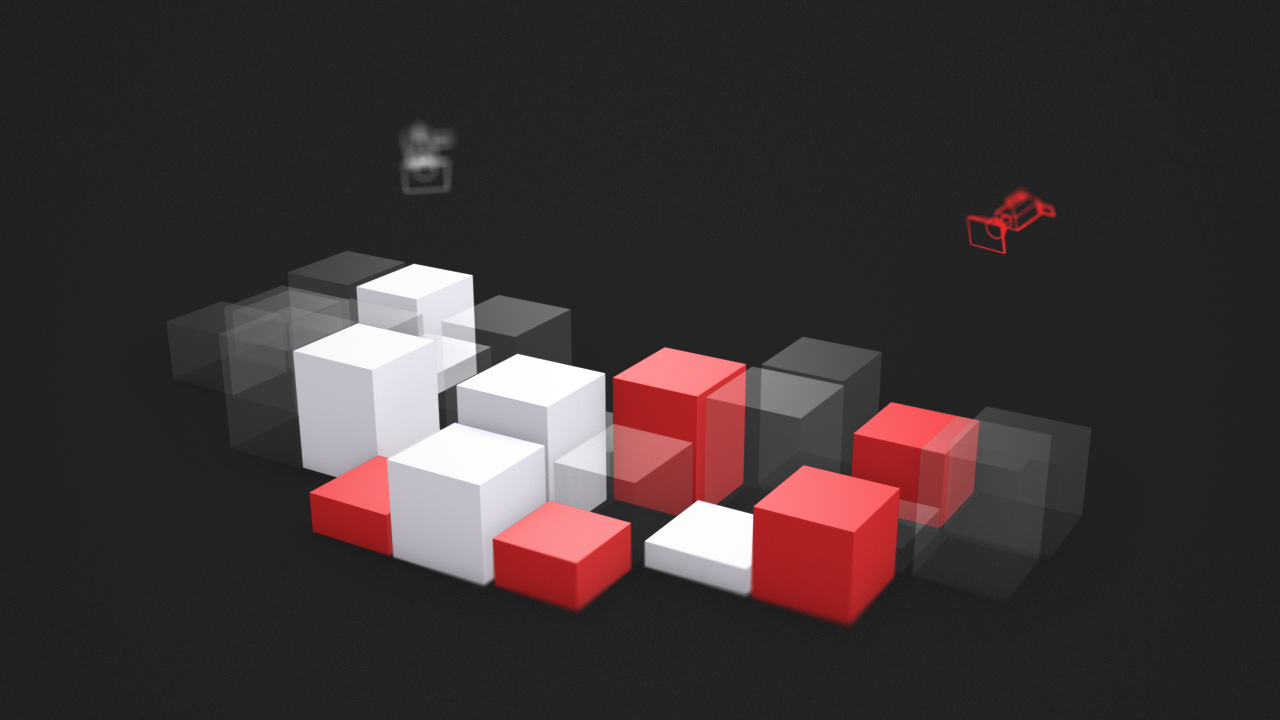
RC Camera Mod is a commercial 3ds Max modifier that gives you per-camera control over the visibility of specific objects.

RC Camera Mod

Smart Camera View 3

1 vote

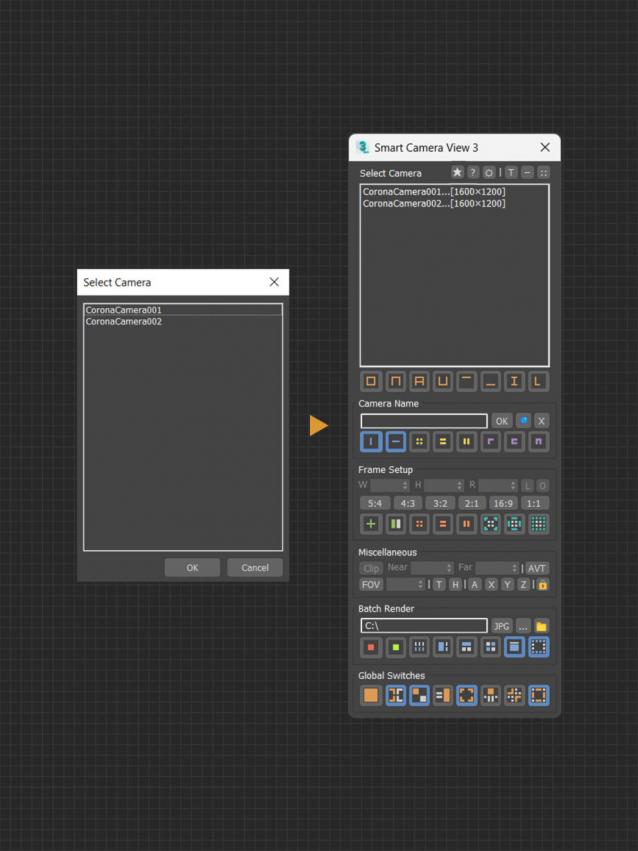
A major upgrade from Smart Camera View 2. While still sharing the same idea as previous version, version 3 actually has been completely rewritten from scratch, based on a brand new algorithm and workflow, for speed and performance, with a lot of new features. This script is intended to replace the default Camera View (C) in 3dsMax with many cool functions. 


MAIN FEATURES