Tagged 'render'

Quick Mask

72 votes

Quick black and white mask from the selected objects

Quick Mask

Now support XRef Scenes

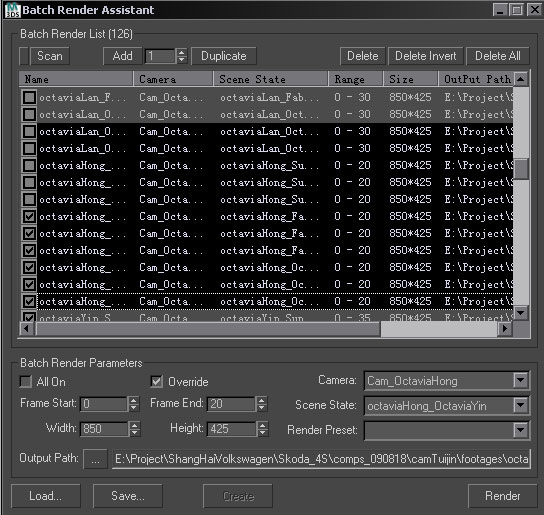
Batch Render Assistant

16 votes

Z Manager

2 votes

SORRY, BUT THIS SCRIPT IS CURRENTLY NOT AVAILABLE.

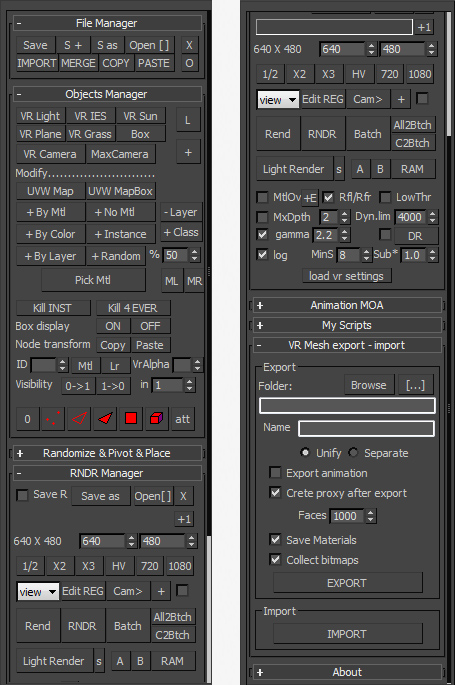
This is a 3dsMax manager tool, preferably for Vray users, very useful for editing architectural models created with other software (eg. ArchiCAD) and fast scene setup. Very useful tools for Selection, Rendering, Incremental Rendering, Copy/Paste objects from other scenes, Material Replacer, Animation with Moving Objects, Exporting/Importing Vray Proxy with material and so on...

Render Batch Helper

7 votes

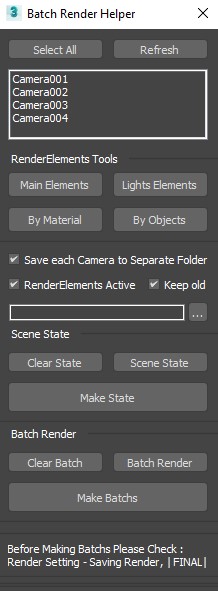
This Script will Speed up the Process of Creating (Batch Renders) and (SceneState) for Specific Camera .

and Making (Lights RenderElements) and (Masks RenderElements) for (Selected Objects) and (All or Selected Lights) .

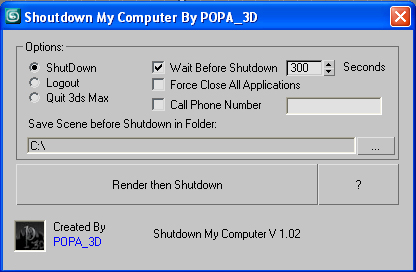
Shutdown Computer after render with automatic phone call

4 votes

If you have a render that take a long time and you want to go to sleep or to go out your office this script will shutdown your PC after the render is completed.

- Shutdown will shutdown the computer

- Logout will Log off the user

- Quit 3ds Max will exit 3ds Max

- Force Close All Applications will forces running applications to close without warning

- Wait Before Shutdown will let you Set a given time for shutdown, in seconds


Addtional Notes:

 

Vray_Material_subdiv_lister

4 votes

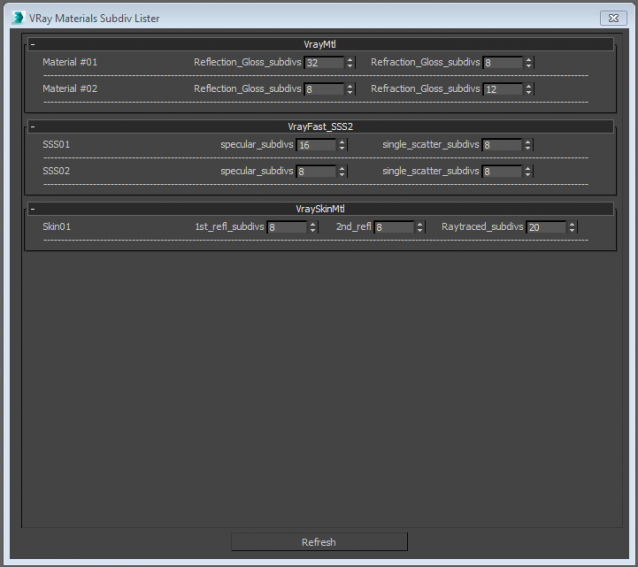
This script collects all the Vray materials of the scene and allows you to easily change theirs subdivisions parameters.
Only tested with max 2015
Any feedback is highly appreciated


RegionRender

4 votes

Simple script. Self explanatory really. See screen shot above. Script found under the category '3dwannab' (drag the .mzp file into the max window to see further instruction, if you added the icon please restart max to see it in the toolbar) also a script to allow toggling the Region with a keyboard shortcut.

Dirtizer 2

2 votes

A very helpful plugin which can make your materials dirty in one click!
- You can control the level of dirtiness.
- You can make it dry or wet.
- Dirtizer supports Multi-materials (you can set random dirt to all materials at once)
- You can add your own textures of dirt. (Organize your textures in "Dirtizer" folder as you want)

Camera Studio

1 vote

poster1

Camera Studio allows you to animate cameras much faster! You can create an orbit or spiral motion around selected objects with just 1 click and easily manipulate it. There is a number of other motion presets. Add shake to selected cameras when you need.
The motion path function allows you to create a seamless motion between several reference cameras (watch the video).

Follow Them

28 votes

Follow Them was developed in order to help Game Developers work with more complex animations by reducing render calls. What script does, is to track listed objects' motion in Points and then attach all geometries into one and skin the new object with these Points.

Syndicate content