Tagged 'max'

Skip Every N-th

61 votes

Skip every vert/edge/face. In Loop mode, you can skip edges and polygons. In Ring mode you can skip vertices,edges and polygons. To make poly loop select 3 faces(the middle one is starting face), check PolyLoop checkbox, set "Skip V-E-P" spinner to value greater then 2 and start skiping. You can't skip one face, only 2 or more. Ring mode does not have this limitation. "For Steps" spinner works only with edges. If you want to skip every 2 edges five times, set "Skip" spinner to 2 and "For Steps" spinner to 5. Instalation: Drag-n-drop SkipEveryNthVEPRingLoop.mzp to 3ds max.

Slate - View Selected

21 votes

This free MaxScript instantly displays the material of the selected object (or objects) in a new view in the Slate Material Editor. Currently, Slate does not have a quick and easy way to do this. Slate View Selected allows you to create multiple views as well. You can close the script dialog box and the script will continue to run until you re-run the script where you can stop it. In the dialog box you can also set a "display max" so that if you select a large number of objects, Slate won't waste time collecting and displaying all the materials used by objects in the selection.

smart menu

42 votes

another script for today :)
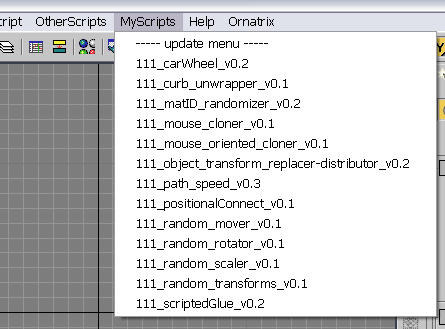
this script scans a folder on your PC and creates a menu in 3dsmax's interface with all scripts it finds there (you must specify the path to scan in the script by yourself). all you need to do with your new script is to place it in that folder, and you will be able to access it in 3dsmax interface. no macroscripts support.

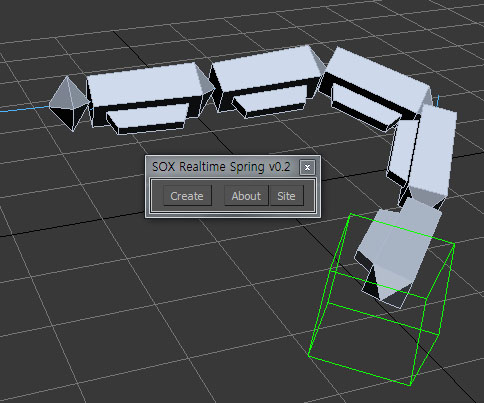
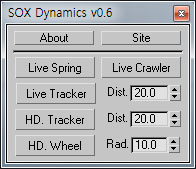
SOX Dynamics

3 votes

Sorry, The management of the tool will stop temporarily.


ST

77 votes


Additional info:


String Option Mental Ray

1 vote

This script allow to insert string option in Mental Ray engine

String option Mental Ray


Subdivision Reversion

106 votes

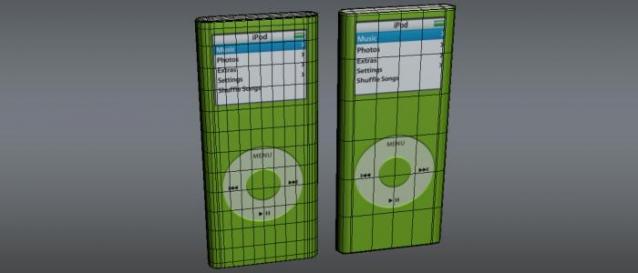
Subdivision Reversion will recreate the subdivision levels of an already subdivided mesh with 100% precision maintaining the UVs.
It's wide variety of subdision algoritms help artist get the right look and feel on their models.

Tentacles

97 votes

Create procedural tentacle animation with one click. Select the parent bone, generate the script and have fun.


video demonstration***not updated

--
***Loop function added (thanks Zoran for the idea) 21.04.09
***Bug fix for 64bitVersions
reverse animation option 17.02.09
***Installer update

TurboTriSmooth

4 votes

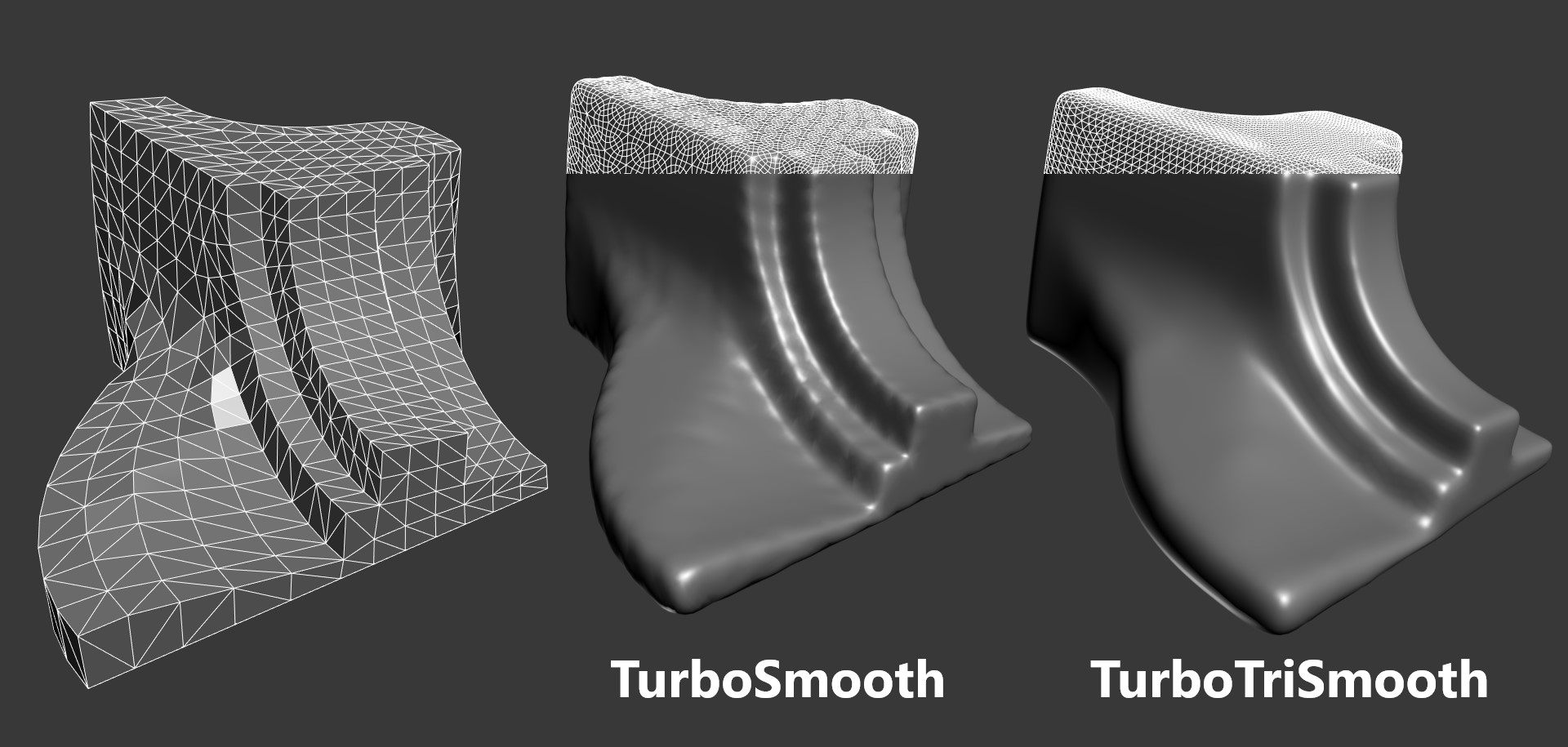
TurboTriSmooth is a modifier for 3ds Max that subdivides triangle meshes while producing smoother results and nicer topology than the standard TurboSmooth. It can be used on triangulated models, cloth, scans, decimated meshes, fluid simulations, terrain or on any triangle mesh. Get it from https://mariussilaghi.com/products/turbotrismooth

UV Cage Rendrer

0 votes

#

This script is now a part of CheckMate tools by POPA_3D

 please checkout 

http://www.scriptspot.com/3ds-max/scripts/checkmate-tools-by-popa-3d-tur...

Syndicate content