Tagged 'Animation'

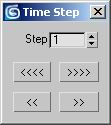
Time Step

20 votes

A Time control tool: For animators who are too lazy to calculate time intervals. Just set the number of frames you want to skip then use the buttons to jump forward and backward in time. You can also use the lower buttons to move one frame in time when you are using "Key mode toggle".

Slider Jumper

19 votes

A simple script that jumps the time slider at the specified interval

 Slider Jumper screen cap

Multi Slicer Pro

19 votes

Multi Slicer Pro is a maxscript file that cuts your object with slicer modifier on any number of slicers, retaining at the same time the modifiers stack and providing you with an interface to control the parameters of the modifiers added to an object. As a result you have a setup that allows creating complex and unexpected animations of your object. Have free version.

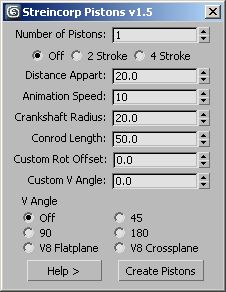
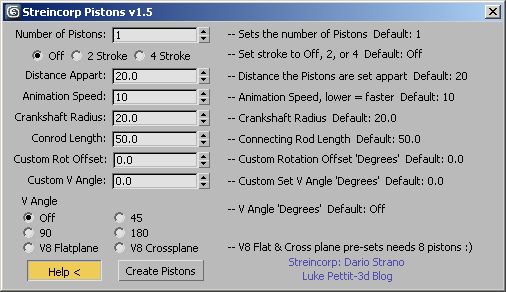
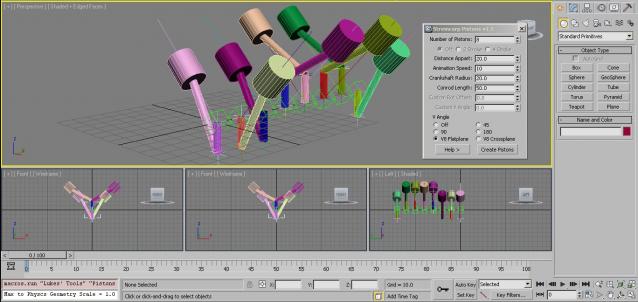
Streincorp Pistons

19 votes

A script that recreates the tutorial from Dario Strano.


Tank_tread_maker

18 votes

It simulates an automatic tank tread with auto wheel rotation. I got the idea from one of the 3ds max master classes.

Collapse Transform

18 votes

Collapse/bake PRS per frame to keyframes for the current time range.
(reserve addition to the built-in Collapse tool)

stretchy biped

17 votes

Notes:The Script helps you to setup stretchy biped
bones (arms,legs,spine,etc) quickly with 1 mouse click. It simply adds
a parameter “stretchy” to first selected bone(modifier stack) from
selection. ( you can copy paste modifier where ever you want after
wards).

Installation: Just drag-drop or put in your “usermacros” folder

Usage: 3dsmax>>customize>>lm_Rigging(Catagory)>>SquashyBiped (assign a key,quadmenu,etc)



Rotation Order Tool

17 votes

This tool allows you to quickly change the rotation order of any object in max. You can select multiple objects and change their rotation orders all at once, or you can copy the rotation order from one object to another.

To use:
1. Select all the objects whose rotation order you would like to change. Then use the dropdown list and select which rotation order you would like to choose. The transforms for each object will be preserved as long as it has not be animated.

Visibility Ranger

17 votes


This small script is intended to simplify setting keyframes for object visibility. 

Features 

-Define Visibility or Invisibility area for single or multiple objects at the same time

-Define fade in and fade out values to fade in and out objects

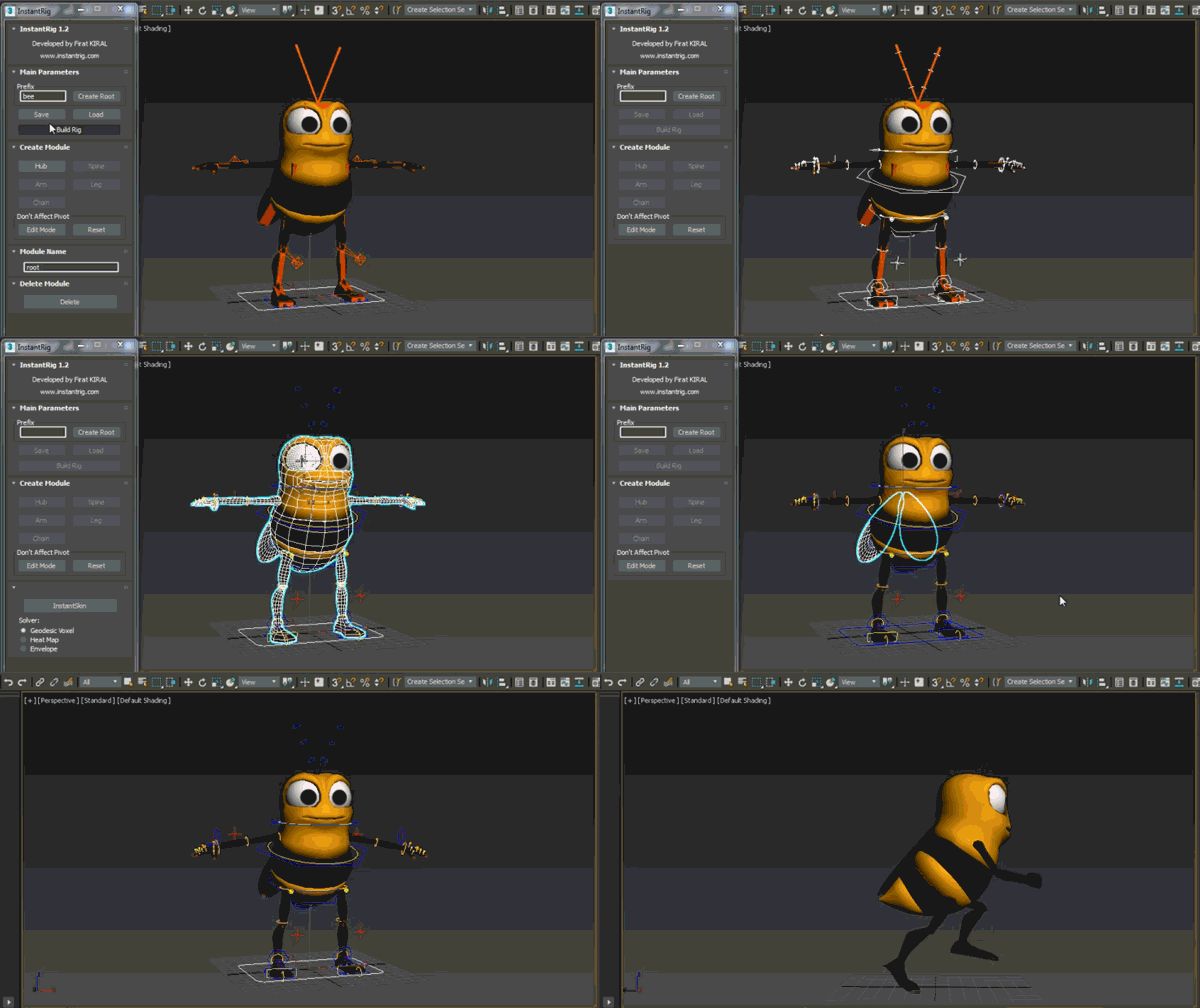
InstantRig

16 votes


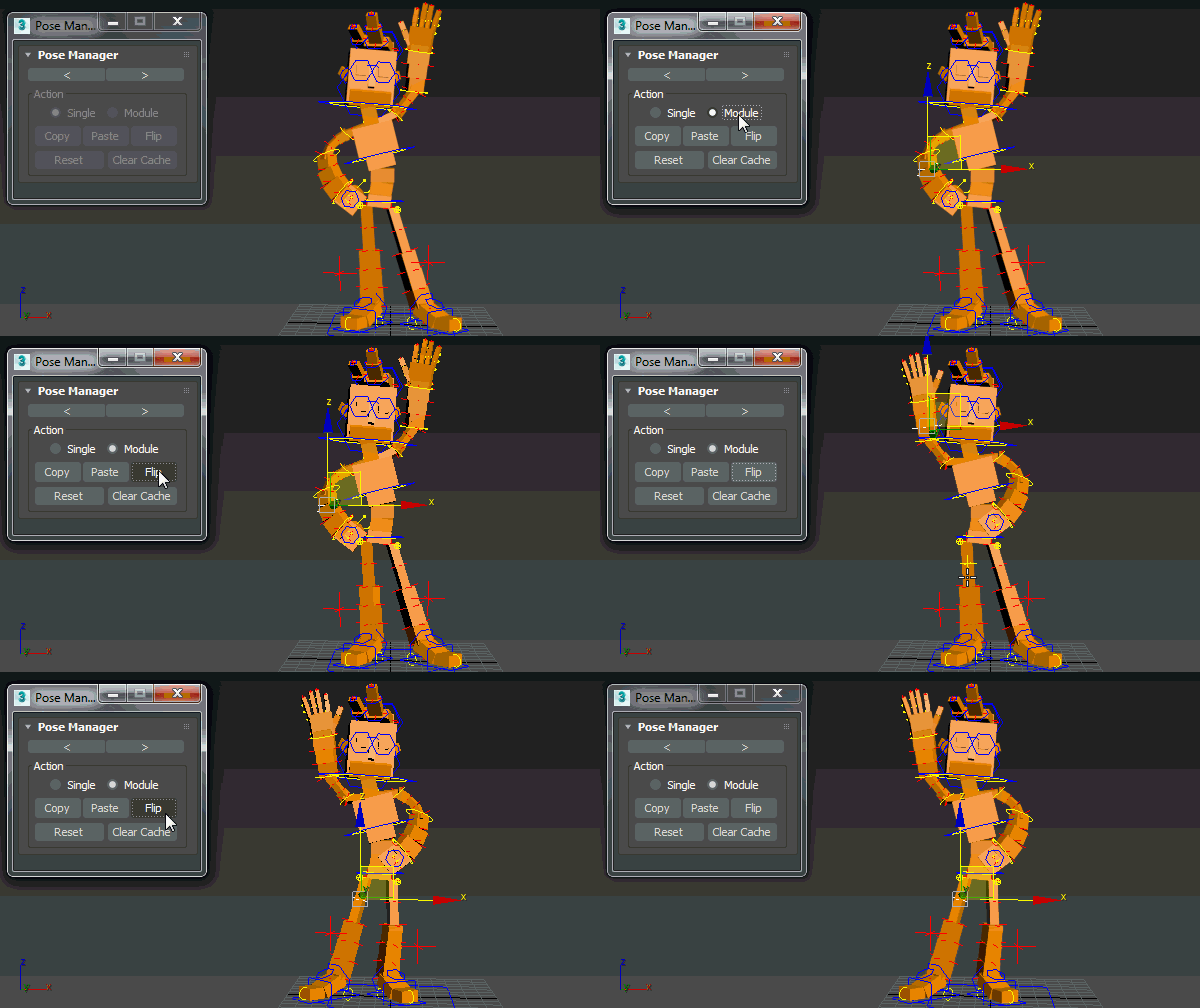
Pose Manager

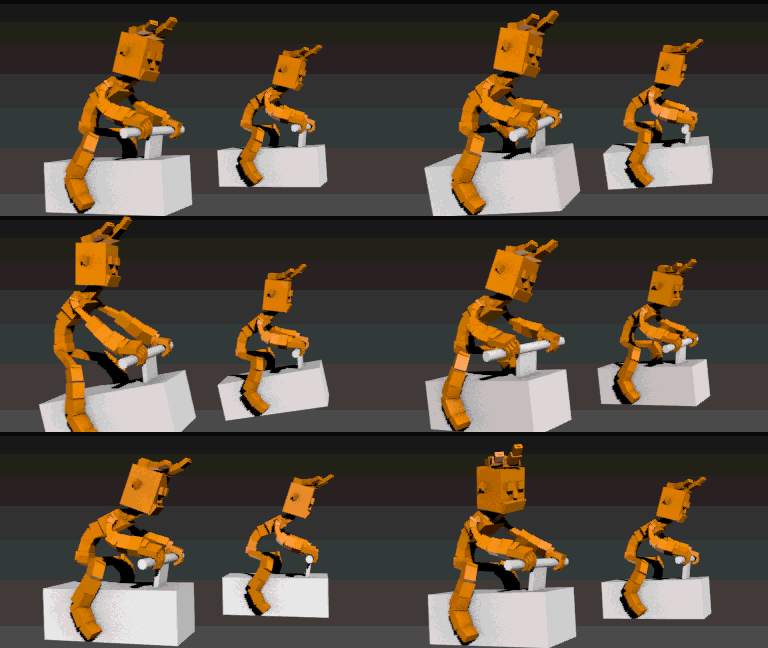
Auto Overlap

Auto Skin

Syndicate content