Tagged '3dsmax'

Slice and Dice

2 votes

HitchHiker v4.3

70 votes

hh-new

StairGenerator

3 votes

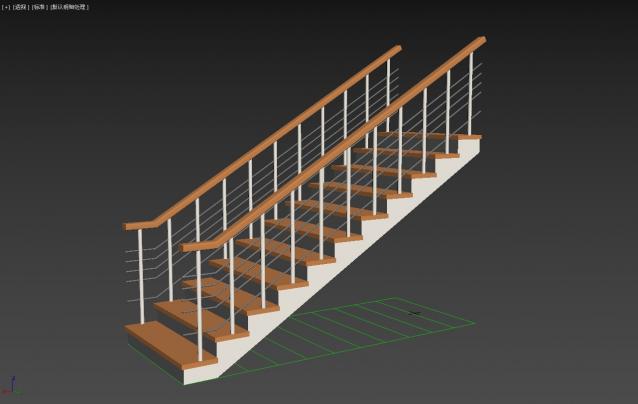
One-click generation of stairs

Quick Change Viewports

5 votes

My one of the first scripts :)

Shader Utilties Pro

18 votes

Shader Utilities Pro (SU Pro) is a tool to create all kinds of shadings within a scene. Part of the tool is a converter, which converts foreign shadings to A&D material. SU offers the possibility of using parameters like AO and Round Corners globally on all shadings. There are 3 selection criteria for doing this: The latest addition is the Sample Curve Technology used to optimize the Sample-Types, AO, Reflection and Refraction globally for an entire scene or all materials. This has major advantages

Spline Data

1 vote

Spline Data 3dsmax script - banner

Splines overview instantly


Helix

4 votes

功能介绍:

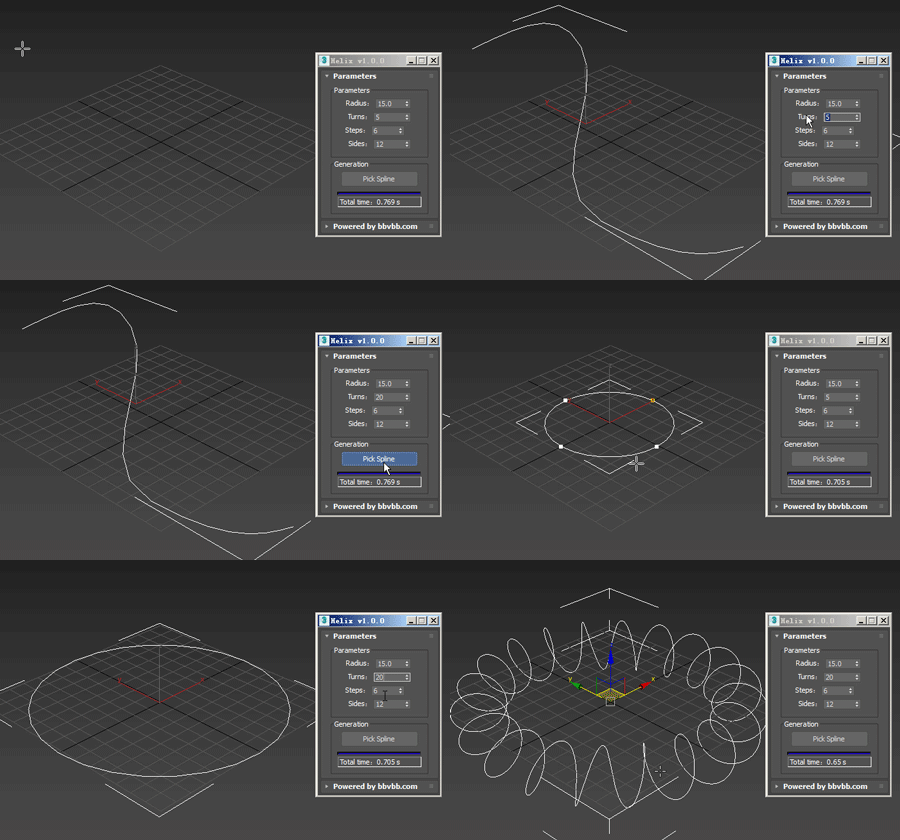
Helix for 3dsMax,是一款由#沐风课堂#用MAXScript脚本语言开发的3dsMax建模小工具,可以将任意弯曲形状的样条线一键转化为延该样条线路径上的螺旋样条线。

MAXScript for build helix spline.

Usage method: 

1 run Helix-1.0.0-en_US.mse.

2 create a spline in the Max view.

3 Click the "Pick Spline" button, and then pick the Spline. 
3DS Max Plugin Rename Modifiers

0 votes

In this video i will present you with two small scripts i created. one of them will reset the modifiers names to their default names. The second one will add the default names to the custom ones.
this is useful in case you have objects with many modifiers applied to them and these modifiers have custom names.

You can check my demo video on YouTube: https://youtu.be/ijK_BhxBAf8

RH Check ATS Maps

22 votes

This script goes through all the .max files in a given folder and checks if all the assets in the Asset Tracking System have their status set to "Ok". Once its done it pops an info box thats shows how many files where checked, and then gives you the name of the .max files that were wrong.

3DS Max - Unhide By Pick - Plugin

5 votes

This new script I created will allow the user to unhide objects using the mouse button, by temporarily hiding the current scene and unhiding all hidden objects so you can pick the objects you like to unhide. After picking the objects you can right-click and your original scene is back again plus the objects you've picked.

Syndicate content