Tagged '3dsmax'

Dynamax

4 votes

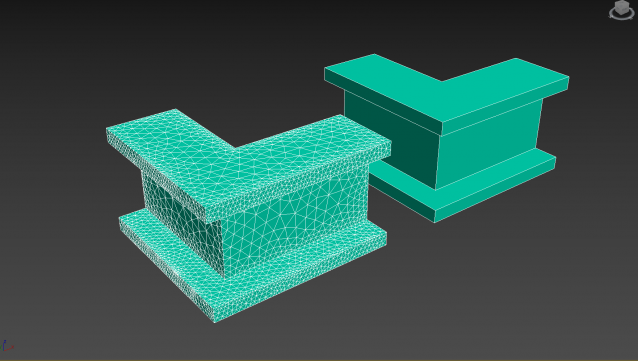
Dynamax allows Dynamesh like workflow in 3dsmax.

This is the second release of Dynamax.
DynaMax is a perfect solution for free-form sculpting because it removes all need for focusing on topological constraints. It’s possible to change the overall shape of any DynaMax by pushing or pulling, adding various pieces of geometry to combine into one, or even removing geometry in a manner similar to what you can do with Boolean operations.
It's usefull for sculpting in 3dsmax.

Dynamax V2 is out !

Whats new:

--Mspheres:

Quick Batch Render

0 votes

A simple and powerful script to quickly render multiple ready '.max' files successively on a single computer.

Options: set a percentage of the file’s render resolution (width/height); ignore/suppress warning dialogs; render First frame only (to test render files with animated sequences).

Mesh Cleaner

1 vote

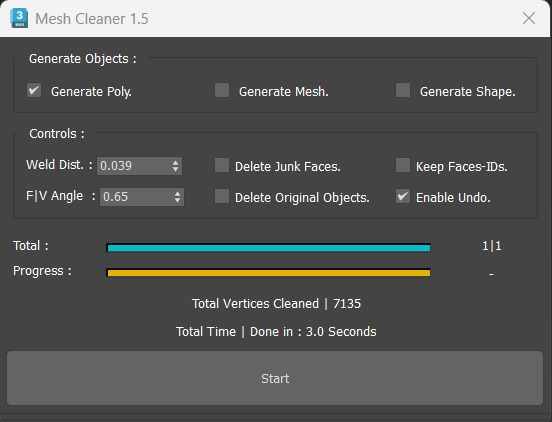
A 3dsMax Script for Cleaning Objects Topology.

*Please Save your Work before using the Script (just in case!).

Spring Control

2 votes

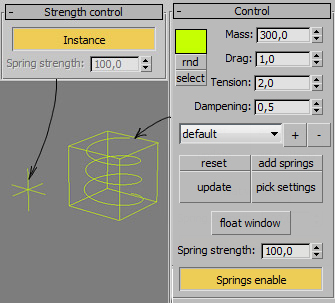
Tool for fast control standard spring controller.


Features:

- set-up several spring controllers in one menu

- set-up everyone separately

- controls the value of spring

- temporarily disabling springs

- copy settings from early created springs

- saving presets

J3D Moya

2 votes

======================= Overview =======================
It transfers geometry and animation (cameras, meshes and vertex animation) back and forth between modo, Maya and 3dsMax. It also sends geometry to Mari.

Isolate By Material

1 vote

This tool helps the user to isolate objects by material, The user picks an object, then by clicking the button all objects sharing the same material will remain in the scene, while others will be hidden. Also if the selected object doesn't have any material applied to it a dialog box will popup telling the user this, and giving him/her the choice to click YES and isolate all objects with no materials applied to them.
You can a demo video on YouTube: https://youtu.be/oWUZQ-iN7e4

Backup Max INI File

63 votes

Made a copy of Max INI file and save it with the same name (3dsmax.ini) into Archives folder in Max 9 and higher, or into Autoback in previous.

Puzzle

3 votes

This MAXScript will help you to build puzzle of 3D editable_poly objects in 3dsMax.

Model Packer

3 votes

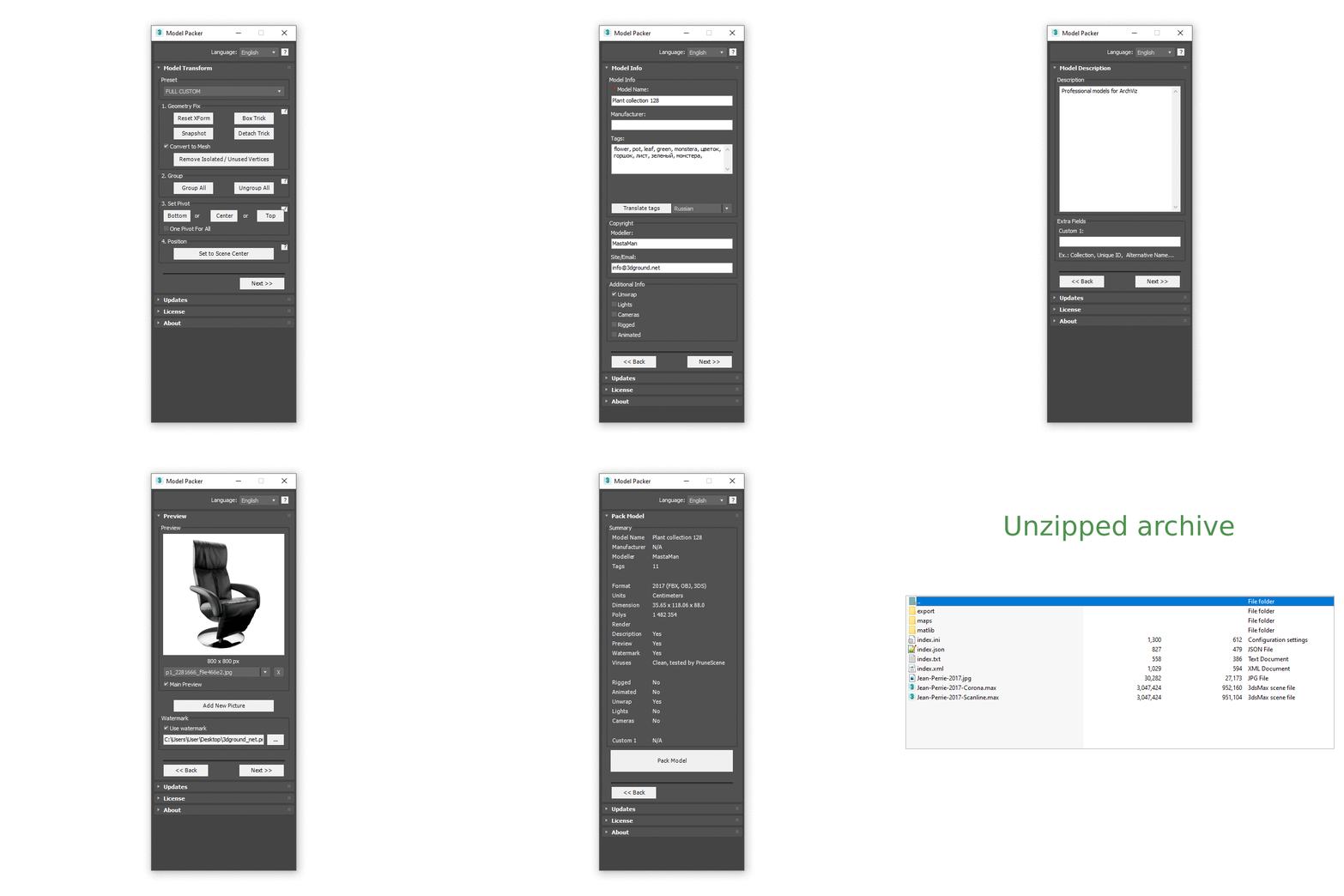
With the Model Packer, you can prepare your 3D models for uploading to 3D stocks or Asset Libraries.

Just a couple of clicks and you will create an archive with your model or scene.

Vertices to Splines

0 votes

Generate splines from the normals of mesh vertices.

This script is useful to create quick hair/fur splines or special effects.
It’s an incredibly powerful tool when used in conjunction with TurboSplines script to create things like tentacles, spikes, spines, appendices, etc.

You can set the number of splines, length, number of knots, variation and chaos.

Syndicate content