Tagged '3dsmax'

Isolate By Material

1 vote

This tool helps the user to isolate objects by material, The user picks an object, then by clicking the button all objects sharing the same material will remain in the scene, while others will be hidden. Also if the selected object doesn't have any material applied to it a dialog box will popup telling the user this, and giving him/her the choice to click YES and isolate all objects with no materials applied to them.
You can a demo video on YouTube: https://youtu.be/oWUZQ-iN7e4

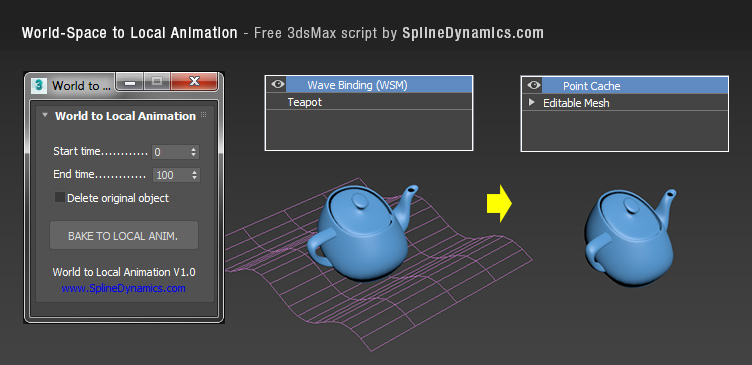
World-Space to Local Animation

1 vote

Bakes an objest's World-Space/Space Warp animation to a copy, using local Point Cache modifier. Then you can apply local modifers on top to continue animating the object's deformation locally.

Note: this is a preliminary version. It saves always a temporary .xml file for the Point Cache, wich you can rename, relocate and reload, to preserve it. In future versions, this could be set at the script’s UI by the user.

Compatible with 3dsMax 2012 and higher.
BreadMaker

1 vote

3dsmax one click soft package modeling script plug-in.

At present, this is still a paid script. Please forgive me for not being able to download it here.

Object-Bound Camera Clipping

1 vote

Description

Adds additional controls to the selected camera for driving clipping planes using objects in the scene.

Object-Bound Camera Clipping 3ds Max script

Features

3DS Max - Plugin - ZoomExtSelFix

1 vote

In this update, the script will work on sub-object selections. Also, a bug in the first version is fixed, when you switch to another mode other than the Modify Panel, the first version gives an error, this is fixed now in this 1.5 version.
To recap on why this plugin:
The default Zoom Extents Selected tool in Max has an issue when you're in a sub-object level but no sub-object element is selected, pressing Z(the default shortcut) causes Max to Zoom Extents on the whole scene instead of the selected object.

2Dextruder

1 vote

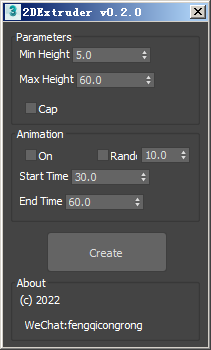
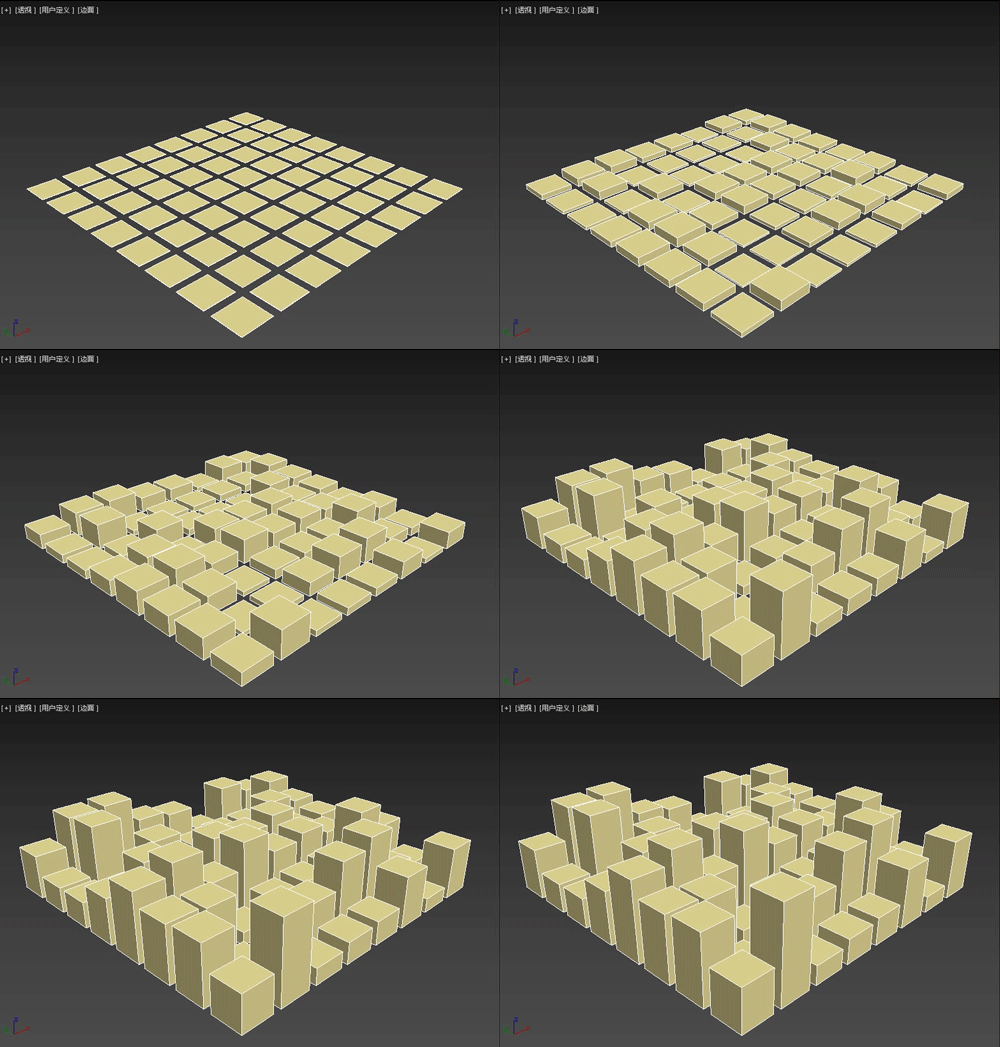
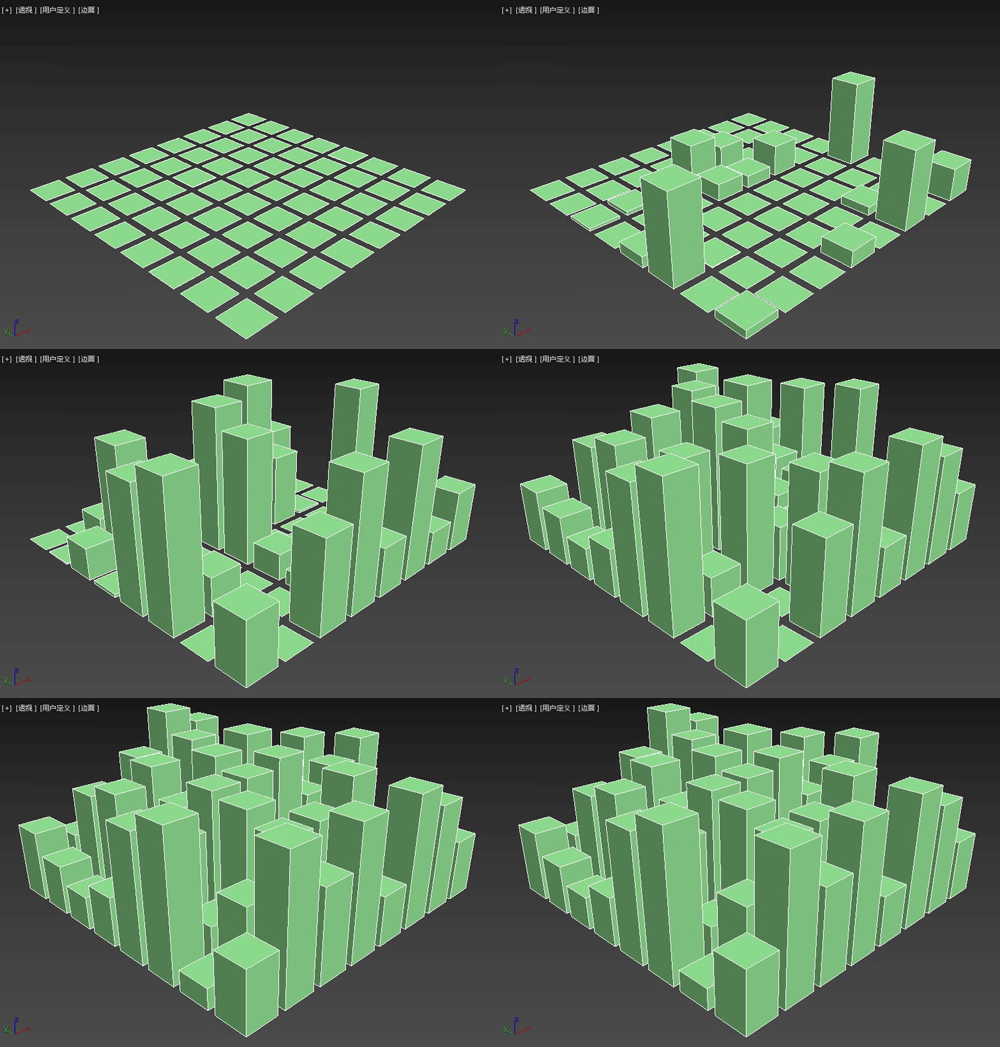
The 2DExtruder random extrusion plug-in is a MAXScript script that can randomly extrude the thickness of multiple selected spline shapes, and also set simple growth animation.

Main features

3DS Max - Plugin - [UPDATE] - CopyPaste V1.5

1 vote

This is an update for the CopyPaste plugin. This plugin allows you to copy and paste geometry between opened 3DS Max files, of course, in the same file too. This version includes a few additional features. The most important one is the ability to copy and paste using a base point. Also, there is a button that allows you to clear the cache file to save space on the hard drive. And, lastly, a Status section that gives you feedback whenever you perform an action. Please check the demo video for an in-depth explanation.

Easy Spring Controller Tool

1 vote

I made this script last year , but Now i made it more usable for everyone as (Spring Controller Tool)
features:
1) Add Spring Controller to hierarchy of bones,Objects or etc...
2) Add Spring To Selection Objects (its Require The Object Hierarchy Links)
3) Add A Modifier Controller For Each Spring Controller
4) Change The Spring Values One By One
5) Change Spring Values Of Massive Group Of Objects In Hierarchy At Once , Using Offset
6) 2 Default Presets To Change Spring Values Quikly
7) Run Timeline After Every Change To Spring Value (For Catch Spring And Play Fast After)

SubSpline

1 vote

SubSpline 3dsmax script - banner

Total Control of Spline Subobjects


Description

SubSpline is an Advanced Subobject Selector & Material IDs Editor for spline shapes in Autodesk 3dsMax.

Easily expose on screen the vertex numbers and material IDs for all your selected shapes, with a simple toggle button.

FaceExtruder

1 vote

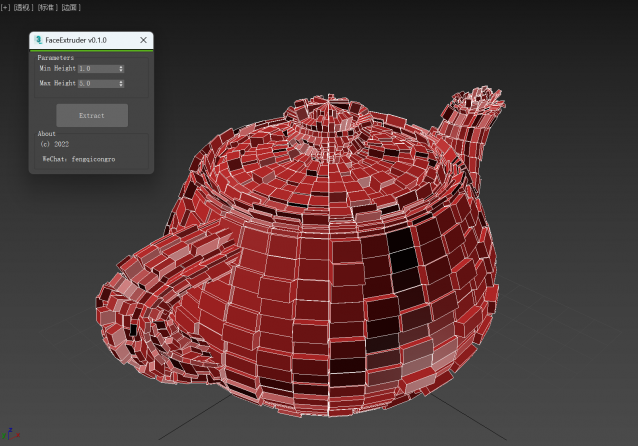
FaceExtruder is a small tool for randomly extruding faces written in MAXScript.

usage method:

1. Select an object (it needs to be converted to editable poly).

2. Set the maximum and minimum values of random extrusion height.

3. Click the "Extrude" button and wait for completion! (Green completion progress is displayed at the top of the window)

Syndicate content