ScriptSpot is a diverse online community of artists and developers who come together to find and share scripts that empower their creativity with 3ds Max. Our users come from all parts of the world and work in everything from visual effects to gaming, architecture, students or hobbyists.
Submitted by Adam Wierzchowski on Fri, 2006-10-20 20:45
44
votes
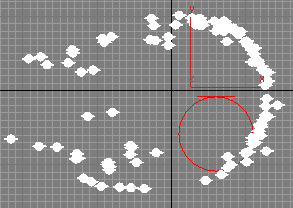
This script simulates a toy called Pinscreen (or sometimes Pinhead). FYI that's the toy where there are a bunch of metal rods packed densely together and if you put say your hand on them the rods are displaced into the shape of your hand.
Submitted by Denys Almaral on Thu, 2008-11-06 09:58
41
votes
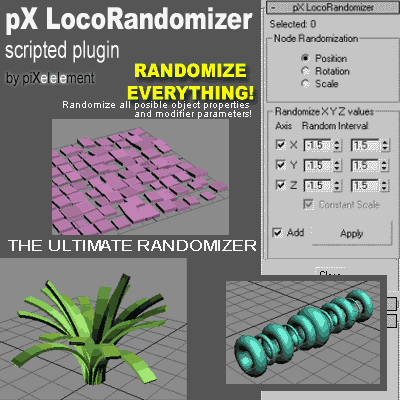
Randomize multiple object properties is something useful, but the randomizer I found in the internet they always randomize only position/rotation/scale.
Then I was working creating this plugin to randomize every property or parameter from multiple objects.
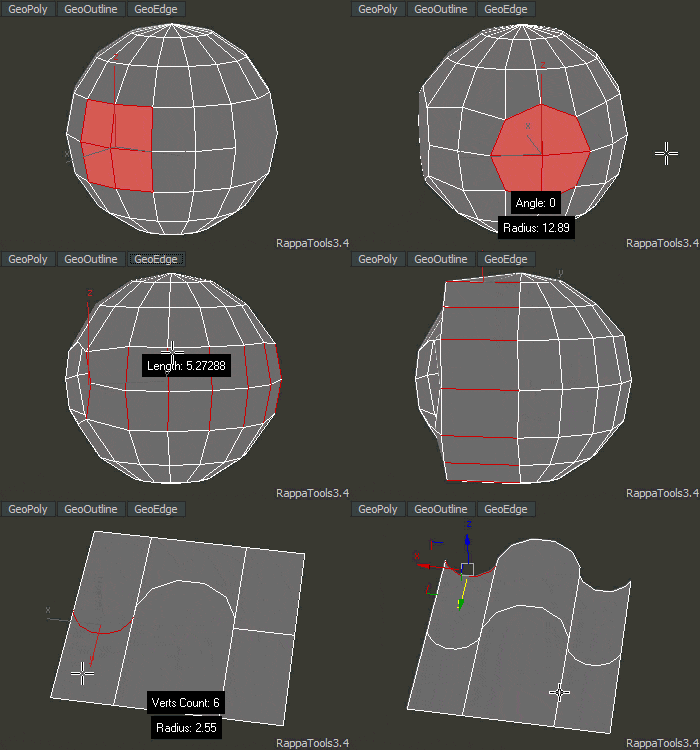
RappaTools3 is an advanced toolbox that comes with a great variety of tools for the artist working in 3ds Max. The main focus is to speed up the workflow and to reduce the click count. It offers a wide variety of tools, everything from selection tools to rendering tools. It can help you through the entire process of creating a 3D art piece.
Great script for creating trees... Some of the 'sweet' things about this script are: - After you generate the branches - you can rotate and move them about to more easily control the shape of the generated tree. - The generated tree already has mapping coordinates applied (this isn't perfected yet - but it works pretty well).
Simply create a layer and name it specific to what should go into the layer, for example "CHAR" for character geometry. Any character geometry you make you just need to remember to include "CHAR" in the object's name and when the Quick Layer Organizer is run it will find any objects with "CHAR" in the name and put them into the "CHAR" layer. Any objects that don't match the name a layer will remain in whatever layer they are currently in and the default layer is ignored during the organization.
with tree shop you can easily plant trees (plane mashes with opacity-mapped bitmaps) into your scene.
each tree is an 'intelligent' object which allows later interaction - like changing/randomizing size - aligning it to the ground (gravity) - changing orientation and map (tree type).
Submitted by Martin Breidt on Fri, 2006-10-20 20:45
25
votes
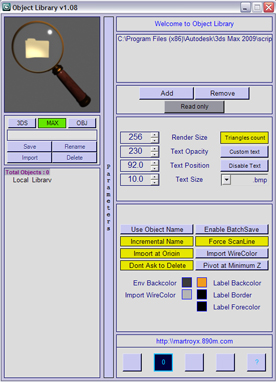
"This script will take any editable mesh and generate a new object plugin from it for future use. New: Speed optimization; Now supports texture coordinates; Objects need not to be converted to EditableMesh before plugin generation; Updated creation tool"
1.08 Fixed startup error. I think this time, it should work :-P
1.08 Added compatibility with 3dsmax 2008.
1.08 Added limited compatibility with 3dsmax 9. This mean, that it may, or may not work :-)
1.08 Added back the preview label.