Tagged 'transform'

Random Rotate

6 votes

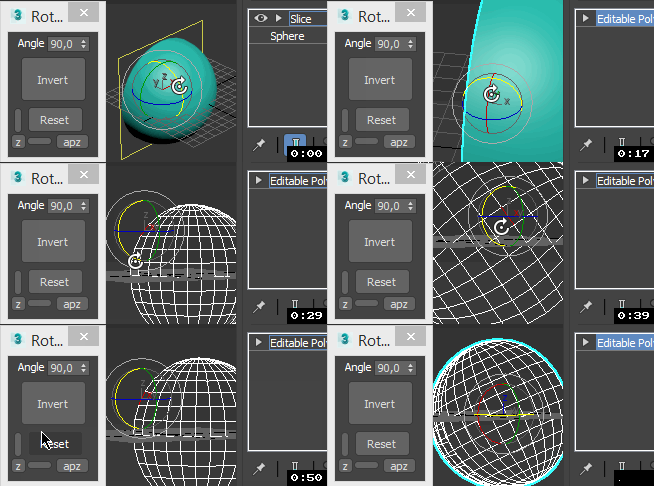
Random Rotate rotates a selection of objects.

Randomize

13 votes

Rollout Interface

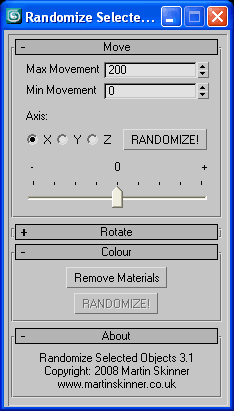
Randomize v3.1.ms

Randomize allows the user to generate
a randomness to objects on mass that might
otherwise look to well ordered....

RappaTools3

36 votes

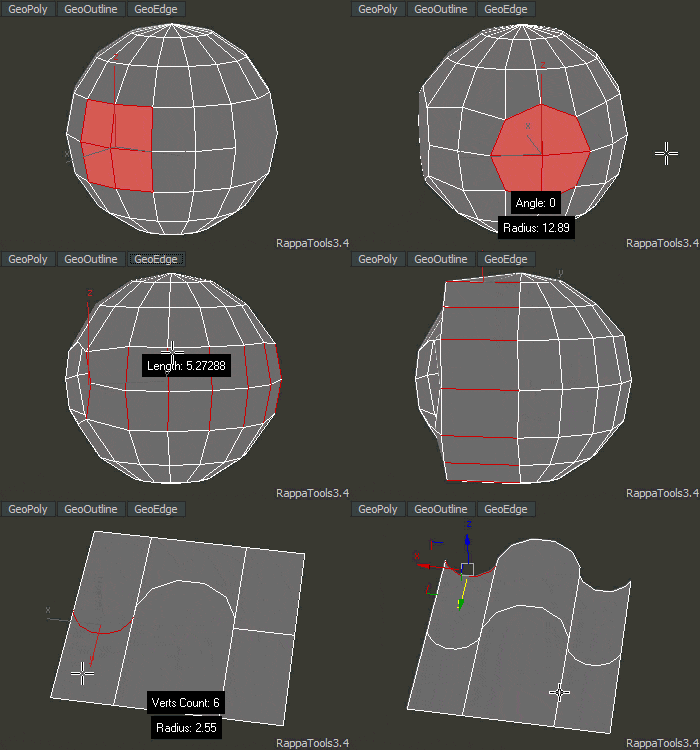
RappaTools3 is an advanced toolbox that comes with a great variety of tools for the artist working in 3ds Max. The main focus is to speed up the workflow and to reduce the click count. It offers a wide variety of tools, everything from selection tools to rendering tools. It can help you through the entire process of creating a 3D art piece.
rappatools3 bridge

Reduce Transform Keys

17 votes

This is not my first attempt at writing max script, I've hacked a ittle around the edges with adding custom attributes - Thanks PEN - but this is my first attempt at a useful/functional tool.

Reduce Your Transform Keys is designed to strip away all the transforms that don't do anything.

By default the range is set to your current animation range but you can confine the key pruning to a specific region for your timeline.

I don't like losing the key a frame 0 so I added a radiobutton to add one and ...

Reset XForm

21 votes

PEN Reset Xform is designed to make the task of resetting xforms on objects easier. This is done by automating the process of locating objects that need to have their xforms orthogonalized and or normalized. Objects that have been mirrored at the object level or scaled at the object level in any way will result in a transform matrix that doesn't have all of its axes at right angles to each other or the axes are not one unit in length. 

Rotation > frame > axis

2 votes

This script allows the user to choose a rotation angle - frame number and axis - and it will rotate an object and generate a keyframe for that rotation.

Set individual transform keys

13 votes

Need to key only the X position, or the Z rotation? This is a very basic script that pops up a little window having position X, Y and Z buttons individually, and the same for rotation. I left scale out of this since you'd have to assign a new controller for that to happen individually.

Stick Locator

23 votes

Stick Locator
=============
version 1.2

written by Mayec Rancel

(macroScript)

Description:
Creates a point dummy, and parents it to the reference object's vertex/center,
using controller expressions.

This is useful to parent other objects to a specific part of a deforming
mesh, or an object whose transforms have been 'baked' (e.g. point cache).

I have found it specially useful, in FX work, for particle/fluid emitters.

Notes:
- Only the 'center' method can be used with splines.
- When using 'vertex' method, the dummy's rotation will align to the

Transform Mesh

12 votes

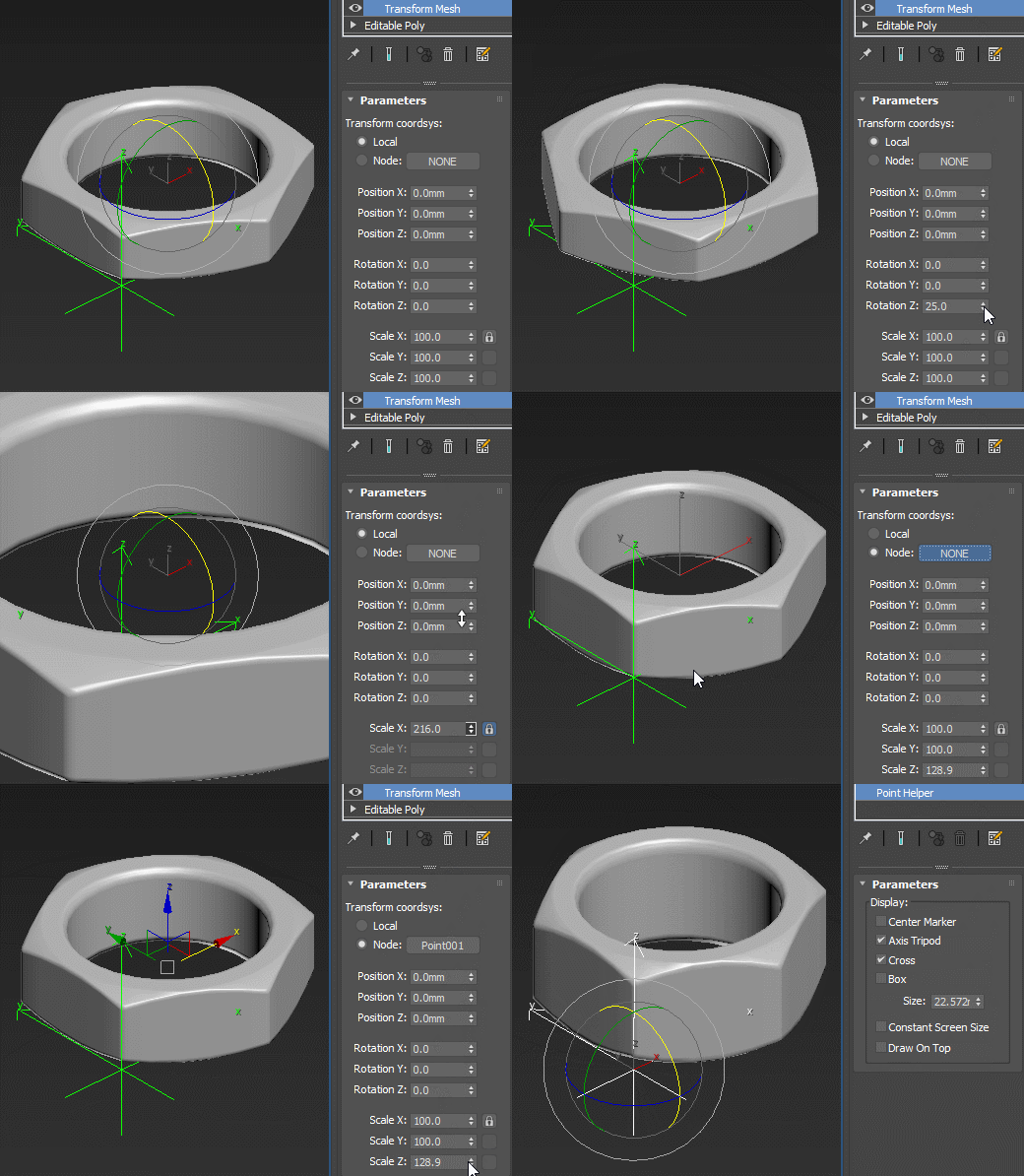
Transformation modifier with numeric input and an option to use an arbitrary scene object as a transform coordsys.

meshTransform

TransformbyStep

4 votes


Syndicate content