Tagged 'select'

Select Every N-th-no UI

37 votes

If you want to select every 2nd or 3rd or 4th, etc edges, just select the first edge, skip the desired number of edges and select the second edge, then execute the script.

If you want to see the time that script needs to make a selection, just start MAXScript Listener.

Instalation: Drag 'n drop two mzp files in 3ds max, then go to Customize - Customize User Interface. Under "miauu" category you can find "Gap Loop" and "Gap Ring" scripts.

On the video below the script works 3 times slower, because of Camtasia and my old, single core PC.

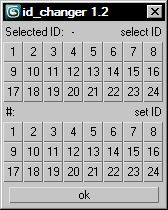
id_changer

7 votes

Selecting or applying material ID's with one click!

Rollout with button grid for selecting or setting material ID's of selected polys up to ID 24. Works with editable poly only. Displays selected poly's material ID if they're same.
Ctrl + click add specific IDs. Alt + click deselects specific IDs.

Examples:
Want to set some specific material ID up to 24 to selected polys? One click.
Want to select polys with same material ID's of selected poly? One click.

VertexSymmetry

12 votes

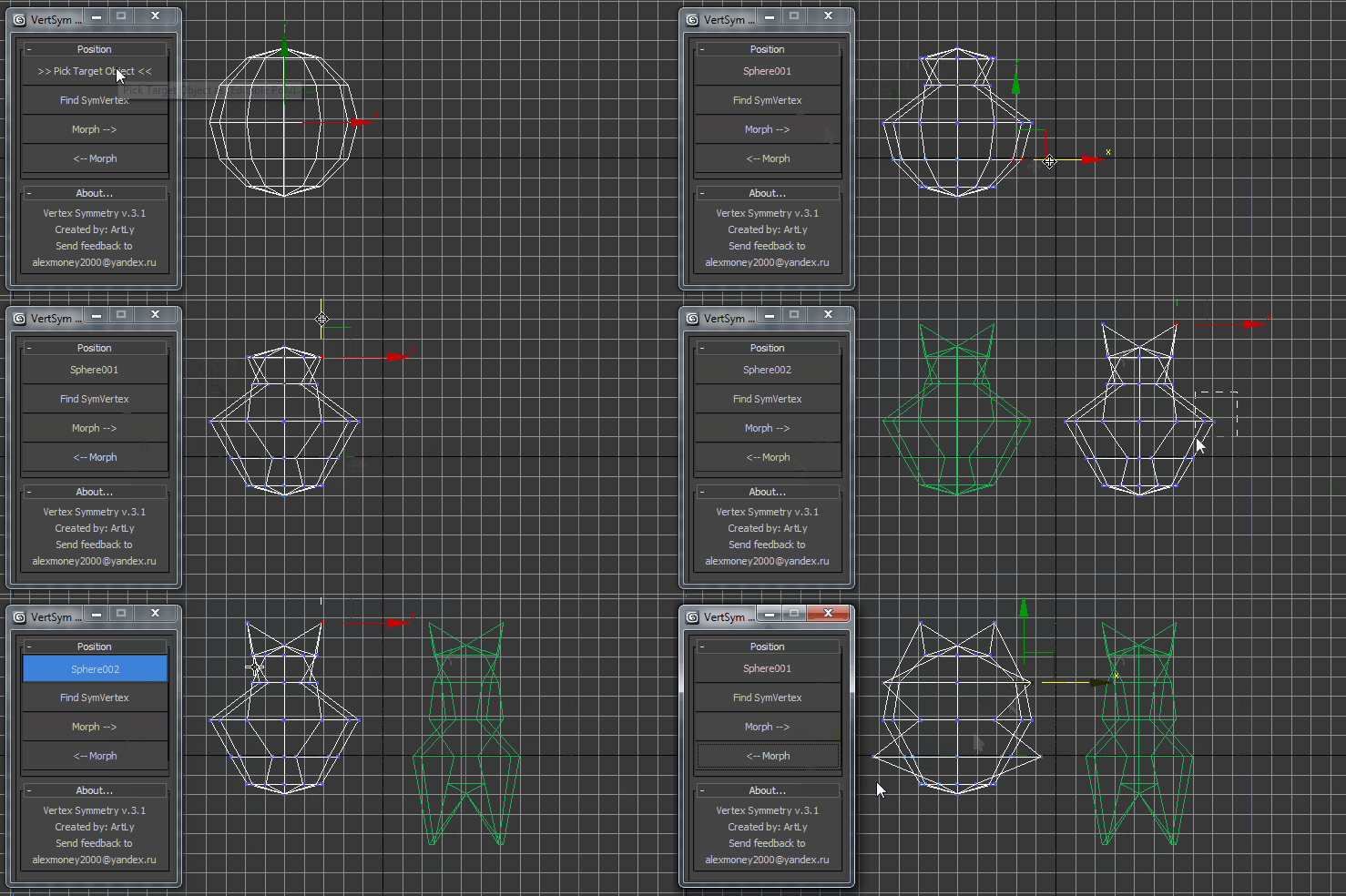
This script use for morpher symmetry + video Tutorial Transform move (Left to Right) (Right to Left) 

Heuristic Edge Select

10 votes

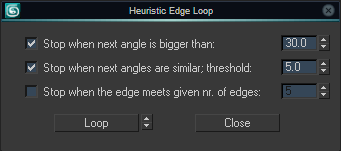
Select a loop of edges both on quad and non-quad geometry. Both a command without GUI and a settings dialog to fine-tune the stop cases are available.

Heuristic Edge Select Dialog

Check Total Lengths SplineShape

74 votes

This simple and funny script, you can measure the total length, check the number of segments and the Knot of SplineShape. Very useful :)

ctlss

Select Hidden, Visible or Occluded Objects

5 votes

Select only visible objects! Delete all objects hidden inside other objects!

If you are working with object heavy CAD models you probably know that often 90% of the objects are hidden internal components of the rig. Stuff you usually don't need or want. Object count that make 3dsMax crawl.

This script lets you either select what is visible or hidden from the current view - or let you scan the whole scene. 
It's a very efficient way to clean up your scenes with a high accuracy!

Selection overlapping objects

6 votes

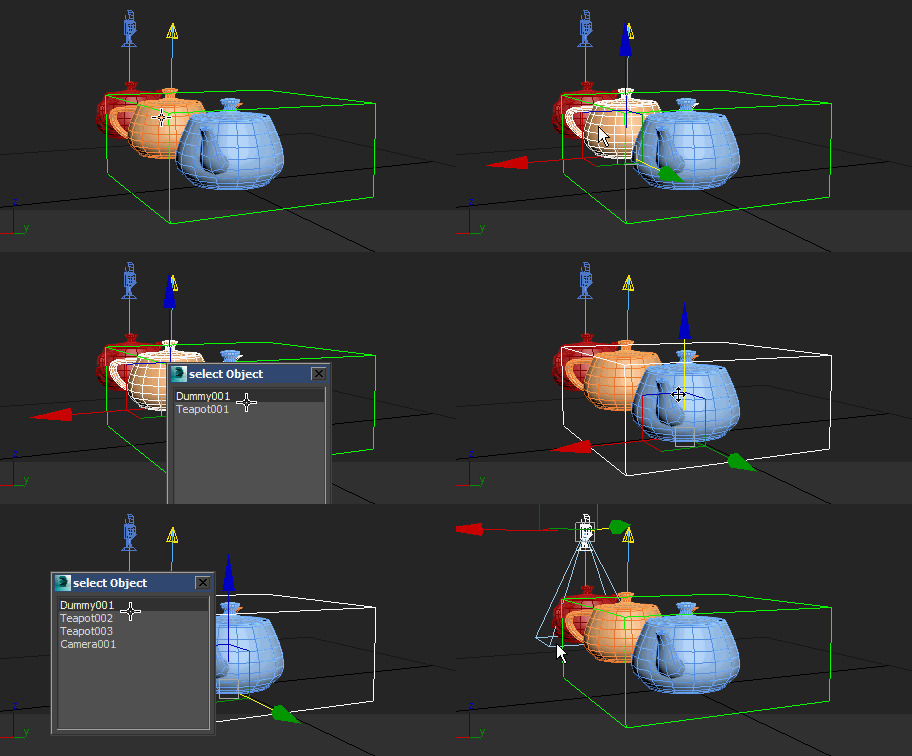
This script gets A List of objects' names under the cursor after which the object can be selected from the list, well used this script to the HotKey

Selection overlapped objects

Rapid Edit

8 votes

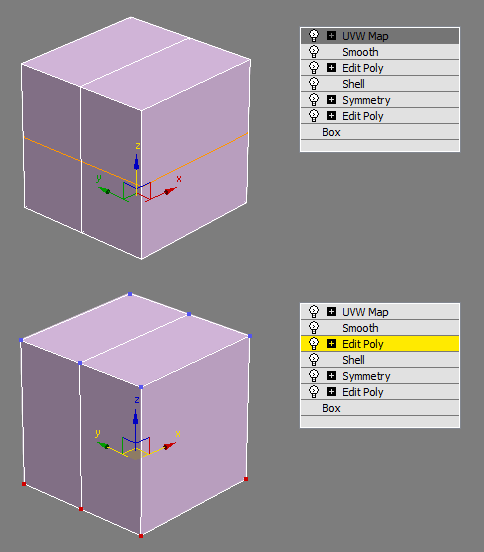
Automaticly selects the first editpoly/editspline modifier in the list. If no editpoly/editspline modifier can be found it asks you if you want to add one. Also works with groups, if activated it will either open the instanced editpoly/editspline modifier of the group or add one automaticly.

Volumetric Object Select

5 votes

The selection of objects volumetrically. Simple script ..
Of volumetric objects are selected, and click the "VOLUMETRIC SELECT" button.

We hope that it will be useful somebody :)

Material Toolbox

1 vote

Manage the Material assignment, Material ID number, and Wirecolor of scene objects.

Feature List:

+ Easily Select all objects with shared Material, Mat ID, or Wirecolor

+ Interactive Clipboard to store Materials, Mat ID's, or Wirecolors

Syndicate content