Tagged '3ds max'

Batch Save 3ds Max Files to Previous Version

4 votes

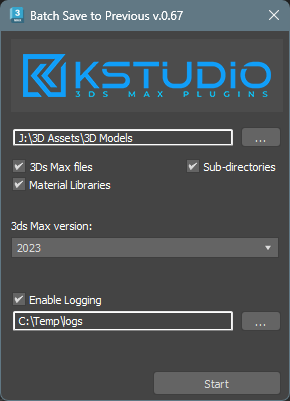
Script for saving 3ds Max files and Material Libraries* to the previous version in batch mode

*Batch saving Material Libraries to the previous version requires 3ds Max 2023 Update 1 or newest


Lime Exporter 3dsmax to Lumion

4 votes

Lime Exporter is a tool who allow you to export all textures and scene ready to work to LUMION.

This tool allow to convert Vray or Corona and Fstorm to Lumion.

It's not a simplicity Exporter, it's keep all the compatible settings...

Export all the scene or only selected Object... See how many instance it's necessary to convert...

Real time informations for the convertion state.
Keep your plugin up to date with the internal update fonction.

Drag and Drop LMInstaller.mse to your 3dsmax viewport and let's the plugin install.

HoHa Material ID

3 votes

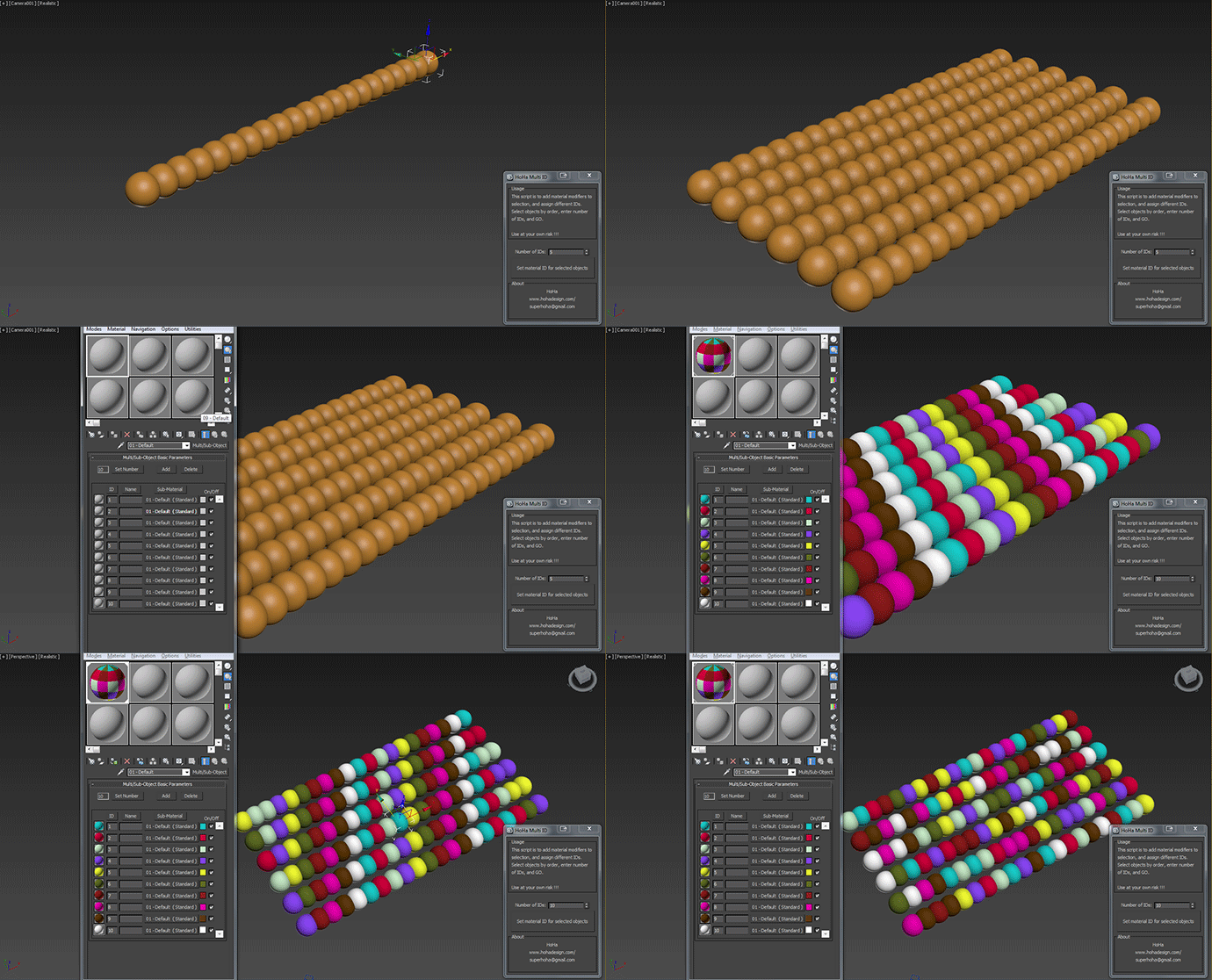
Just another small script to add "Material" modifiers on top of the sellections to assign random or in order material ID. Apply multi subobject material to the selection first.

Comment and feedback are welcome.


Change Log:

V1: Basic as above.

V1.1: Added a random IDs button for making the IDs Random (duh) :)

Cheers

Scripts Central

3 votes

Scripts Central

Scripts Central v1.0

Copy Paste - Objects/Materials/Modifiers

3 votes

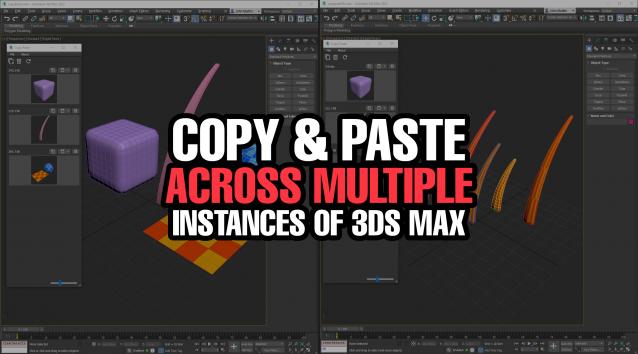
Copy Paste is a 3ds Max tool that allows teams or individuals to copy and paste objects, materials, or modifiers across multiple instances of 3ds Max. It supports sharing these copy/paste buffers in shared locations on the network or local on your computer. The tool helps to keep everyone up to date with real time updates anytime a new copy is created or modified.


TP easy joint

3 votes

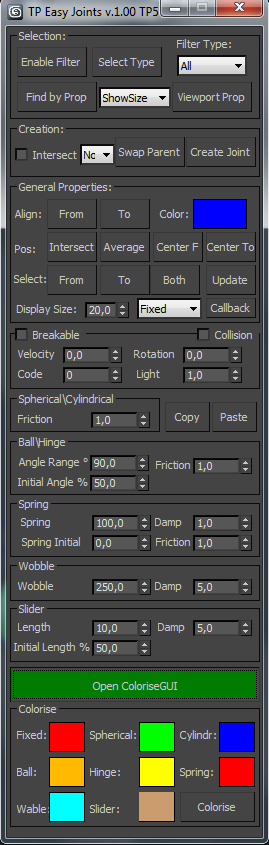
Script for easy creation cebas Thinking Particles joints between two objects and tweak their properties.

C-Ray - Camera Raycast Tool

3 votes

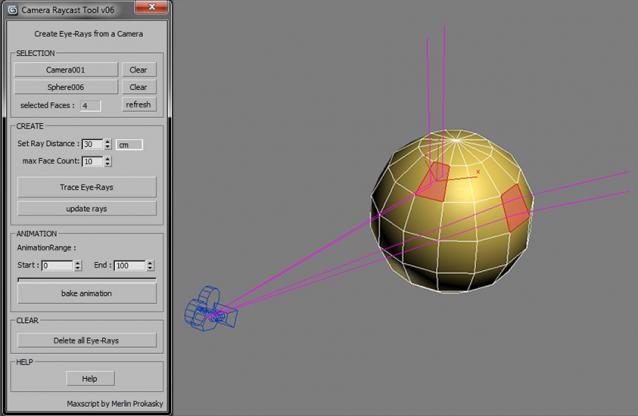
Tool for creating eye-rays for a camera

Easy and fast way to make raytracing visible. You can see what will be reflected on the selected face BEFORE you've ever pressed the render button.
This is very usefull at the lighting process to place lights and reflectors.
Sometimes you will be surprised were the rays trace to.

Functionality:

The tool creates rays (splines), which are traced from the camera over the selected faces of an object.

3DS Max - Match Materials and Mapping - Plugin

3 votes

This script will help the user match the material of a source object to a target object
First, you need to select the source object then click the script, now start picking your target objects
When you finish picking just right-click, or press Enter, and the picked Objects will have the same material as the source
Object plus any UVW Map modifier or Unwrap UVW modifier applied to it.

Sal Render Assistant

3 votes

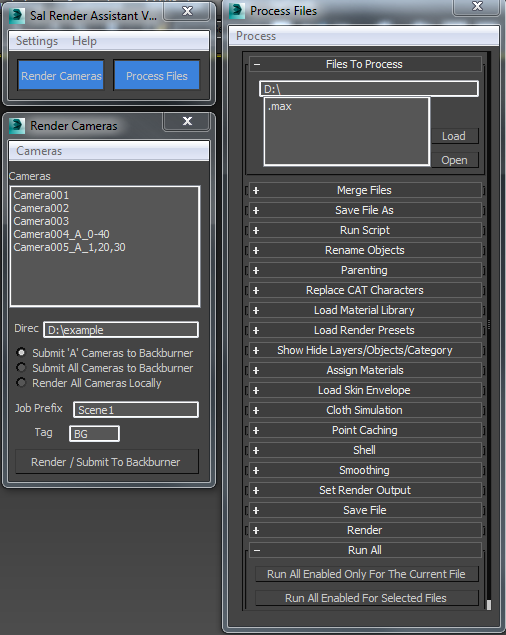
SalRenderAssistant

drop the mcr file to 3ds Max then put the mse file in the script startup then restart 3ds max

for more help

Sal Render Assistant Docs

Animation Trajectory Volume

3 votes

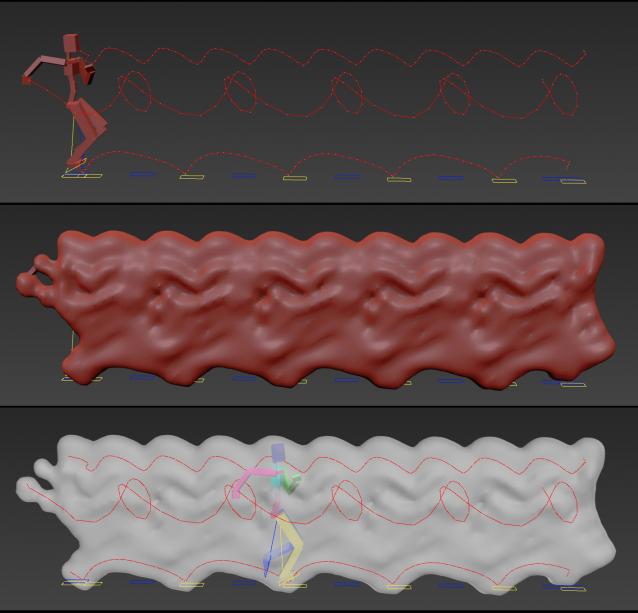
This script helps you create an aproximate mesh that covers the animated object (transforming or deforming) through the animation range.

It can come in handy:

-When trying to build an environment around your animatedcharacter for example.

-or to see how your animation flows instead of using the normal line trajectory.

-also to know the dimention that our charachter are moving in to build FumeFX container or other fx stuff.

It's based on Blob mesh so:

Syndicate content