Tagged '3ds max'

Shater AutoRig

2 votes

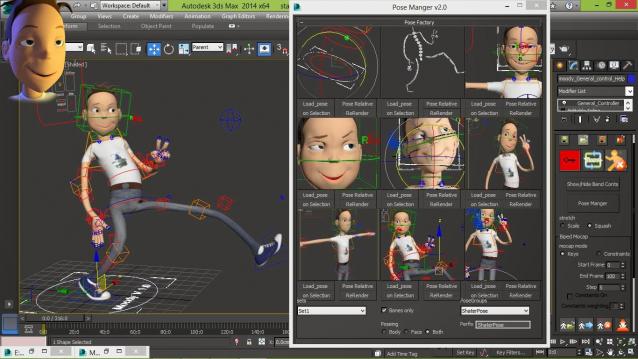
Shater Autorig is humanoid feature Animation rig creator and olso Games simple rig creator, with flexible and easy to use animation tools for production (unlimited pose manger/keying tools/reseting/ik-fk/stretching/squashing/bending limbs and spine)


check youtube vids down

FDK - Fast Drawing Kitchen

2 votes

Script for 3ds Max to creating kitchen elements end slider closet with different types of fronts and cabinet, with basic V-ray materials.

Viewport Snap

2 votes

Viewport snap scripts snaps to the orthographic viewport that's closest to the current orthographic, perspective or camera view. It also frames current selection to fit into new view. If viewport that is snaps to is closest to the bottom or top orthographic views script will also try to detect the orientation of the current view and orient new view correctly.

This script is meant to replace repetitive task of switching to the top, side, bottom etc. views while modeling.

Oblong and Oblong Void Primitives

2 votes

Oblong and Oblong Void is a pack of two primitives for 3DS Max.
Change parameters in real time. Map coordinates. Separated materials ID.

Griffin - Character Generation tool for 3ds Max

2 votes

Griffin is a animation ready cartoon character creator tool for 3DS Max. It offers you dozens of parameters to create your own unique character fast and easly. And also you can buy extra clothes and items from Griffin Shop and use them on your character. So knowing nothing about modeling and rigging , you can create your rigged character with industry standard tools in a few minutes!
And also you can use it in your commercial or personal projects…

RoomBuilder

2 votes


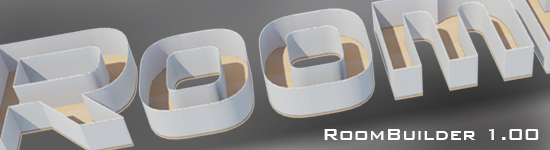
Script makes simple room from rectangular or custom spline. It's designed for 1-sided walls and the same shape is used for floor, ceiling, plinth and cornice.

Content Browser

2 votes

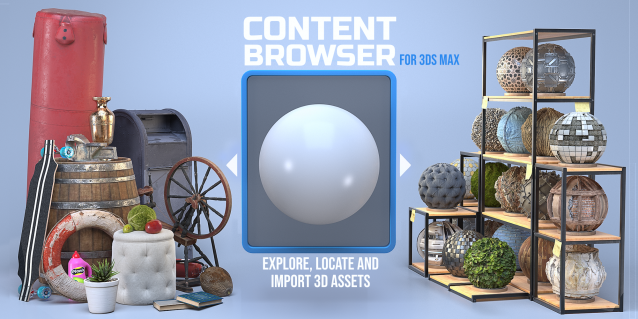
The Content Browser helps you quickly browse and import 3D assets on your computer.

Load any folder accessible on your machine and the Content Browser will find any materials, hdri’s, models, and max files. It will group, organize and display these files as assets, recognizing previews, LODs, mapping channels, resolutions and other important information automatically. 

It simplifies the importing and merging process for 3d models, max files, material creation and hdri environment maps by allowing you to directly browse, filter and drag all of your 3D assets from sources like MegaScans, PolyHaven, gameTextures, Poliigon, Arroway into 3ds max viewport or material editor. 

Main Features

  • Load any folder and find 3D models, max files, materials and hdri’s.
  • Show grouped files as assets, group matching assets and find preview images.
  • Drag and Drop asset into the 3ds max viewport or the Slate Material Editor
  • Import assets to Slate and Compact Material Editors
  • Default Merge and Import 3d files and max scenes, with automatic relinking filepaths
  • Choose LODs/resolution/variations and Import multiple assets at once
  • Folder hierarchy, File list and Preview Gallery

Sub Object Constraints Improved

2 votes

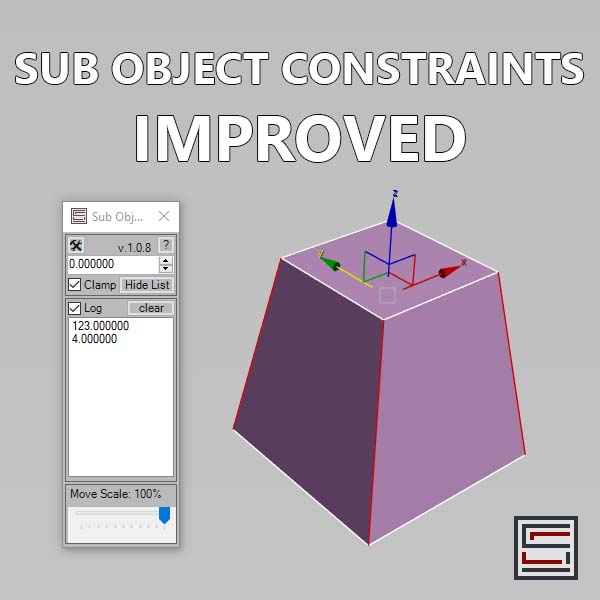
Description: Slide verts & faces along edge paths. Similar to the standard constraints, but works in both directions.

Bone on spline

2 votes


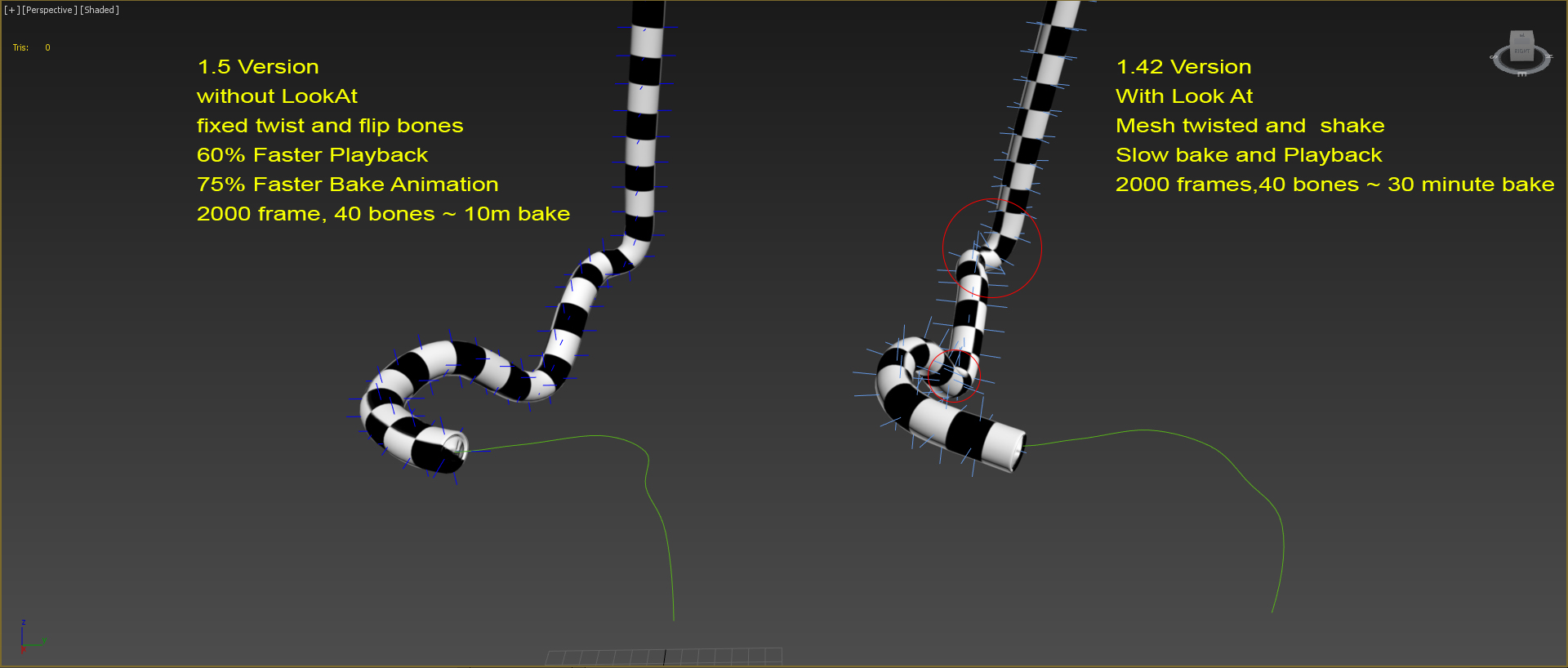
Animates bone spline. It will be useful when the animation: worm, snake, or something like that.

-- Update version 1.1
- Now you can change path every time
- Add "Update end frame"
- Minor fixes and improvements

-- Update version 1.2
- Fixed flip bones

Detach by material ID

2 votes

I'm working as an architectural visualizer at MIR. usually i import files from OBJs. this little script splits the single imprted obj into different parts and gives the new node/object the name of the material it originally had.

Thats what i use it for but it does the same thing for any object with sub-materials.
let me know if theres any problems

Syndicate content