Tagged 'script'

Motion Graphics Tools

29 votes

A Max Script with a bunch of commonly used tools for working with motion
graphics and standard materials in Max.


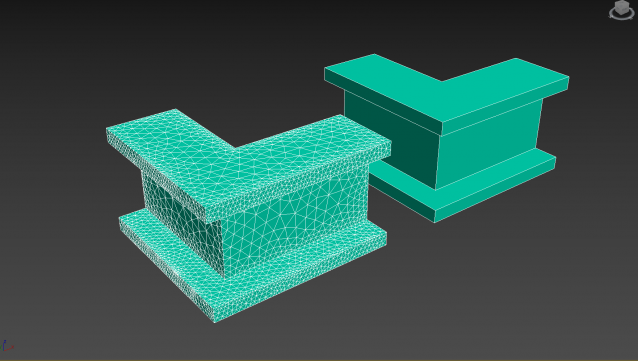
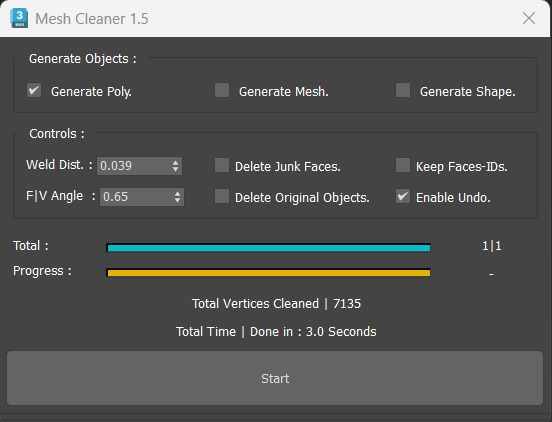
Mesh Cleaner

1 vote

A 3dsMax Script for Cleaning Objects Topology.

*Please Save your Work before using the Script (just in case!).

3ds max 9 Ambient/Reflective Occlusion Assigner

8 votes

This script will only work when the scene renderer is set to Mentalray.The script assigns mentalray Ambient/Reflective occlusion map to ambient channel of the selected objets material. The selected object's material can be multimaterial or standart material other material types are not supported yet.

Rattle 1.0 - Parametric Noise Generator... Released!!!

2 votes

Rattle 1.0 is a script for Autodesk 3ds Max to manage noise in different ways in your scene and animations.
With Rattle you can use the noise on animation controllers in very easy way and in single and multi selection. You can use also the noise deformers to give noise to your meshes and create variation in your scene and animation.

Features:
- Relative Noise Controllers (so you can have it as additive controller to your animation )
- Noise Position Controller
- Noise Rotation Controller
- Noise Scale Controller
- Noise Deformer
- Noise Bend Deformer
- Noise Twist Deformer

Environment Lighting HDR Studio (MR)

3 votes

 NEW VERSION 0.9

This Script allows to insert a Environment map HDR in the scene and simluate a virtual set for rendering "white". Also useful in the preparation of illuminated images in HDRi.

New features (work in progress):

Change Log v.0.9

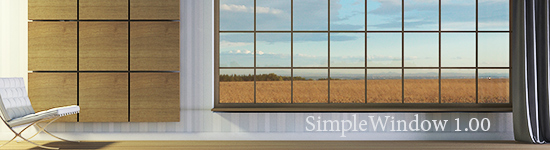
SimpleWindow object

4 votes


Script makes fixed window with horiz-vert dividers grid, board and sill. Any part of window can switch on/off, so you can easily change it.

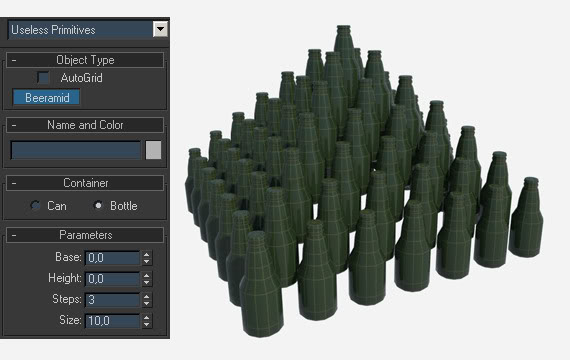
Beeramid

44 votes

A fun primive, in case of emergency.

3ds Max 8 Quick Walk Through v1.0.0

9 votes

QUICK WALK THROUGH V 1.0.0. is for architectural visualization. In this version the script can detect 7 PivotDoors (PivotDoor01 to PivotDoor07) and 7 CasementWindows (CasementWindow01 to CasementWindow07). Using Keyboard Camera can be rotated in the x-axis also. Mouse can be used while Auto Key is on.

Model Packer

3 votes

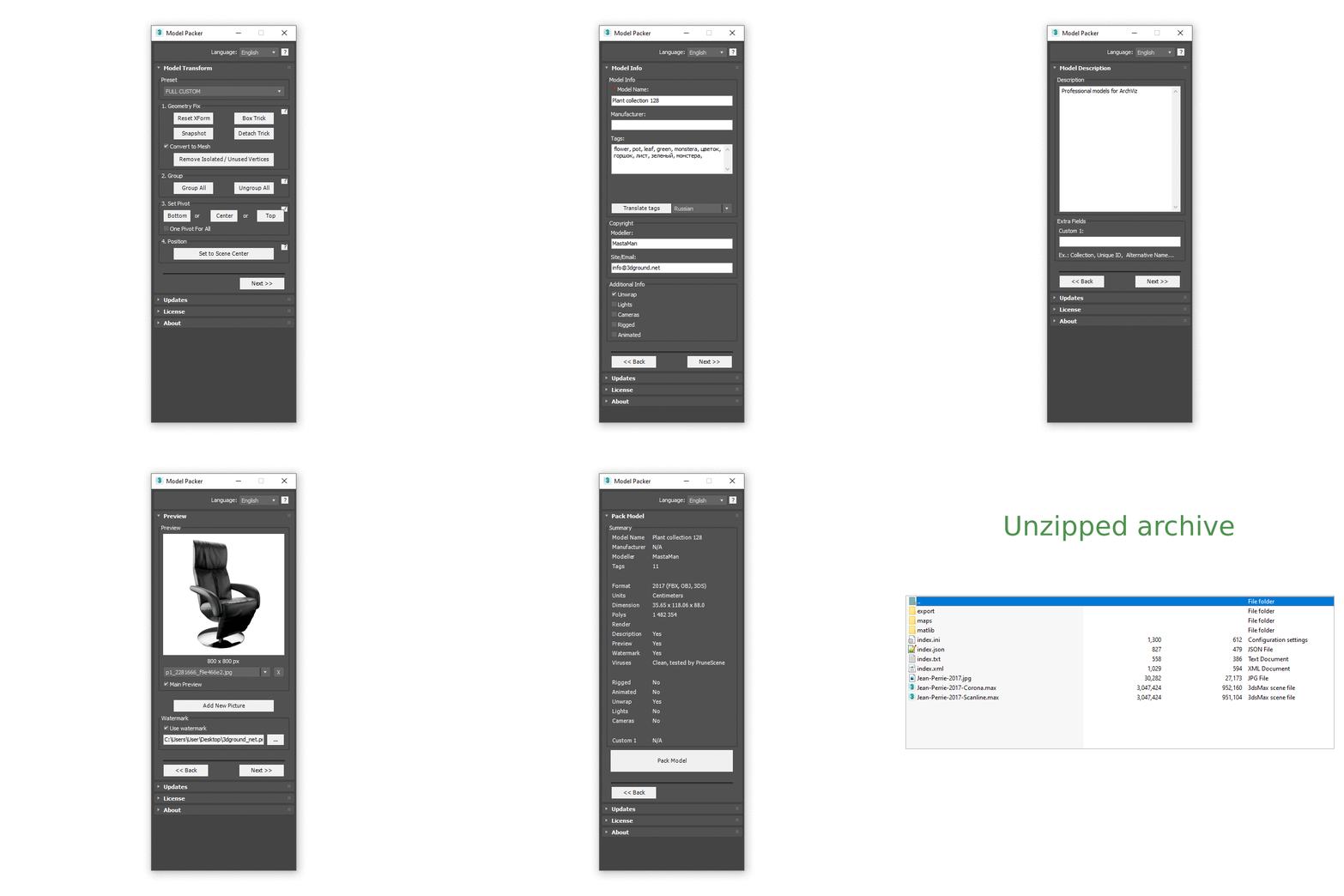
With the Model Packer, you can prepare your 3D models for uploading to 3D stocks or Asset Libraries.

Just a couple of clicks and you will create an archive with your model or scene.

Animation Trajectory Volume

3 votes

This script helps you create an aproximate mesh that covers the animated object (transforming or deforming) through the animation range.
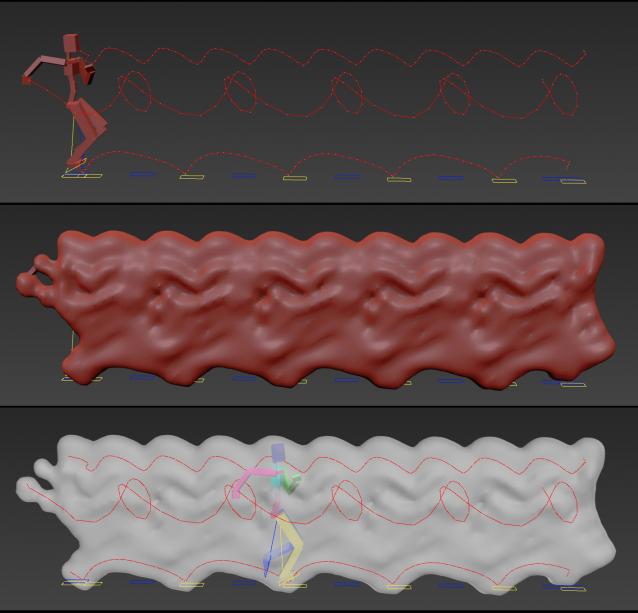
It can come in handy:

-When trying to build an environment around your animatedcharacter for example.

-or to see how your animation flows instead of using the normal line trajectory.

-also to know the dimention that our charachter are moving in to build FumeFX container or other fx stuff.

It's based on Blob mesh so:

Syndicate content