Tagged 'VRay'

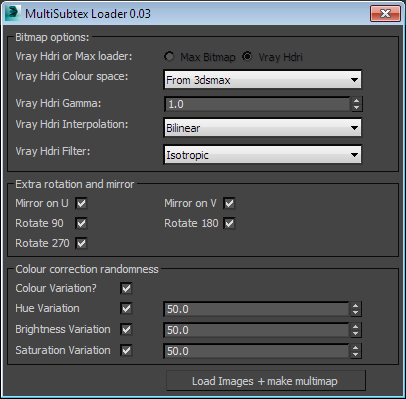
Vray MultiSubTex Loader

2 votes

StrTools

14 votes

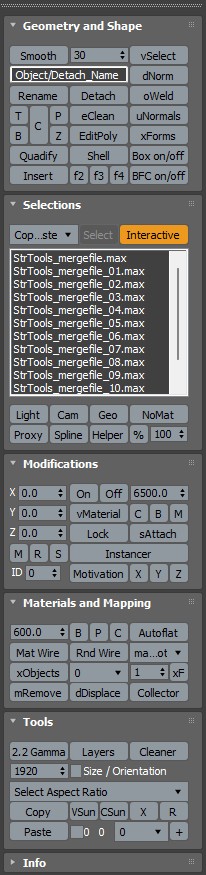
Quick tools in one place. Dockbar!

Vray Sample List

-13 votes

This tool allows users to mass edit all subdiv and sample related settings across and entire scene for vray. Available on www.JokerMartini.com. Source code is also available.

Quick Vray Camera for 3dsMax2016 and Vray 3.xx

4 votes

Very simply script which allows the creation of  "hidden" Vray Physical Camera in 3dsMax2016 with Vray 3.xx

qvc

In the last release of Vray 3.2 for 3dsMax, the Vray Camera does not appear; VRay uses the physical camera of 3dsmax. If you write in maxscript: " vrayCreateVRayPhysicalCamera() " we can create the "hidden" Vray physical camera.

Quick Vray Camera, facilitates the work for us.

IOR - Index Refraction

0 votes

Simple, harmless and silly script which allows you to view data of index refraction or IOR in the listbox

ior - reflection index

V-Ray MultiMatte / Object ID Manager

1 vote

V-Ray MultiMatte and Object ID Manager.

Handling ObjectIDs in Max can be a hassle. This hopefully simplifies life for you. You can:

- Easily set IDs on all selected objects.
- Select objects by their ID.
- List all IDs in the scene
- Clear IDs
- Automatically clear out old MultiMatte Render elements and recreate only the ones you need in the scene!

v2.0:

- Refined UI
- Added incremental add and use next available ID option 

VRay VFB Viewport Loader

4 votes

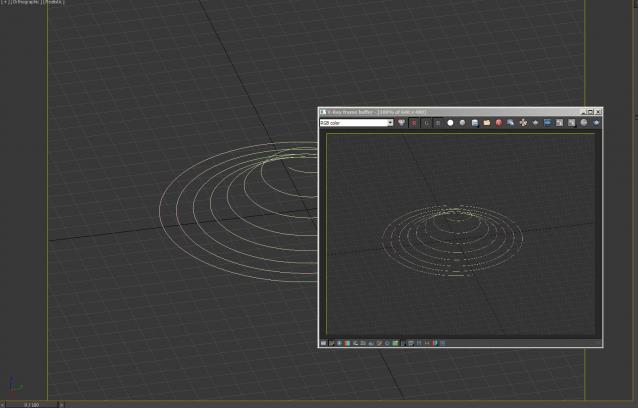
This will load grab your current viewport and put it as a background for your VRay. Really useful for when you want to do a region render in the VFB but don't know where to draw your region. It's clever enough to crop to your safe-frames, and resize to your render size, upscaling to large resolutions won't give you the best quality but should hopefully help!

Object Properties 2.0

6 votes

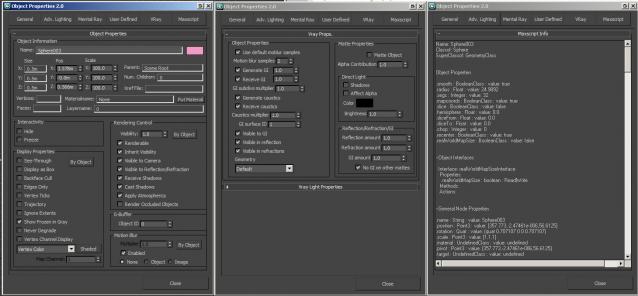
A non-modal Object Properties window, very simliar to the original one in 3dsmax but this allows you to change selection with the dialog open!  It also has the VRayProperties window included so you don't have to switch dialogs when setting up passes. (Needs updating for VRay 3.0+) There is also a MaxScript tab which shows you loads of information about the object you have select and this is really powerful for learning to script!

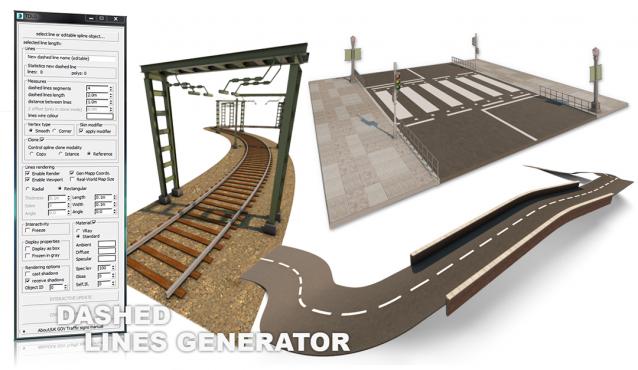
Dashed lines generator - traffic dashed lines

2 votes

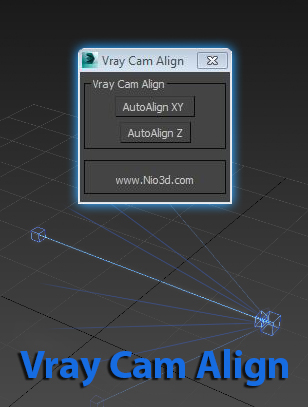
Vray Cam Align

1 vote

GuideLines
Description:
Vray Cam Align will align your VrayCam target height with the selected camera height.
The "AutoAlign XY" button will do the above and also find the general direction of
the cam,and align the target to the appropriate axis.

enjoy:)