Tagged 'rigging'

Harry's Proxy Creator

1 vote

This script is very similar to a script Jason Schleifer wrote from Maya, it allows you to split a predefined object into several segments based on the transforms of special cutter objects, these segments can then be linked back into a skeleton hierarchy. The advantage of displaying segmented geometry in the viewport rather than the skinned mesh is that you get faster playback speeds.

When you evaluate this script it create a new "Category" in the "Customize User Interface" window called "Harry's Proxy Creator" where you'll find the tool

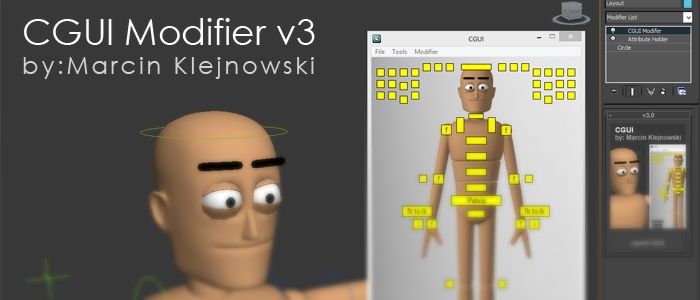
Custom Graphic User Interface Modifier

10 votes

Custom Graphic User Interface

LH | Auto-skin

4 votes

Complete assistance to skin any 3ds Max rig !

LH | Auto-Skin will automate all the heavy skinning, leaving only finition to make manuelly, or even, in somes cases, skinning will not need editing! To make this operation, the tool will generate a "sliced" character/object, animators will be able to use this low character/object to animate more faster!

LH | Auto-Rig

6 votes

Automatic quality rig for all lovers of animation on 3ds Max !

WHY ?

Maya already has a wide selection of quality rigs, but 3ds Max doesn't.

So for the animation fans looking for a quality rig for 3ds Max, without any notion of rigging required, LH | Auto-rig, an automated rig, was developed. Powerful, it works with all kinds of characters (biped, quadruped or others), with a UI for animating as well as other animation scripts.

OPERATIONS :

Pose Store Helper

31 votes

A scripted helper plugin designed primarily for storing, animating and editing poses in a bone based facial rig, offering the control of a bone based rig and the speed of the morpher modifier.

+++ UPDATE: Now includes mirror pose functionality.

attached point

2 votes

this tool creates point helper with attachment position controller assigned.
and set the position on the surface that mouse cursor hit.

Link Array (directional)

-14 votes

This code simply allows a users to link a selection of objects based on the order of selection. You can use either 0 or 1 to define the direction. That allows you to link everything forwards or backwards. Rather simple code but I figured someone would find use for it.

clearlistener()
 
fn fnLinkArray arr dir:0= (
 
	if dir != 0 then (
		reverseArr = for i = arr.count to 1 by -1 collect arr[i]
		arr = reverseArr	
	)
 
	for o in arr do o.parent = undefined
 
	for i = 1 to (arr.count-1) do
	(
		child = arr[i]
		parent = arr[i+1]
		child.parent = parent

Travel Distance

1 vote

a Maxscript Controller to measure and expose the distance traveled by an object.
1: select an object, a point or something else
2: run the script
3: in the modify panel, clic on Pick Reference button and pick the object you want to mesure travel distance.

Now, if you animate the object in autokey, you will see the value changing.
You can use it in wire Parameter or in expressions or script controllers

Rot Follow Movement

2 votes

This tool add a Float Script on the selected Object. It forces the object to always rotate (or lookat) following the movement of the Master. You don't have to rotate the object by yourself, only to translate the master in Autokey.


SOX Dynamics

3 votes

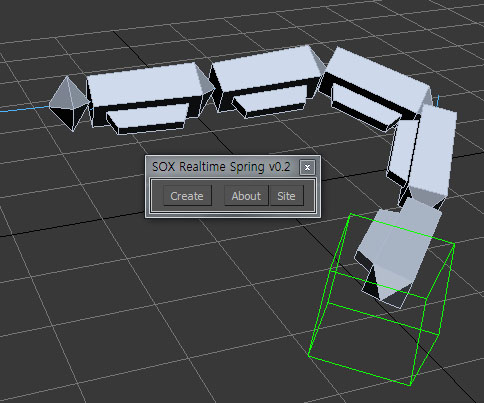
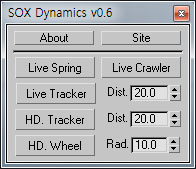
Sorry, The management of the tool will stop temporarily.


Syndicate content