Tagged 'modeling'

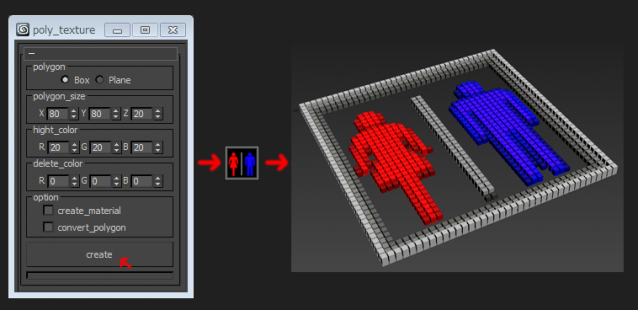
poly_texture

4 votes

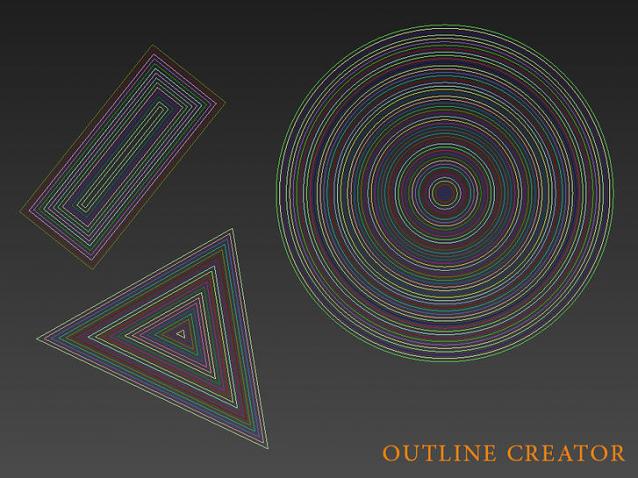
Outline Creator

6 votes

Outline Creator is a 3ds max script that will automate the process of creating outlines for shapes instead of doing it manually one by one.

Pay attention that this script only works with closed shapes for the time being.

Properties:

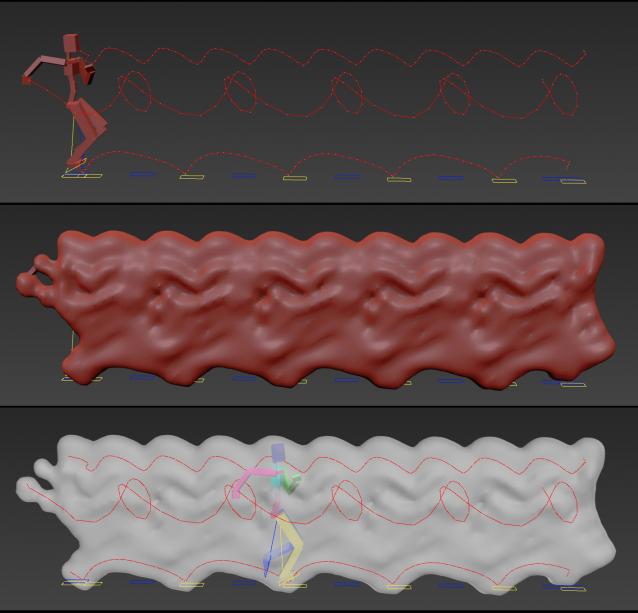
Animation Trajectory Volume

3 votes

This script helps you create an aproximate mesh that covers the animated object (transforming or deforming) through the animation range.

It can come in handy:

-When trying to build an environment around your animatedcharacter for example.

-or to see how your animation flows instead of using the normal line trajectory.

-also to know the dimention that our charachter are moving in to build FumeFX container or other fx stuff.

It's based on Blob mesh so:

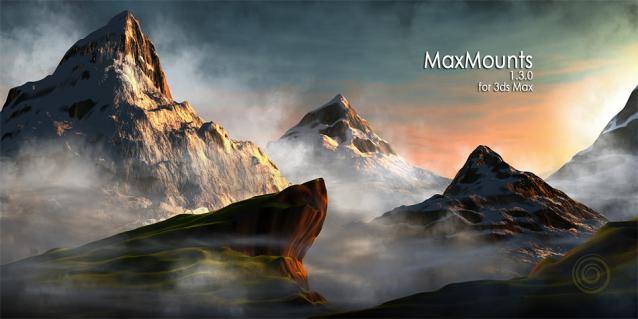
MaxMounts

21 votes

MaxMounts 1.3.0

MaxMounts is a MaxScript for creating realistic mountains in 3ds Max, in a single click. Several tweakable parameters have been provided to get an infinite variety.

Update : Newest version 1.3.2 is now available. Support for 3ds Max 2015.


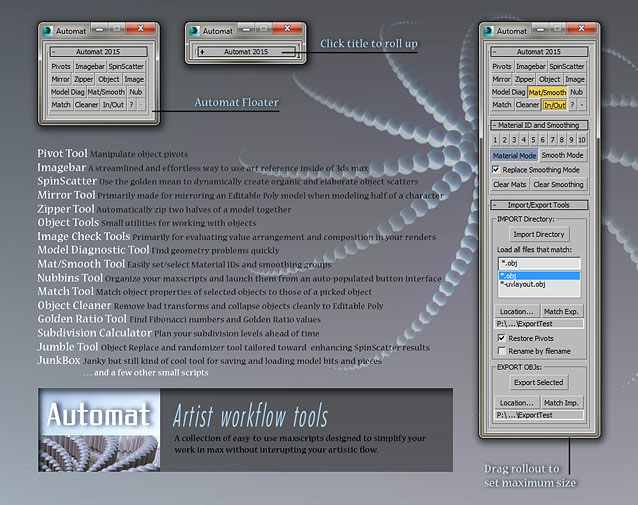
Automat - Artist Workflow Tools

4 votes

Automat banner

A large collection of time-saving scripts all organized into a simple and clean interface.

SCRIPTS included: Pivot Tool, Imagebar, SpinScatter, Miror Tool, Zipper Tool, Object Tools, Image Check Tools, Model Diagnostic Tool, Mat/Smooth Tool, Nubbins script launcher, Match Properties Tool, Object Cleaner, Golden Ratio Tool, Subdivision Calculator, Jumble Tool, JunkBox, and more.

UniRing-Loop Tools [URLT]

8 votes

The Ring-Loop selection and the edges and vertices of a single hotkey.

Universal Ring-Loop selector, works with Edges and vertex (on vertex works with bugs)

Выделение Ring-Loop и рёбер и вершин единой кнопкой

Универсальный Ring-Loop селектор работает с рёбрами и вершинами (на вершинах работает с ошибками)

MultiChamfer

6 votes

Update:
Now values entered with enter are accepted - and bug fix concerning loop check.

Edges From Vert To Vert

11 votes

Tool for edge selection from vertex to vertex(point to point)
Has interactive update so when you move the mouse over the selected object you can see what would be the edge selection. By clicking you add the current vertex. By clicking + ALT over selected vertex you deselect it. The red vertices are the selected ones - the blue is the currently selected vertex. When you click RMB the tool stops and the edge selection from the SELECTED vertices stays - if you click the RMB with ALT you clear the selection.

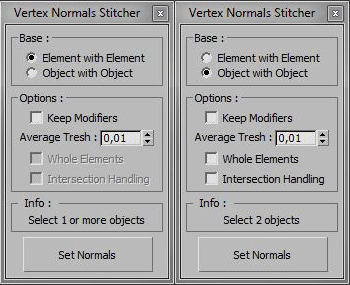
Vertex Normals Stitcher

8 votes

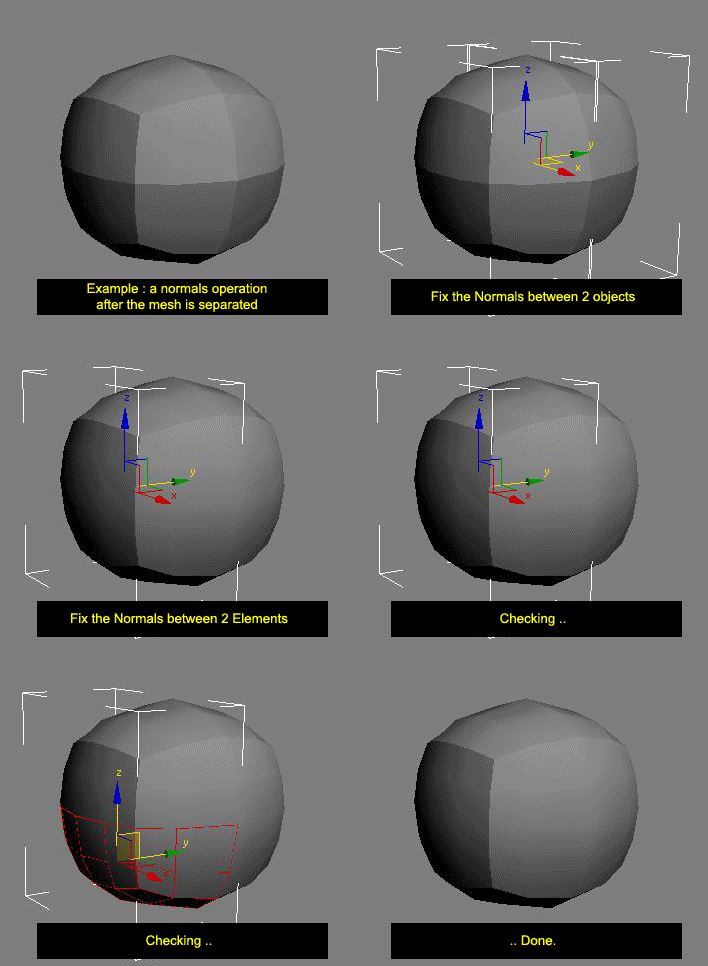
This script averages vertex normals at the borders (Open Edges).

It allows you to smooth a surfaces after separating vertexs / edges / faces.
(example: after detaching faces or splitting edges).
It still keeping a hard Edges if the object have multiple Smoothing Group ID

Images shown are not a welding operation

New UI :

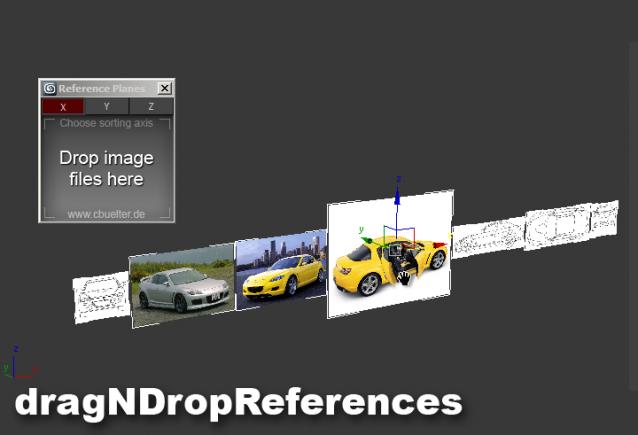
Drag & Drop Reference Images

17 votes

Syndicate content