Tagged 'Animation'

BIPPY

66 votes

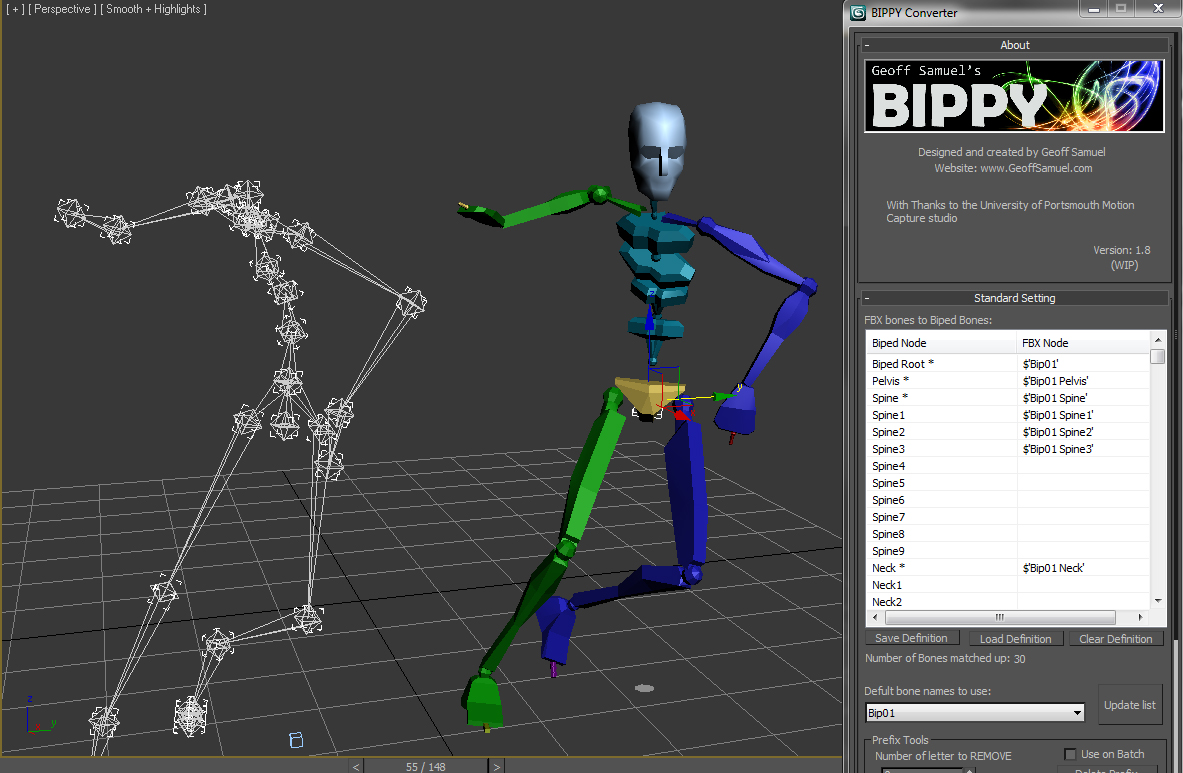
Bippy is a tool for converting FBX bone data onto a 3ds Max Biped and offeres serveral tools to help optimize this conversion pipline.
Its perfect for motion capture data when the client needs the data in a biped format.

The script in action:

The script in action


The Script's feature list includes:

Mirror Animation Modifier

86 votes

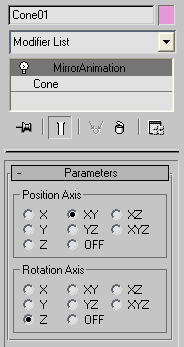
Mirror position/rotation animation tool written as modifier.

Mirror Animation

Coordinate Center Macros

21 votes

These are 3 simple macros I use to add shortcuts for the transform coordinate center options.

BonyFace 2.5

188 votes


BonyFace 2.5

BonyFace 2.5 for 3ds max 2011 (also works in 3ds max 2008, 2009, 2010)
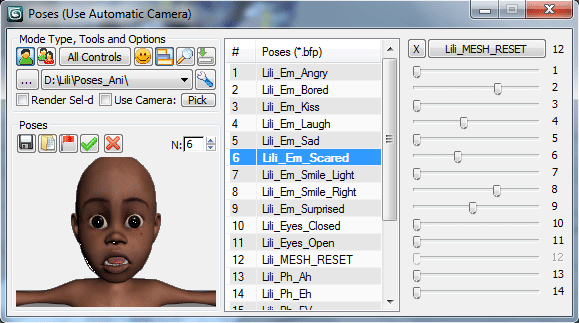
BonyFace is a professional solution for rigging and animating facial expressions on 3D Faces with ease and flexibility.

Version 2.5.1 - Fixed some minor bugs, added tips. Sample scene was added on site.

Version 2.6 was released - check offsite (see below) for details.

Add Inbetween

16 votes

Adds an inbetween key at the time-slider time. The value of the new key is a mix of the previous and next keys' values. The mix percentage can be controlled with the "Change In-Between Percentage" tool.


This tool is a macroscript (see this article on macroscripts and how to install them). After you run the script file, the 2 macroscripts will be available in max's customize window under "Os Tools" category.


Collapse Transform

18 votes

Collapse/bake PRS per frame to keyframes for the current time range.
(reserve addition to the built-in Collapse tool)

Time Range Reset

14 votes

The first time you run this script, it creates time tags for the start frame of the time range and end frame,
From now on when you run the script it will reset the time range to these start and end frames.
To update the start and end frames, run it while pressing shift.

boneStretch

71 votes

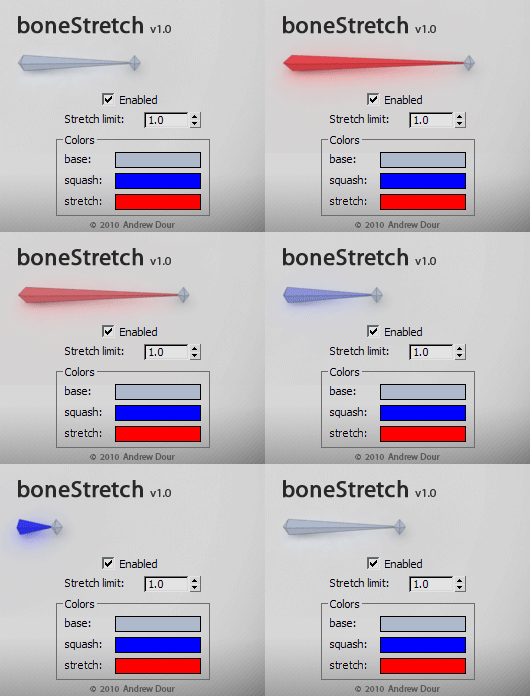
This tool will change the color of bones based on their squash/stretch amount, providing the user with feedback if they have gone beyond a desired threshold. It will live update as you move around and animate in the viewport.

Reverse Animation

38 votes

This simple script reverses the animation of the selected objects. It uses the current time range as the beginning and end point for reversing the animation.

Just run the script and make a selection then hit Reverse Animation!

Enjoy!

ShiftAnim

10 votes

This simple script shift the animations for all selected geometry object, and make it loop within the current animation range. You can ask an exact amount, or randomize the decal for each object.