Tagged 'Animation'

MB Collapse

30 votes

Macroscript (without user interface) that will accurately collapse (bake) any transformation (position, rotation, scale) into keyframes (one keyframe per frame for the current animation range). Unlike the built-in tools, this works for any kind of controller as well as for parented objects (which will be unlinked afterwards).

v0.3 update:

Piston Builder

24 votes

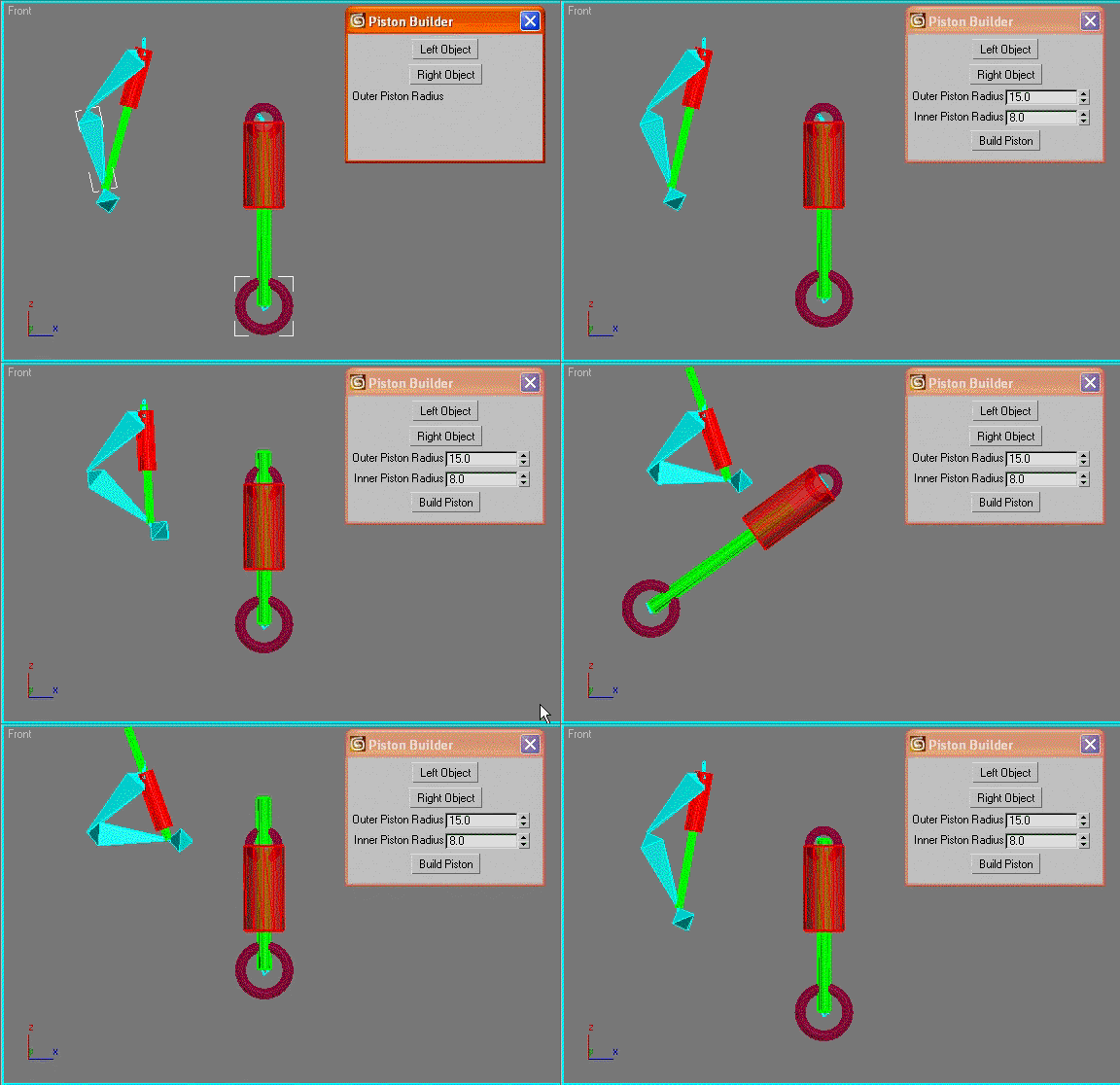
automatically creates a piston object between the pivot points of two selected objects and links the piston rods to the chosen objects. Good for car shocks or robots etc.

Photobucket

Sal Pose Manager

7 votes

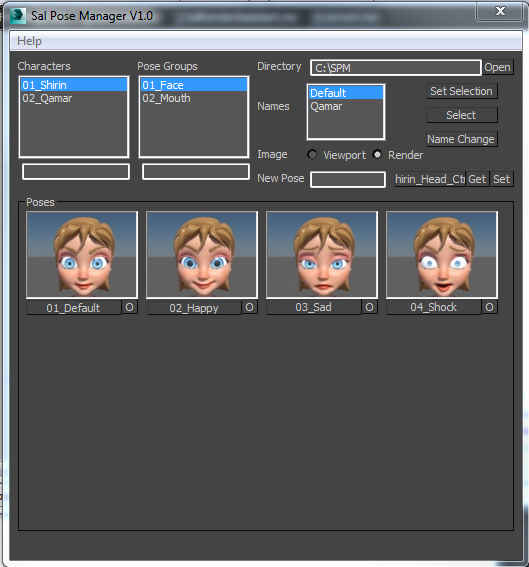
Sal Pose Manager V1.0

download and unzip the script files
copy them to 3Ds Max startup script directory
like this one
C:\Program Files\Autodesk\3ds Max 2014\scripts\Startup
or this one
C:\Users\--User Name--\AppData\Local\Autodesk\3dsMax\2014 - 64bit\ENU\scripts\startup
For help and more visit the script main page

V1.0 Features:
-Create poses for your rig, and organized them in Character folders and Pose Group folders
-Add, Remove, Edit your poses and take their images form viewport or render

Bone on spline

2 votes


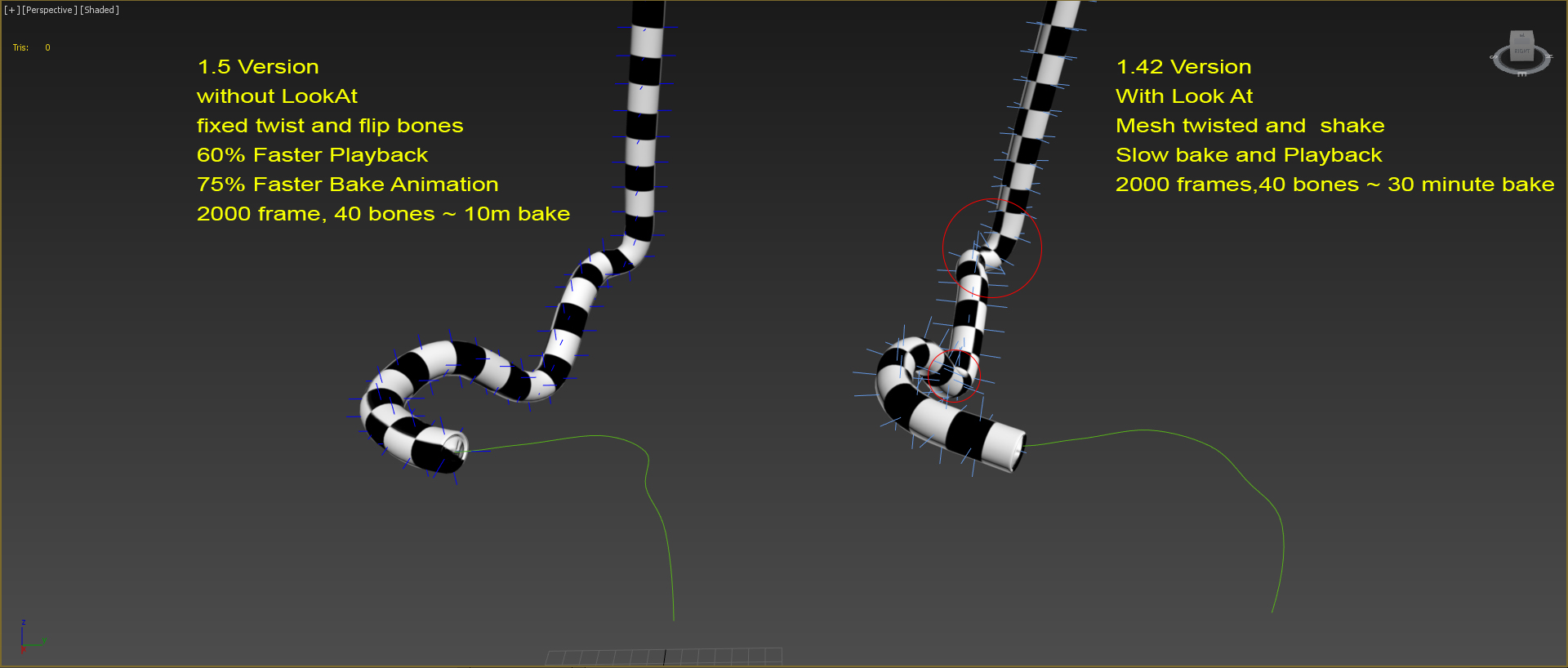
Animates bone spline. It will be useful when the animation: worm, snake, or something like that.

-- Update version 1.1
- Now you can change path every time
- Add "Update end frame"
- Minor fixes and improvements

-- Update version 1.2
- Fixed flip bones

Pose Store Helper

31 votes

A scripted helper plugin designed primarily for storing, animating and editing poses in a bone based facial rig, offering the control of a bone based rig and the speed of the morpher modifier.

+++ UPDATE: Now includes mirror pose functionality.

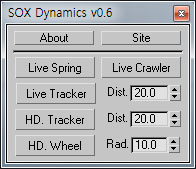
SOX Dynamics

3 votes

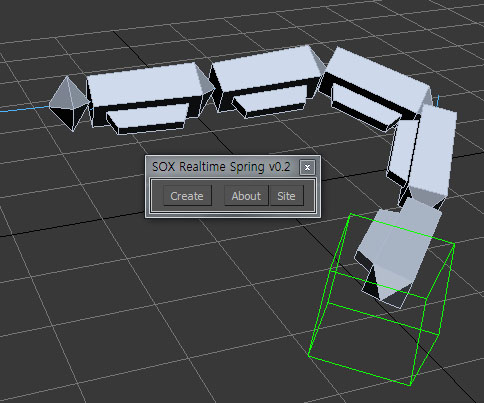
Sorry, The management of the tool will stop temporarily.


SEA3D

3 votes

An open-source cross-platform file format for games

Export entire scenes to Web with just one click

VRayProxy Animation Control

36 votes

For the new support for animated deforming meshes to VRayProxy object in VRay 1.50.SP2

How to control large numbers of proxy animated objects, randomly altering their values speed, frame offset and scale. Besides controlling all the parameters of VRay Proxy (display, playback, meshfile and selections)

Use with copies of proxies and work on selected objects.

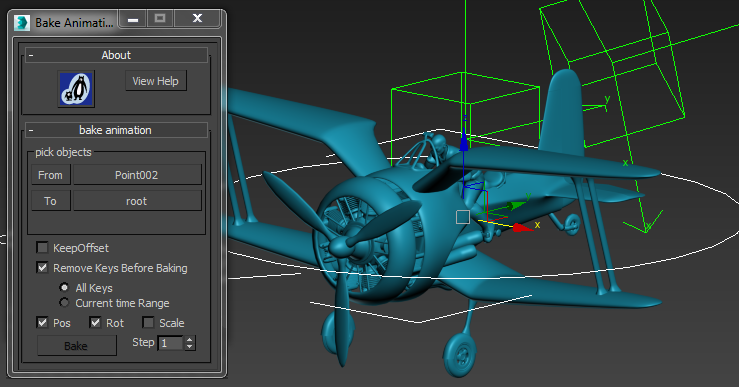
Bake Animation to new Object

2 votes

This simple MaxScript is extremely useful for copying animation from one object to another.

The script is free as part of my scriptpack. Instructions to download all my scripts are here.

To use

Grow

3 votes

After 'Cathedral' presentation on DigitechMedia 2002 I had opportunity to ask Tomek Baginski about effect of growing branches which he has used in his animation. It is done by scaling groups of vertexes down to 0%. Then you apply morpher modifier and use original object as morph target. Effect of growing is result of animating faloff size or position of Volume Select gizmo.

Syndicate content