Tagged '3dsmax'

Rock Generator 2 2018

1 vote

Rock Generator V2 2018 Script for 3dsMax

This script generates procedural random shaped rocks both low poly and highpoly.
Lowpoly mesh matches too close to highpoly mesh so you can easily bake normal map from highpoly to lowpoly.
Lowpoly mesh is automatic relaxed uvw mapped.
Lowpoly mesh has clear non-overlapping uvs.
You can change advanced parameters or you can simply click "random seed" then click "generate detailed rock" it will give totally different results.
If you want to create same rock more than once, you can use same seed number to generate rock.

PolySnow by PolyDesign3D

0 votes

PolySnow is a 3DSMax plugin that creates realistic snow with a click. You just select your objects in scene and PolySnow does the snow for you! Let the snow fall on your 3D objects and scenes with a click of a button. A variety of parameters lets you get the desired results in every situation.
It's a macroscript so please read the Instructions for setting up the plugin. (It's just a few easy steps)
Make your 3d assets' winter versions with a click
Easy to use

Features:
User friendly user interface with some explanation tooltips on buttons.

Mega 'Sweep'

5 votes

Material Editor Manager, MEM

26 votes

This script was developed due to a better usability of 3dsmax's material editor.

Overnight Batch Render

3 votes

SubSpline 3dsmax script - banner

Full rendering job while you sleep!


Description

Overnight Batch Render is a simple yet powerful batch rendering tool for 3dsMax, capable to process multiple scene files sequentially on a single computer.

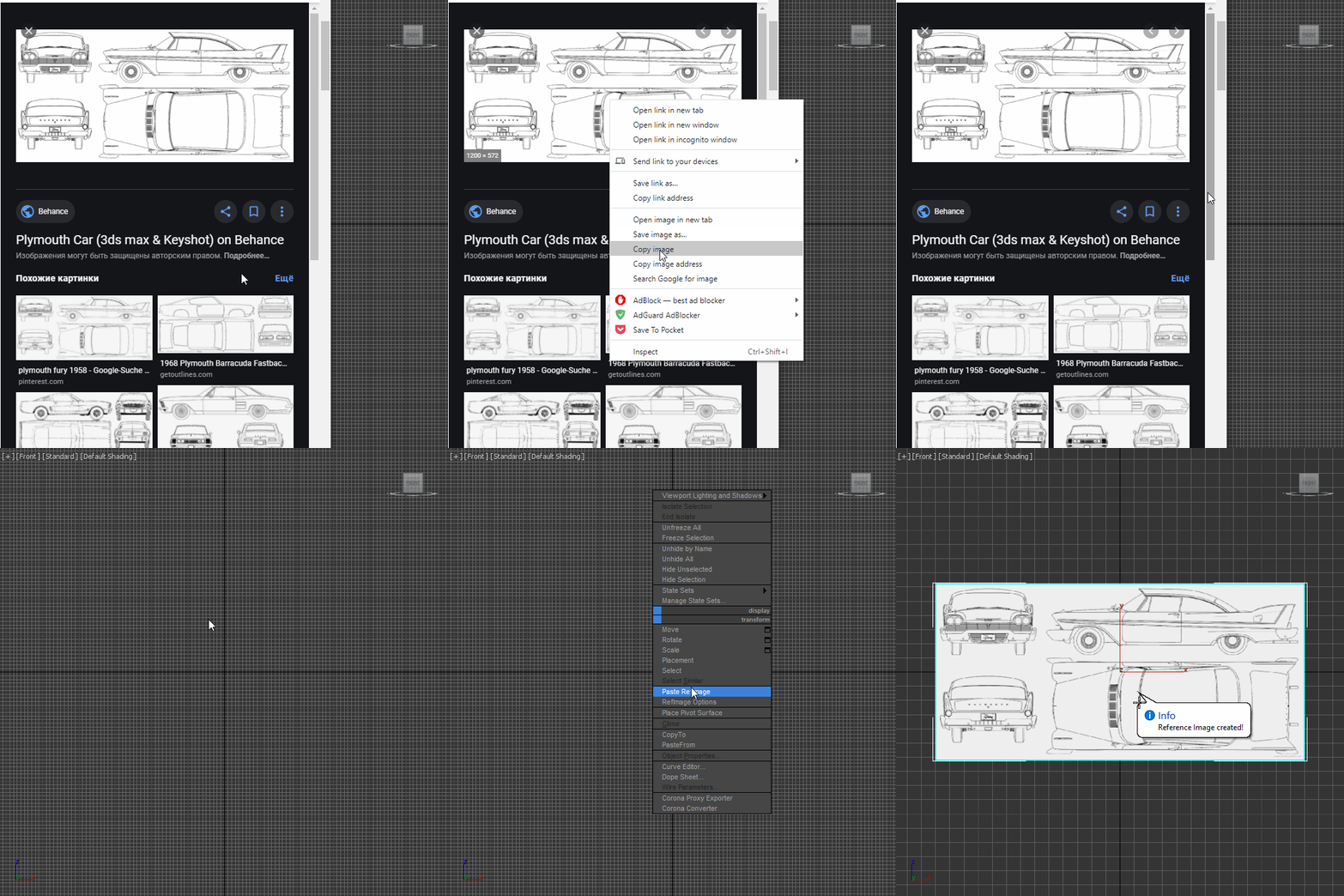
Paste RefImage

8 votes

3dsMax SWEEP

2 votes

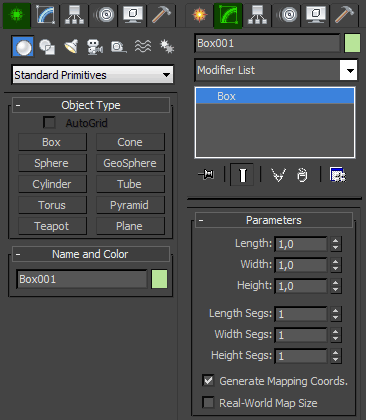
Create-Modify switcher

4 votes

The only one hotkey toggles Create mode and Modify mode. Works as cycle.

Convenient to exit / enter the edit mode of the object.

Только одной кнопкой переключает Create mode и Modify mode. Работает как цикл.

Удобно для того чтобы выйти/зайти в режим редактирования объекта.
smart menu

42 votes

another script for today :)
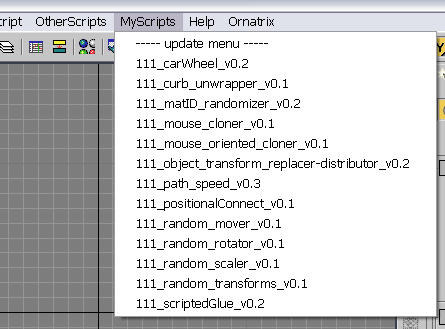
this script scans a folder on your PC and creates a menu in 3dsmax's interface with all scripts it finds there (you must specify the path to scan in the script by yourself). all you need to do with your new script is to place it in that folder, and you will be able to access it in 3dsmax interface. no macroscripts support.

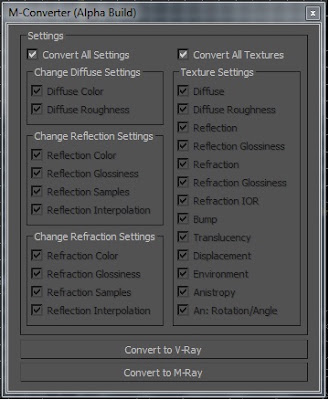
Material Converter

19 votes

M-Converter UI

I made a Material Convert that converts Arch & Design materials to Vraymtl. I created this in my free time so its a BETA script. For now M-Converter only converts Arch & Design materials to Vraymtl. I hope you guys like this script.

Syndicate content