Tagged 'Poly'

polymagus action items

10 votes

long time it was lost and no where to download, but here it is again..the polymagus action items...with its amazing, amazing "blend edges" script...just assign it to a key...like "b" or something, in editable poly mode...and then go and create polys between edges with ease!

here is what it also does:

Poly2Surf

22 votes

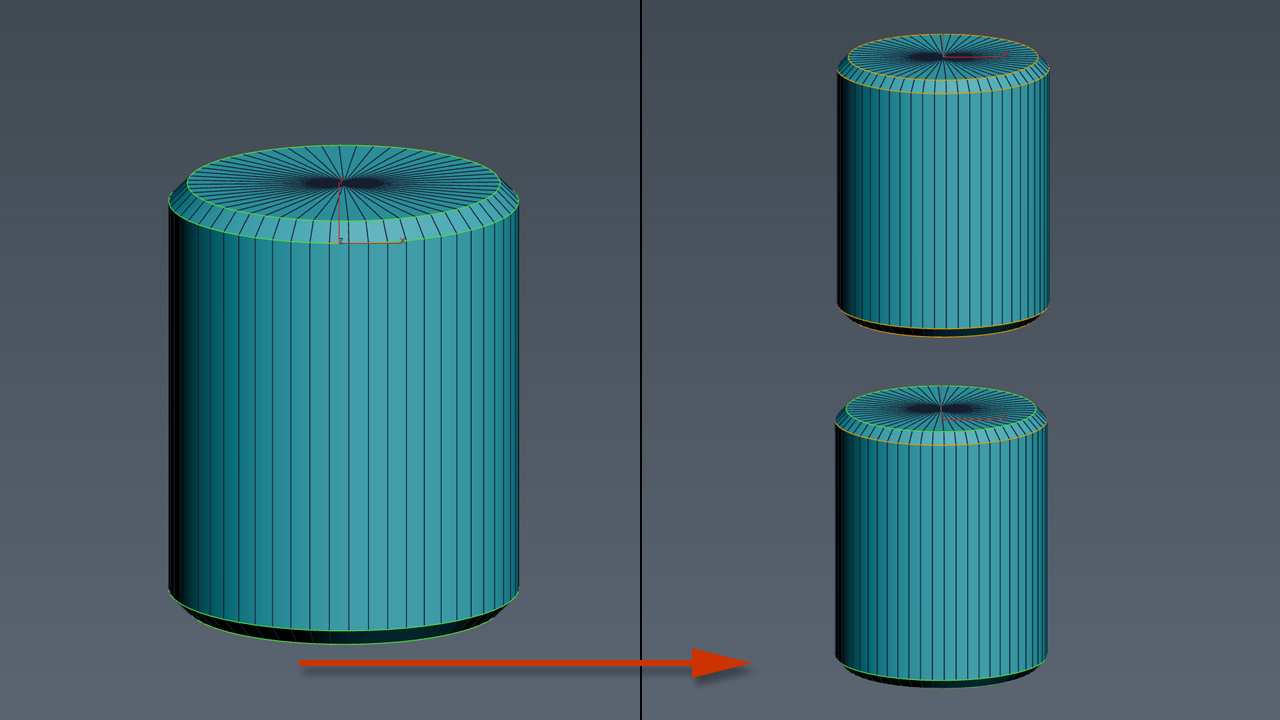
Conform selected objects to other objects's surface. The scripts works only with Collapsed Editable Poly objects from the selection. Other objects in selection are left intact.
Known issues
Sometimes when operating with surface objects with too many vertices some vertex may not be placed over the surface.
This tool is still in development phase so any feedback is quite welcome.

Simple process preview is available here:

Poly Random ID

16 votes

Hi

This is just a modification of Jon Seagull's script to randomize poly IDs on an editably poly, but you can choose the number of adjacent polygons it randomizes. Meaning, that it can randomize groups of polygons and not just single polygons. Very useful with polys with lots of similar elements, like Ivy Generator and trees, in which you randomize the elements to have different kinds of leaves.


Hope you find it as useful as I did


http://rapidshare.com/files/259027731/poly_randomIDs_eli.mcr

SmartQuads

3 votes

SmartQuads

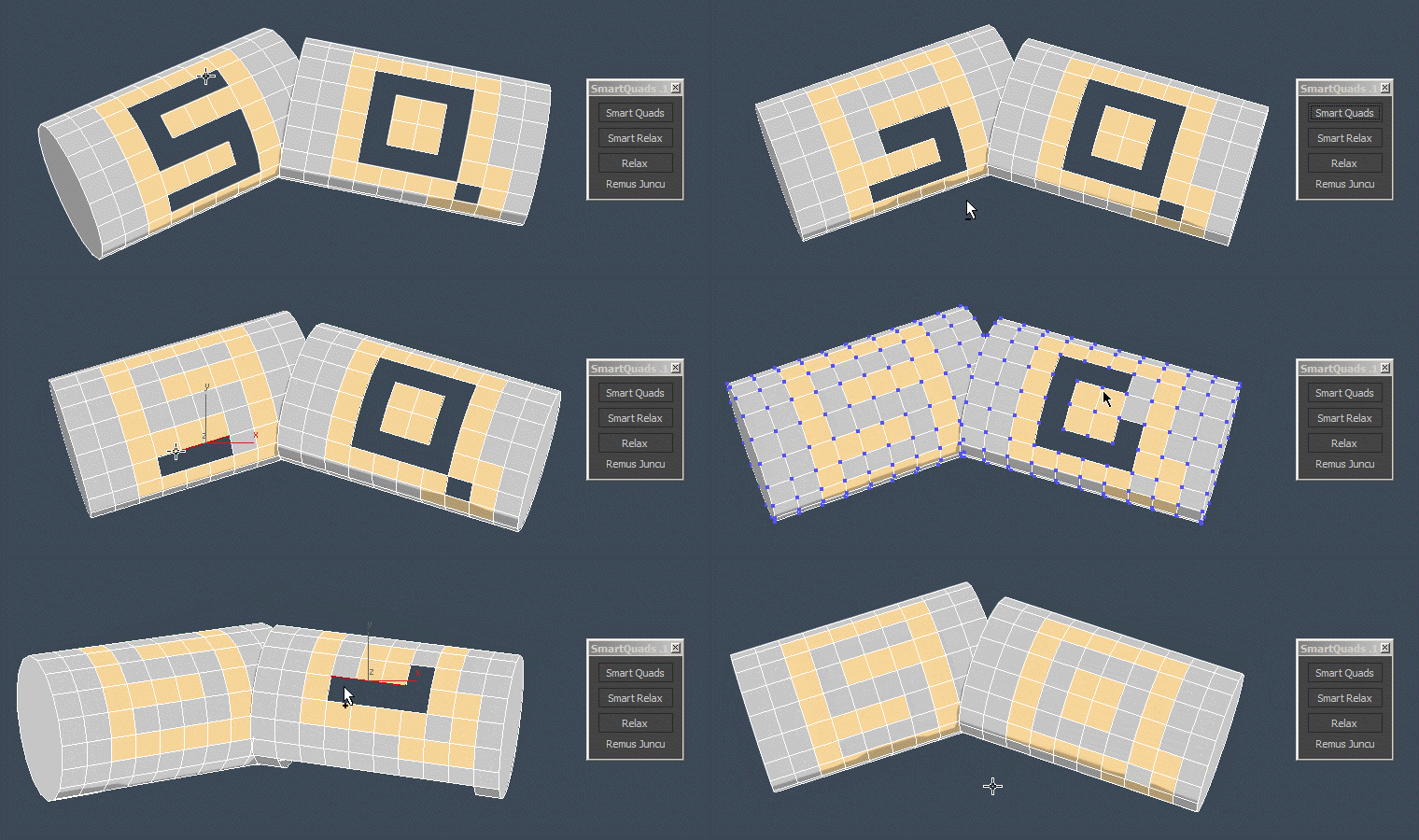
Smart Quads will help you on your everyday modeling task by making it more enjoyable.

Here are some of the benefits you get:

UniRing-Loop Tools [URLT]

8 votes

The Ring-Loop selection and the edges and vertices of a single hotkey.

Universal Ring-Loop selector, works with Edges and vertex (on vertex works with bugs)

Выделение Ring-Loop и рёбер и вершин единой кнопкой

Универсальный Ring-Loop селектор работает с рёбрами и вершинами (на вершинах работает с ошибками)

Edge Loop Straighten with Constraints

4 votes

Edge Loop Straighten with Constraints works like this:
Selected one or more partial loop(s) of edges, run the script, and it will straighten all the verts between the end verts of the loop(s). What makes this script different from others of its kind is that it fully supports all three geometry constraint modes; edge, face, and normal constraints.

selectionHighlighter

9 votes

This script simulates the Selection Highlighting mode from Silo in max. The idea is if you hover over an object, the object is selected, if you hover over a vertex, it selects the vertex, if you hover over an edge, the edge is selected, etc. No need for extra mouseclicks. Autodesk has half added this feature, this script goes all the way to adding full silo style selection highlighting. Note: This only works in max 2008.

Hard Edges Selection (maxscript pack)

2 votes


Hard Edges Selection maxscript pack is couple of maxscript which allows select Hard Edges in Editable Poly object or in Edit Poly modifier in 3ds Max. This allows us to significantly speed up the work of modeling objects. 

Script pack contains scripts:

subdivisionAutomator

7 votes

Quickly assigns a subdiv modifier (meshsmooth or turbosmooth) to all scene or selected objects. This is good if say you want to have all objects in your scene converted into subdivs at rendertime without the need to constantly select objects, find the right modifier, assign the modifier, etc.

Patchy Shape

2 votes

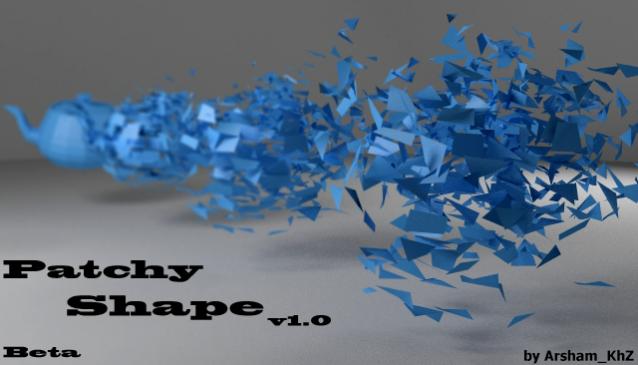
A simple way to make your model exciting both in single frame and animation form and view!