Tagged 'Poly'

miauu's Scalpel

8 votes

Hard Edges Selection (maxscript pack)

2 votes


Hard Edges Selection maxscript pack is couple of maxscript which allows select Hard Edges in Editable Poly object or in Edit Poly modifier in 3ds Max. This allows us to significantly speed up the work of modeling objects. 

Script pack contains scripts:

Inner Chamfer

4 votes


Inner Chamfer (maxscript) is the tool for creating chamfers in the inner corner topology of Editable Poly objects. 3ds Max’s vertex Chamfer works only for outer corners, so this tool complements it by making it possible to create chamfers in inner corners.

Update: 1.1.0

Straighten Edge

69 votes

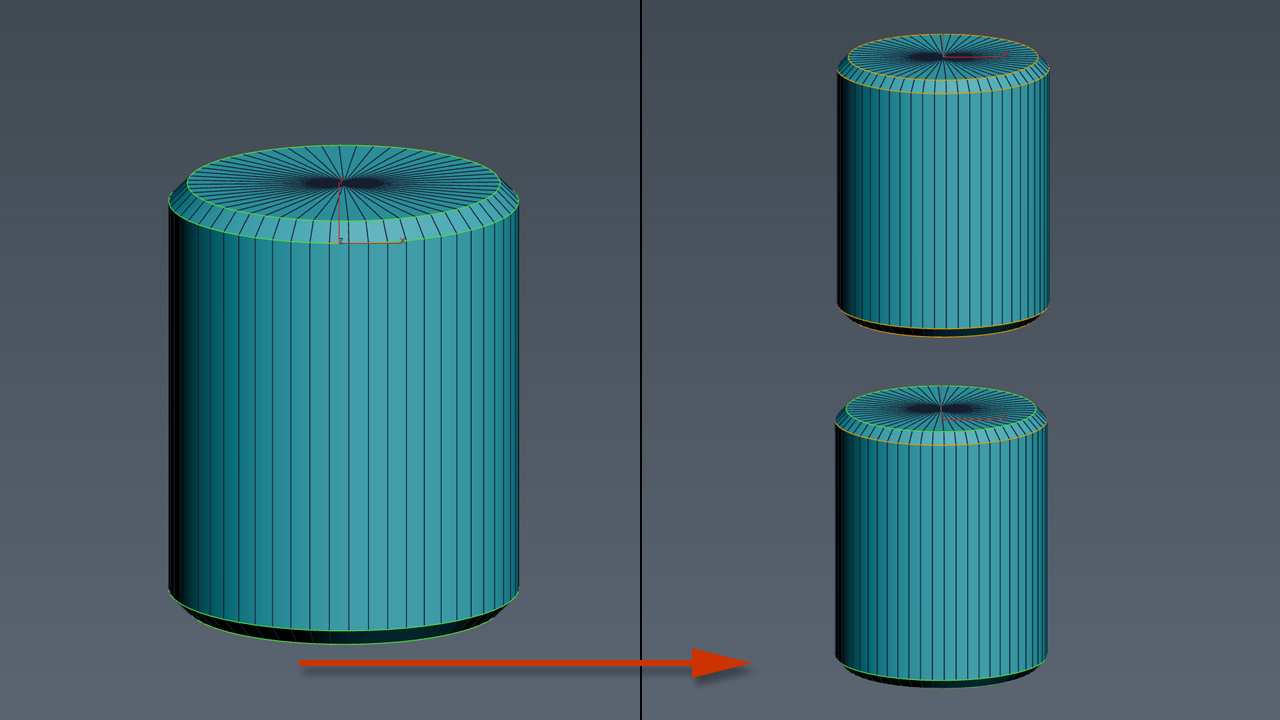
Straighten Edge (maxscript) allows projecting and placing selected vertices/edges on the given straight line on the Editable Poly object, Edit Poly modifier, and Editable Spline & Line objects.

When the SHIFT key is pressed, vertices/edges will be straightened with axis constraints

UniRemover

24 votes

And all this works by single button

v.10.61 изменена для быстродействия функция удаления рёбер вместе с вершиной. the function of removing edges along with a vertex has been changed for speed.
v.10.6 Fixed bug of convert to poly (Previously, on highpoly objects, after the conversion, there was a terrible braking in vertex mode)

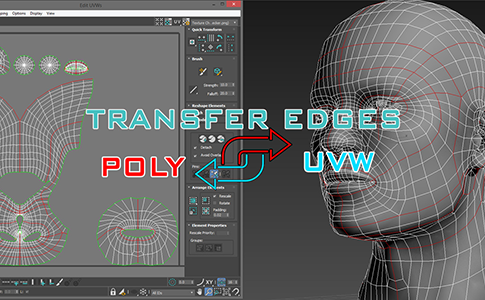
miauu's Transfer Edges: Poly <-> UVW

3 votes

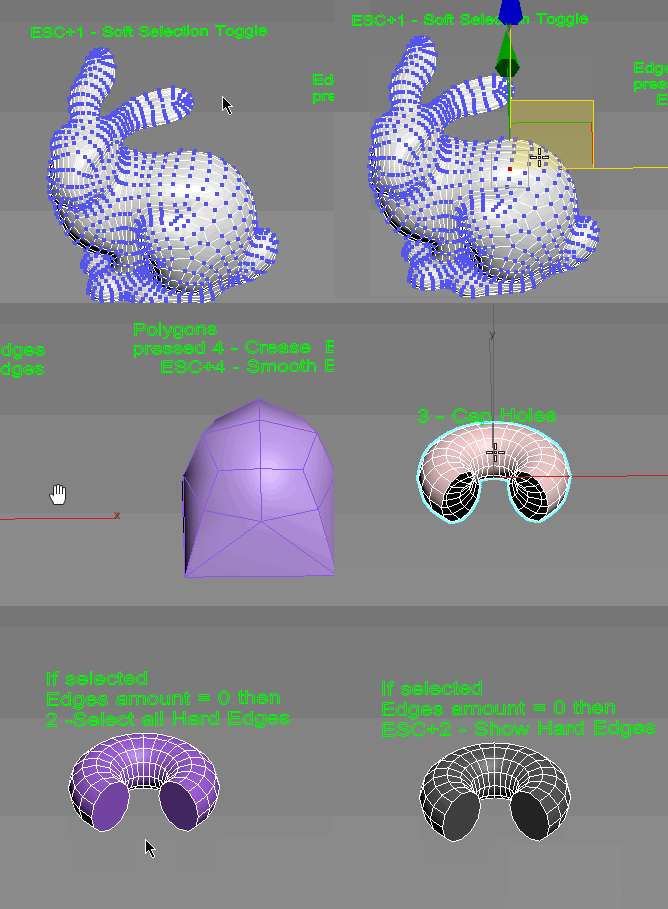
Subobjects Converter

9 votes


v3.07
Fixed Shift+1 Shift+2

v3.01
If Esc+Key of script keyboard pressed and current subobjectlevel is 4 or 5 (Face or Element) and selected all faces then will run Smoothing Groups floater (a separate special window)
Если нажата Esc+кнопка скрипта и текущий подобъект 4 или 5 (Грани или Элементы) и все грани выделены, то будет запущен Smoothing Groups floater (отдельным специальным окошком)

Fixed bug of switch from subobject 5 to 4
Added Extended Subobjects:

UniAttach-Detacher

21 votes

v3.07 Added fix for detached detach geometry if the source object had incorrect mesh issues.
Добавлено исправление отсоединённой detach-геометрии, если в исходном объекте были проблемы некорректной сетки.

Using single hotkey for Attach/Detach
Используя единственную горячую кнопку для Attach/Detach

Uni-Chamfer

6 votes

Using single one hotkey of Chamfer, works with:
Используя единственную горячую кнопку для Chamfer, работает с:
Edit_Poly: [Vertices, Edges, Faces(inset)] 
Editable_poly: [Vertices, Edges, Faces(inset)] 
Edit_mesh: [Vertices, Edges] 
Editable_mesh: [Vertices, Edges] 
Edit_Spline: [knots (Fillet), 
Spline sub-obj (Outline)] 
SplineShape: [knots (Fillet), Spline sub-obj (Outline)] 
line: [knots (Fillet), 
Spline sub-obj (Outline)] 

Box From Vertices

1 vote

Simple Script to Create Box from Selected Vertices (You can use it as snap reference)
The Box Rotation Depends on the Current Coordinate System :
- local , Parent , Node.Transform .
- other than that it'll use the view system .
- it works with (Poly,Mesh) Objects or Modifiers , and shapes (will be Converted to editable Spline) .
The Created Box Name will be "Box_Helper" placed in Layer Called "Snap_Helpers" .

Syndicate content