Tagged 'Poly'

Vertex Normals Stitcher

8 votes

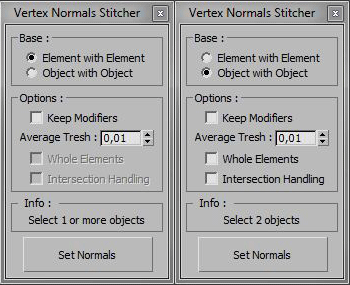
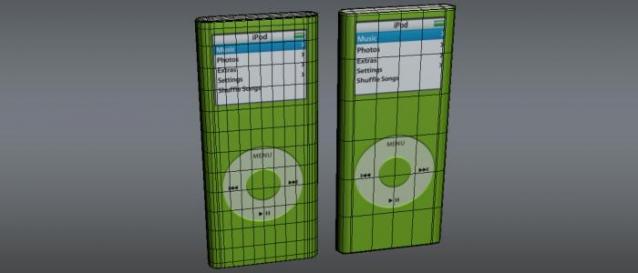
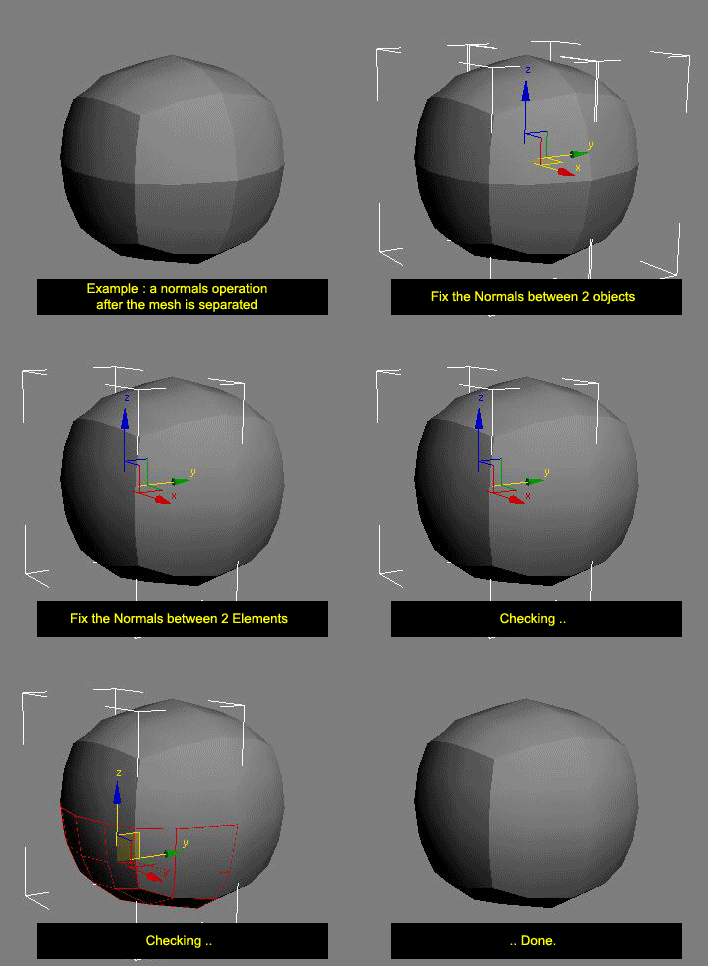
This script averages vertex normals at the borders (Open Edges).

It allows you to smooth a surfaces after separating vertexs / edges / faces.
(example: after detaching faces or splitting edges).
It still keeping a hard Edges if the object have multiple Smoothing Group ID

Images shown are not a welding operation

New UI :

waRp Poly

0 votes

This script converts all selected objects to editable poly, Clears the smoothing groups and adds a gray material.

miauu's Edge Cutter

79 votes


Version 1.6 - added installator. Now the script is properly installed in OS: Windows VIsta, 7, 8

Version 1.5 - added Compact UI mode - idea by @Silix

Version 1.4 - added support for 3ds max 2012.

Extrude Open Edges

4 votes

This script extrude open selected edges on given amount. Extract archive in 3ds max root folder. You can find script in category "kolts"

Subdivision Reversion

106 votes

Subdivision Reversion will recreate the subdivision levels of an already subdivided mesh with 100% precision maintaining the UVs.
It's wide variety of subdision algoritms help artist get the right look and feel on their models.

PolyNurbs 1.0 - Released

20 votes

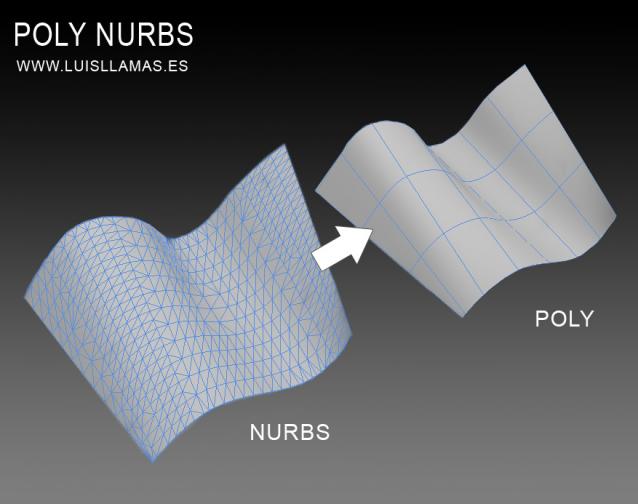
PolyNurbs is a tool to convert nurbs objects to quad poly.

Polynurbs

A lot of us want to use nurbs or spline to make our quad meshes. I have tried a lot of solutions, scripts, surface modifier, turn to poly and detriangulate... but no one works as we want.

With PolyNurbs you can:

Slicemodeller-Script V1.0

4 votes

Take a look at our little script, which we gave birth to recently. The whole idea came up when we had to model some 100% planar-cut bodies, which is a task 3ds-Max is actually not too good at. Our tool should be quite useful for various technical stuff, crystalline objects or freeform-concrete-shapes (for our architectural friends out there).

scripted in Max 2011, should work on previous versions as well

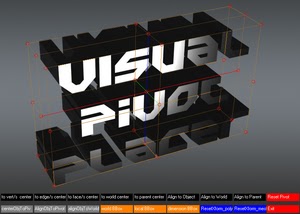
Visual Pivot Placer

38 votes

The image above says all. :)

Places the pivot of the selected object/s in one of the red colored circle.

For Editable Poly object/s you can place the pivot in the center of selected vert/s. edge/s, face/s.

Click with LMB on one of the red circle will tread all selected objects as one and the pivots of all objects will be in the same place.

Skip Every N-th

61 votes

Skip every vert/edge/face. In Loop mode, you can skip edges and polygons. In Ring mode you can skip vertices,edges and polygons. To make poly loop select 3 faces(the middle one is starting face), check PolyLoop checkbox, set "Skip V-E-P" spinner to value greater then 2 and start skiping. You can't skip one face, only 2 or more. Ring mode does not have this limitation. "For Steps" spinner works only with edges. If you want to skip every 2 edges five times, set "Skip" spinner to 2 and "For Steps" spinner to 5. Instalation: Drag-n-drop SkipEveryNthVEPRingLoop.mzp to 3ds max.

SmartQuads

3 votes

SmartQuads

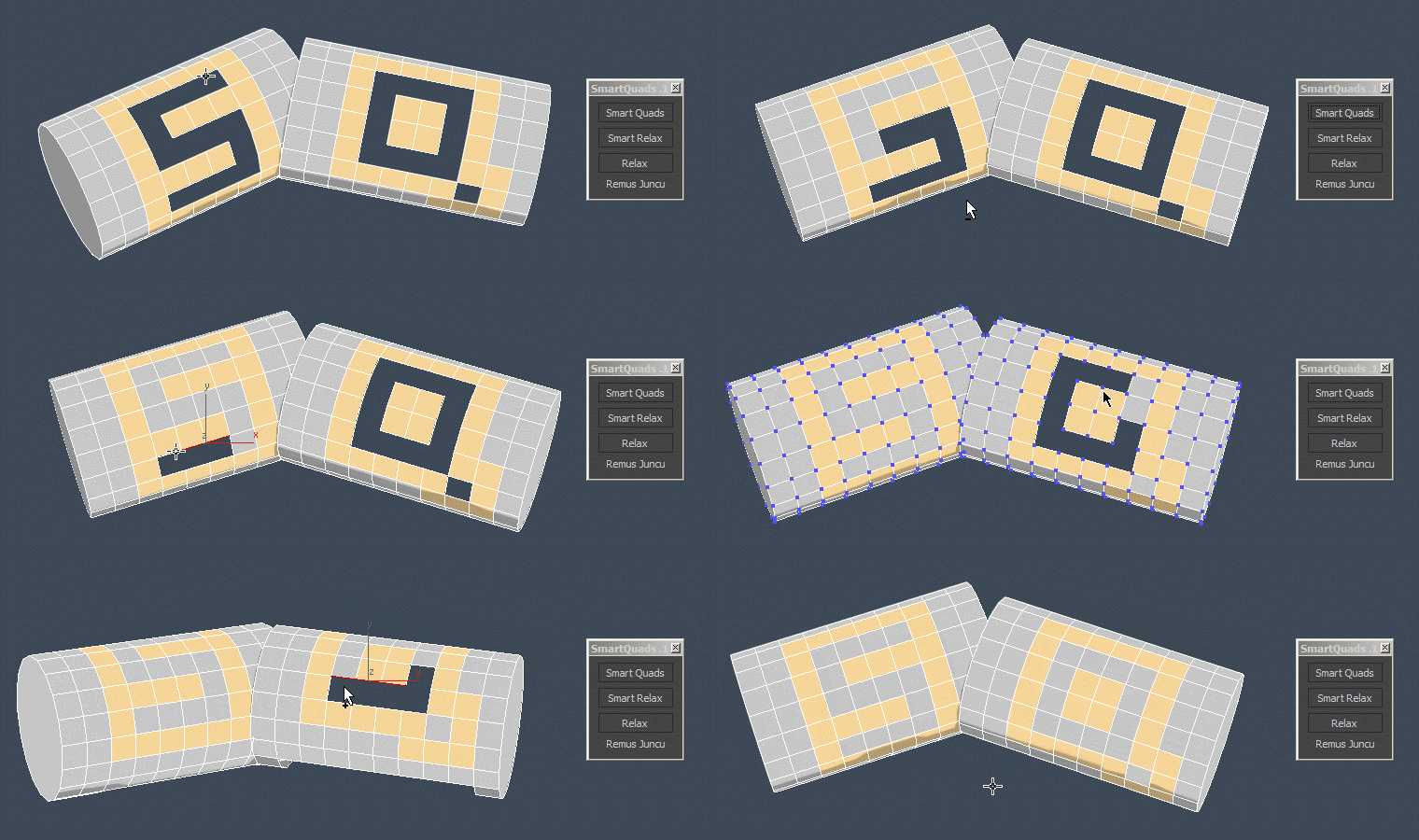
Smart Quads will help you on your everyday modeling task by making it more enjoyable.

Here are some of the benefits you get:

Syndicate content